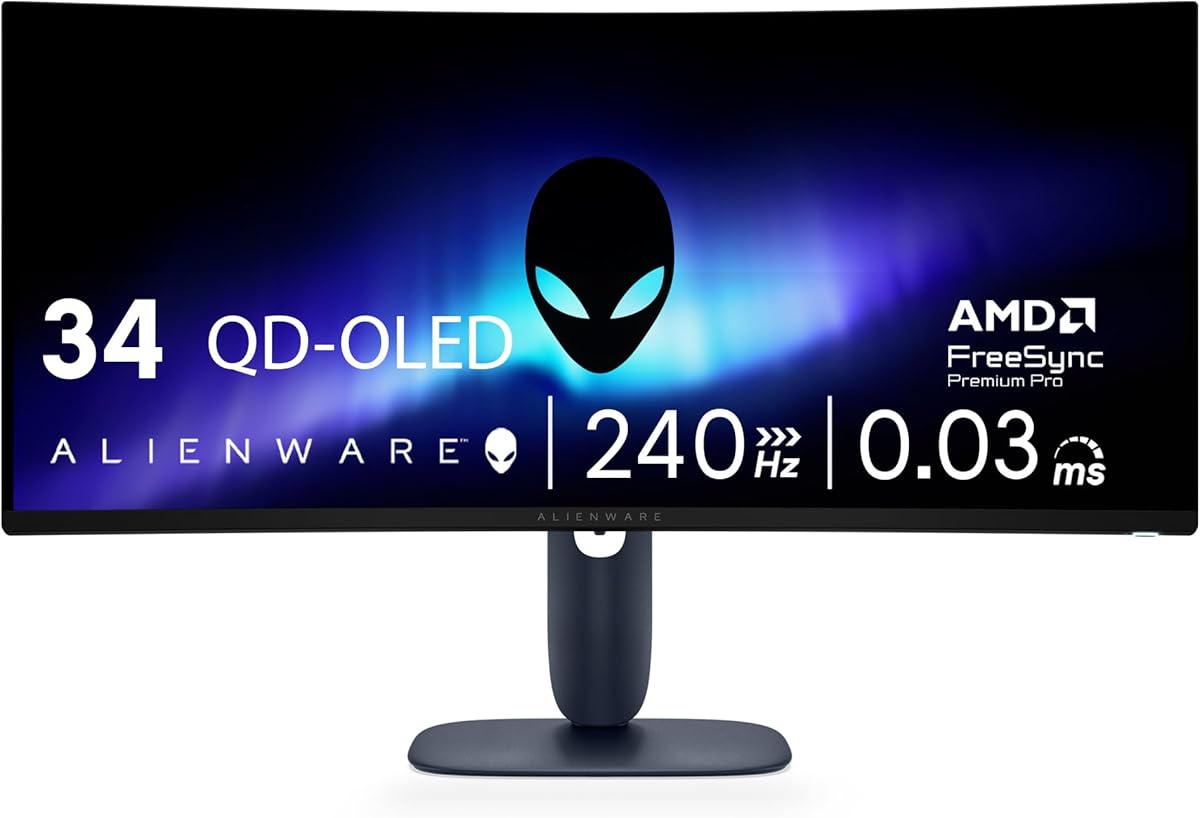
Alienware 34 240Hz QD-OLED Curved Gaming Monitor AW3425DW
4.5Editor score
240Hz refresh rate
QD-OLED panel
TrueBlack 400 HDR
Finding the right display can transform your gaming experience into something truly immersive and responsive. Curved screens wrap around your field of view to reduce eye strain and enhance focus during long sessions.
We analyzed performance specifications including refresh rates response times and color accuracy to rank these monitors. Each model offers unique strengths for competitive play or cinematic enjoyment.
Every pick highlights key features and potential trade-offs so you can decide confidently. Prices and availability may change so check current listings before making your final purchase.
4.5Editor score

4.6Editor score

4.3Editor score
As an Amazon Associate we earn from qualifying purchases.
This side-by-side comparison highlights the key specifications of each model to help you identify the display that best fits your performance needs and budget constraints.



The Alienware 34 Curved Gaming Monitor AW3425DWM stands out with a 4.6 rating for its balanced performance. It delivers fluid visuals and rich colors ideal for immersive gameplay.
We may earn a commission when you buy through this link, at no additional cost to you.
Its 180Hz refresh rate and 1ms response time ensure minimal motion blur during fast scenes. The WQHD resolution offers sharp details across the 34-inch ultrawide canvas.
While it lacks OLED contrast the color accuracy and eye comfort features make it reliable for long sessions. The hardware-based low blue light solution preserves image quality.
Gamers seeking smooth performance without extreme pricing will find this monitor compelling. It represents a strong choice for both competitive and casual players.
The 180Hz refresh rate paired with FreeSync Premium ensures tear-free visuals in fast-paced titles.
A 1500R curve wraps around your view to enhance focus on central game elements.
We may earn a commission when you buy through this link, at no additional cost to you.
This model earns a 4.5 rating for its elite QD-OLED panel and 240Hz refresh rate. It combines speed with stunning visuals for top-tier gaming experiences.
We may earn a commission when you buy through this link, at no additional cost to you.
The 0.03ms response time and HDR TrueBlack 400 certification deliver deep blacks and vibrant hues. Gamers will notice the difference in dark scenes and fast motion.
Trade-offs include a higher cost and the need for care to avoid burn-in over time. However the performance justifies the investment for serious enthusiasts.
If you want the best visual fidelity and speed this monitor is unmatched. It suits high-end setups where budget is secondary to quality.
Quantum Dot OLED technology provides 99.3% DCI-P3 coverage for rich and accurate colors.
Compatible with NVIDIA G-SYNC and AMD FreeSync Premium Pro for seamless frame matching.
We may earn a commission when you buy through this link, at no additional cost to you.
The Alienware AW3423DW holds a 4.3 rating and offers OLED performance at a competitive entry point. It remains a favorite for those seeking deep blacks without premium pricing.
We may earn a commission when you buy through this link, at no additional cost to you.
With a 175Hz refresh rate and G-Sync Ultimate certification gameplay feels responsive and smooth. The Creator Mode allows precise color adjustments for mixed usage.
Its main limitation is slightly lower peak brightness compared to newer OLED variants. Still the contrast and color accuracy make it a strong contender.
Buyers prioritizing OLED quality on a budget should consider this model highly. It delivers professional-grade visuals for gaming and content creation.
Switch between native DCI-P3 and sRGB spaces for accurate color work beyond gaming.
Height tilt and swivel adjustments help maintain a healthy posture during extended use.
We may earn a commission when you buy through this link, at no additional cost to you.
This monitor achieves a 4.6 rating for its dependable IPS performance and wide color range. It suits users who prefer LCD stability over OLED risks.
We may earn a commission when you buy through this link, at no additional cost to you.
The 120Hz refresh rate and G-Sync tech provide smooth motion without major stuttering. Its 98% DCI-P3 coverage ensures vivid and accurate image reproduction.
While response times are slower than OLEDs the anti-glare finish reduces reflections effectively. This makes it suitable for brightly lit environments.
Choose this if you want consistent color and lower power usage. It fits well into traditional gaming setups needing durability.
IPS Nano Color technology exceeds standard sRGB for more natural and saturated hues.
AlienFX lighting zones allow personalization to match your room's ambiance.
We may earn a commission when you buy through this link, at no additional cost to you.
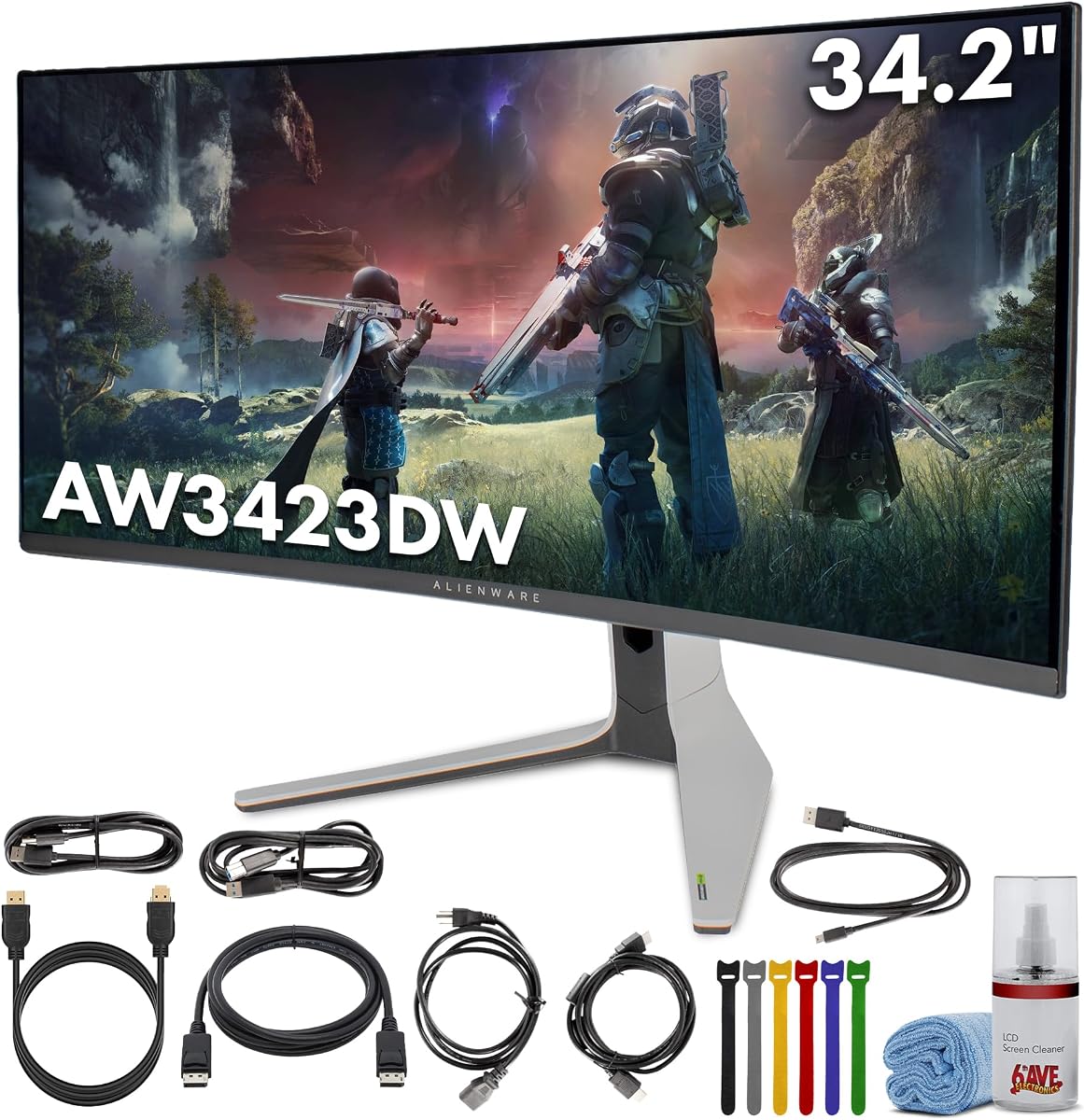
This bundle offers the proven AW3423DW monitor plus essential accessories for immediate setup. It removes the guesswork of sourcing compatible cables and tools.
We may earn a commission when you buy through this link, at no additional cost to you.
The included DisplayPort and HDMI cables support high bandwidth needs. A cleaning kit helps maintain the OLED surface without risk of damage.
While the total cost is higher buying separately might save funds if you already have cables. It appeals to users seeking convenience.
Consider this package if you want a streamlined unboxing experience. It ensures all connectivity and care needs are met from day one.
Everything required for high-performance connectivity arrives in one box.
Dedicated cleaning tools help prolong panel life by preventing dust and smudges.
We may earn a commission when you buy through this link, at no additional cost to you.
This bundle adds value with extra cables and a headphone extender for audio flexibility. It supports diverse connectivity needs in one purchase.
We may earn a commission when you buy through this link, at no additional cost to you.
The inclusion of both DisplayPort and HDMI cables ensures compatibility with various systems. An extender helps reach audio devices more comfortably.
While the price is high the convenience of accessories may justify it for some. Mixed ratings suggest checking individual item reviews.
Opt for this if audio and cable variety are priorities. It provides a comprehensive setup for multi-device gamers.
The headphone extender improves access to audio ports without cluttering your desk.
All essential peripherals arrive together to reduce additional shopping and shipping.
We may earn a commission when you buy through this link, at no additional cost to you.
The AW3423DWF is tuned for AMD users with FreeSync Premium Pro certification. It offers OLED visuals with a 165Hz refresh rate for smooth gameplay.
We may earn a commission when you buy through this link, at no additional cost to you.
Its 0.1ms response time ensures quick transitions during action scenes. The 1.07 billion color range supports vibrant and varied palettes.
Limited reviews suggest checking current compatibility and availability. Still the OLED panel provides excellent black levels and clarity.
Choose this if you run AMD hardware and want strong sync support. It fits well in systems prioritizing open standards.
AMD FreeSync Premium Pro helps minimize tearing and stuttering for fluid visuals.
Quantum Dot tech ensures wide gamut coverage for rich and vivid image output.
We may earn a commission when you buy through this link, at no additional cost to you.
This monitor brings 4K resolution to a 32-inch curved OLED panel for sharp detail. It suits users who want high pixel density in a smaller form.
We may earn a commission when you buy through this link, at no additional cost to you.
QD-OLED technology ensures deep blacks and vivid colors ideal for media consumption. The 3840×2160 resolution enhances clarity for text and design.
Gaming specs are less emphasized but the panel quality remains high. It works well for mixed use where visuals matter.
Consider this if you prioritize resolution over refresh speed. It fits desktop setups needing detailed and vibrant output.
4K resolution makes text and graphics appear exceptionally sharp on a 32-inch screen.
Curved OLED design offers immersive viewing with accurate colors and contrast.
We may earn a commission when you buy through this link, at no additional cost to you.
The AW2723DF stands out with a 280Hz refresh rate and perfect 5.0 rating. It targets competitive players needing maximum speed on a 27-inch panel.
We may earn a commission when you buy through this link, at no additional cost to you.
Its built-in USB hub offers convenient device connectivity without extra docks. Included cables and cleaning kit simplify setup and maintenance.
While it lacks curvature the refresh speed ensures minimal motion blur. The 1440p resolution balances performance and clarity well.
Competitive gamers should choose this for its unmatched speed. It suits setups where response time is the top priority.
280Hz overclocking via DisplayPort allows top-tier refresh rates for esports.
Four USB-A ports in the stand provide easy peripheral access and charging.
We may earn a commission when you buy through this link, at no additional cost to you.
This 40-inch monitor brings wide ultrawide immersion with 1000R curvature. It offers high refresh and HDR performance for cinematic gaming.
We may earn a commission when you buy through this link, at no additional cost to you.
The 180Hz refresh rate and 1ms response time support fluid and responsive visuals. VESA DisplayHDR 600 ensures bright and vivid image output.
While not an Alienware product it matches the curved gaming appeal. Its size demands significant desk space and planning.
Choose this for a bold and immersive display. It fits users wanting a large curved screen for multitasking.
1000R curvature wraps visuals closely to mimic natural human peripheral vision.
DisplayHDR 600 provides deeper blacks and bright highlights for realistic scenes.
We may earn a commission when you buy through this link, at no additional cost to you.
Selecting the right monitor requires balancing refresh rates response times and panel types to match your gaming habits and hardware.
Higher refresh rates like 180Hz or 240Hz provide smoother motion essential for competitive shooters and racing games.
Prioritize refresh rates matching your GPU output to maximize frame delivery and reduce motion blur.
Look for 1ms or lower gray-to-gray response times to prevent ghosting during fast movements.
Lower response times ensure crisp image transitions and sharper visuals in motion.
QD-OLED panels deliver deep blacks and vibrant colors while IPS offers reliable stability and lower burn-in risk.
Choose OLED for contrast and IPS for durability based on your content needs.
Tighter curves like 1000R or 1500R enhance immersion by wrapping the display around your field of view.
Select a curve that fits your desk depth and personal comfort levels.
Wide color gamuts like DCI-P3 ensure vivid and true-to-life colors for both games and creative work.
Verify color coverage to match professional standards if doing content creation.
Sync technologies like G-Sync or FreeSync eliminate screen tearing and stuttering for fluid gameplay.
Match the sync type to your graphics card brand for optimal compatibility.
Ensure enough DisplayPort and HDMI inputs to support your system and accessories without adapters.
Check for USB hubs and audio jacks to reduce cable clutter on your desk.
Adjustable stands with height tilt and swivel improve posture during long gaming sessions.
Prioritize ergonomic features to reduce neck strain and enhance comfort.
Position the monitor at eye level and arm length away to minimize strain and maintain a consistent viewing angle.
Use anti-glare settings and reduce blue light during evening sessions to protect your eyes from fatigue over time.
Clean the screen gently with a dry microfiber cloth and avoid chemicals that may damage the OLED or IPS coating.
Yes they offer high refresh rates and advanced panel technologies like QD-OLED for superior visuals. Their build quality and ergonomics justify the cost for enthusiasts.
A rate of 180Hz or higher ensures smooth motion and quick reactions in fast-paced titles. It minimizes input lag and improves visual clarity during action.
QD-OLED combines quantum dots with OLED for infinite contrast and wide color coverage. This delivers deep blacks and vibrant hues unlike standard LCD panels.
When positioned correctly curves reduce eye movement and distortion. Use brightness settings to match ambient light for minimal strain.
Many models include DisplayHDR or TrueBlack certification for enhanced brightness and contrast. This improves visual depth in supported games.
Use built-in Creator Mode and factory settings to set gamma and color space. Tools like calibrators help fine tune accuracy for work.
The Alienware 34 Curved Gaming Monitor AW3425DWM leads with balance and the QD-OLED AW3425DW shines for premium visuals.
Prioritize refresh rates and panel types based on whether you play competitively or enjoy cinematic immersion more.
Verify current pricing and availability as models update frequently throughout the year.