
Acer Aspire 14 AI Copilot+ PC
4.3Editor score
Intel Core Ultra 7 Processor
Up to 47 Tops NPU
22 Hours Battery Life
AI laptops with Npu are transforming how we work and create by handling complex tasks locally. These devices offer faster responses and better privacy for everyday computing needs.
We compared ten top models based on performance, display quality, battery life, and AI capabilities. Each selection represents a distinct value proposition for different user profiles.
Each pick shows key specs and real-world strengths to help you choose wisely. Prices and availability change frequently so verify details before making your final purchase decision.
4.3Editor score

5.0Editor score

5.0Editor score
As an Amazon Associate we earn from qualifying purchases.
This side-by-side comparison highlights the core specifications and unique strengths of each model to help you find the right fit for your needs.


The Acer Aspire 14 AI Copilot+ PC is a budget-friendly powerhouse that balances performance and portability. With a 4.3 rating it delivers solid NPU capabilities for everyday AI tasks without breaking the bank.
We may earn a commission when you buy through this link, at no additional cost to you.
Powered by the Intel Core Ultra 7 256V processor this laptop offers up to 47 Tops of NPU performance for efficient local processing. The 16GB LPDDR5X RAM ensures smooth multitasking while the 1TB SSD provides ample storage.
While it lacks USB4 ports the device makes up for it with exceptional battery life reaching up to 22 hours under specific settings. The 14-inch WUXGA display offers vibrant visuals suitable for both work and entertainment.
This laptop is ideal for students or professionals seeking reliable AI features at an accessible price. Its balance of performance and efficiency makes it a strong contender in the mid-range market.
The NPU handles AI workloads like Recall and search efficiently reducing reliance on cloud services.
With up to 22 hours of battery life users can work throughout the day without frequent recharging.
We may earn a commission when you buy through this link, at no additional cost to you.
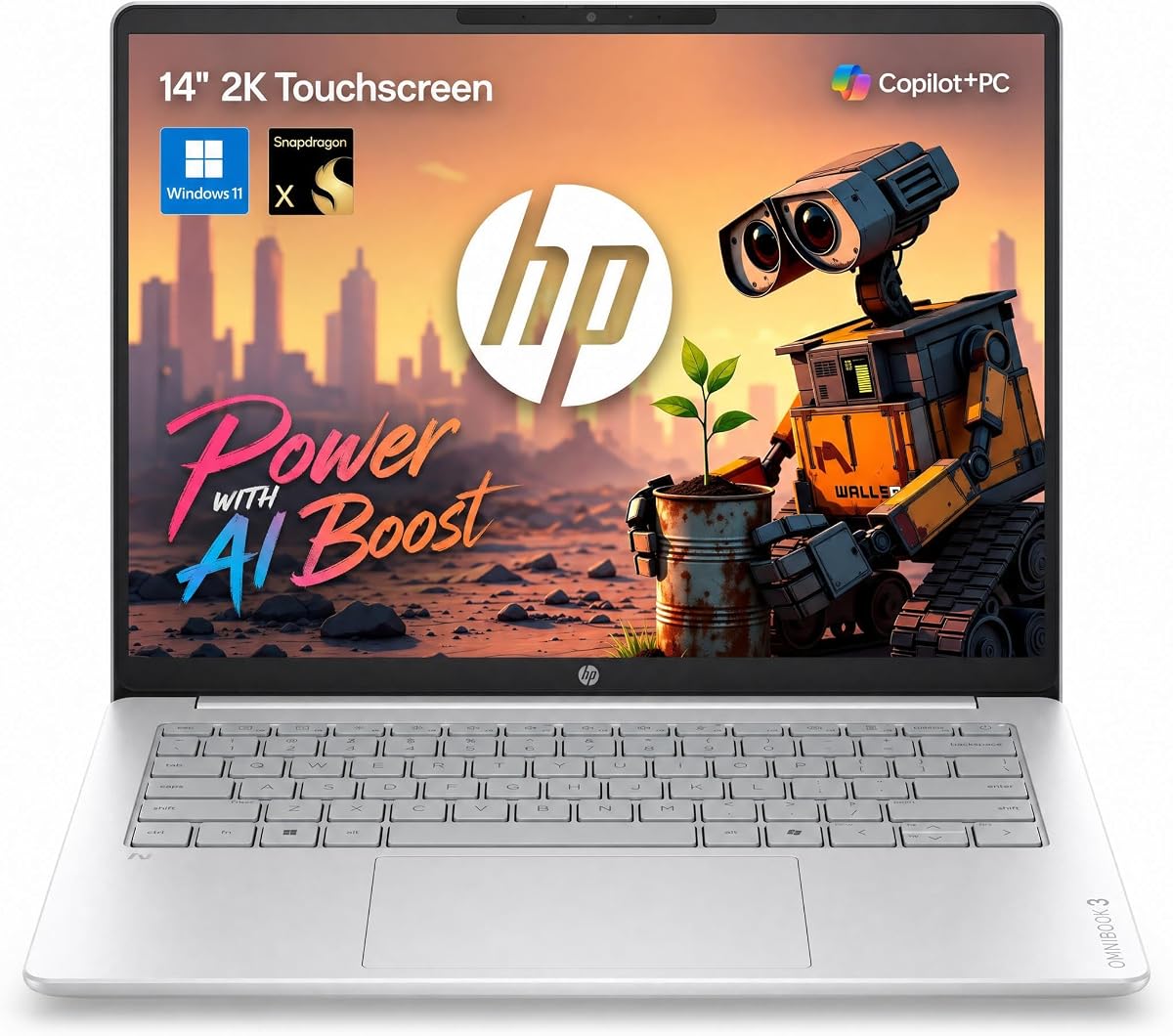
The HP OmniBook 3 offers a compelling mix of touchscreen utility and efficiency. Rated at 4.6 stars it stands out for its long battery life and vibrant 2K display suitable for creative and office work.
We may earn a commission when you buy through this link, at no additional cost to you.
Powered by the Snapdragon X processor with a 45 TOPS NPU this device handles AI tasks locally with speed. The 14-inch 2K IPS touchscreen provides sharp visuals and responsive touch interactions for seamless navigation.
Its lightweight design at 3.13 lbs makes it easy to carry while the 30-hour battery life ensures extended use. Fast charging capabilities add convenience for users on the move.
Ideal for users prioritizing portability and touch interaction this laptop fits well in academic and business environments. The balance of battery and display quality is particularly noteworthy.
Users can enjoy up to 30 hours of video playback making it perfect for long trips.
The 2K IPS touchscreen offers excellent clarity and responsiveness for daily tasks.
We may earn a commission when you buy through this link, at no additional cost to you.
The ASUS Vivobook S16 earns top marks for its exceptional OLED display and powerful AI capabilities. With a perfect 5.0 rating it offers a premium experience for creators and professionals seeking visual excellence.
We may earn a commission when you buy through this link, at no additional cost to you.
Powered by the AMD Ryzen AI 9 465 processor this laptop delivers up to 50 NPU TOPS for efficient local AI processing. The 32 GB RAM ensures smooth multitasking while the 1TB SSD provides fast storage.
The 16-inch OLED display offers deep contrast and vivid detail ideal for media consumption and creative work. Battery life reaches up to 23 hours allowing for extended use without interruptions.
This model is best suited for users who prioritize display quality and performance. Its combination of speed and visual fidelity makes it a standout choice in the high-end segment.
The OLED display delivers true blacks and vibrant colors for immersive viewing experiences.
With 50 NPU TOPS users can run complex AI tasks locally with high efficiency.
We may earn a commission when you buy through this link, at no additional cost to you.
The Acer Aspire 16 AI Copilot+ PC delivers a smooth experience with its 120Hz display. Rated at 4.2 stars it offers solid performance for users seeking a refresh rate advantage in a portable device.
We may earn a commission when you buy through this link, at no additional cost to you.
Powered by the Snapdragon X processor with a 45 TOPS NPU this device handles AI tasks with efficiency. The 16-inch WUXGA display provides vibrant visuals while Wi-Fi 7 ensures fast connectivity.
The 120Hz refresh rate brings fluidity to video playback and animations making it appealing for media users. The 180-degree hinge adds versatility for sharing content during collaborative sessions.
This model suits users who want a responsive screen and modern connectivity. The balance of refresh rate and AI capabilities makes it a unique option in its price range.
The 120Hz refresh rate ensures fluid animations and responsive interactions across the display.
Wi-Fi 7 support provides faster data transfer and lower latency for connected devices.
We may earn a commission when you buy through this link, at no additional cost to you.
The NIMO 16" AI Laptop is a powerhouse for developers and creators requiring maximum performance. Rated at 4.6 stars it offers unmatched memory capacity and AI capabilities for demanding workflows.
We may earn a commission when you buy through this link, at no additional cost to you.
Powered by the AMD Ryzen AI Max+ 395 processor with 16 cores this laptop delivers desktop-grade computing power. The 128GB unified memory eliminates VRAM bottlenecks for running massive local LLMs.
The 165Hz display provides fluid visuals while the 99Wh battery offers long-lasting support for mobile work. OCuLink support enables external GPU expansion for enhanced graphics performance when needed.
This model is ideal for professionals working on complex AI development or video editing. Its robust feature set justifies the premium price for power users who need uncompromising performance.
128GB unified memory allows for large models and datasets to run locally without cloud dependency.
OCuLink ports support external GPUs enabling further performance boosts for specialized tasks.
We may earn a commission when you buy through this link, at no additional cost to you.
The ASUS Zenbook A16 AI Laptop represents the pinnacle of portable AI computing. With a perfect 5.0 rating it combines top-tier specs with a refined design for professional users.
We may earn a commission when you buy through this link, at no additional cost to you.
Powered by the Snapdragon X2 Elite Extreme processor this device delivers up to 80 Tops NPU performance for exceptional AI capabilities. The 48GB LPDDR5x RAM ensures seamless multitasking across complex applications.
The 3K OLED touchscreen offers cinematic visuals with up to 1000 nits brightness. Weighing just 2.87 lbs it remains incredibly portable while delivering premium performance features.
This laptop is ideal for executives and creators seeking the best available technology. Its combination of speed and visual quality makes it a worthy investment for professionals.
With 80 Tops NPU the device handles complex AI tasks faster than most competitors.
The 3K OLED touchscreen offers vibrant colors and deep contrast for immersive viewing.
We may earn a commission when you buy through this link, at no additional cost to you.
The NIMO 17.3" Copilot+ AI Laptop offers a spacious workspace with its large display. Rated at 4.5 stars it balances performance and utility for users needing extra screen real estate.
We may earn a commission when you buy through this link, at no additional cost to you.
Powered by the AMD Ryzen AI 9 HX 370 processor this laptop delivers 50 Tops of NPU performance for efficient AI workloads. The 17.3-inch display provides ample space for multitasking.
Expandable memory and storage options allow customization as needs grow. The 144Hz refresh rate ensures smooth visuals for gaming and creative work on the go.
This model suits professionals who prefer larger screens for data analysis or design work. Its expansion options make it adaptable for evolving project requirements.
The 17.3-inch display provides extra space for split-screen work and detailed tasks.
Expandable RAM and storage slots allow upgrades to match growing storage needs.
We may earn a commission when you buy through this link, at no additional cost to you.
The HP Omnibook 16" 2K Touch delivers robust performance for professional tasks. Rated at 4.6 stars it offers a high-quality touchscreen experience with ample memory and storage.
We may earn a commission when you buy through this link, at no additional cost to you.
Powered by the AMD Ryzen AI 7 350 processor this device provides 50 Tops of NPU performance for efficient local AI tasks. The 32GB DDR5 RAM ensures smooth operation across applications.
The 2K IPS touchscreen offers crisp visuals for design and navigation. With 2TB SSD storage users have plenty of space for large datasets and media files.
This model is ideal for business professionals needing a reliable touchscreen workstation. The combination of Pro features and solid specs makes it a versatile tool.
Windows 11 Pro includes advanced security and management features for business environments.
2TB SSD provides ample space for large files without external drive dependency.
We may earn a commission when you buy through this link, at no additional cost to you.
The Dell 16 Plus Touchscreen Laptop focuses on enterprise security and performance. Rated at 4.5 stars it offers reliable computing with strong AI features for business use.
We may earn a commission when you buy through this link, at no additional cost to you.
Powered by the Intel Core Ultra 9 processor this laptop provides robust performance for complex tasks. The 32GB LPDDR5X RAM ensures smooth multitasking across demanding applications.
Intel vPro platform enables advanced remote management and security for IT departments. Wi-Fi 7 connectivity supports faster speeds and lower latency for cloud-based workflows.
This model is ideal for corporate environments requiring secure and stable devices. Its integration of vPro features justifies the choice for professional business users.
Intel vPro platform provides multilayer security and remote management for IT admins.
Core Ultra 9 processor delivers speed for complex calculations and multitasking.
We may earn a commission when you buy through this link, at no additional cost to you.
The HP 16 inch Touchscreen AI Laptop offers a balanced feature set for productivity. Rated at 5.0 stars it provides efficient AI tools and strong connectivity for modern workflows.
We may earn a commission when you buy through this link, at no additional cost to you.
Powered by the Intel Ultra 7 255U processor this device includes an AI Boost NPU for smart multitasking. The 32GB DDR5 RAM ensures responsive performance across various applications.
Physical camera shutters and AI noise reduction enhance privacy and communication quality. Wi-Fi 7 support ensures fast internet access even in crowded network environments.
This model is ideal for professionals seeking a reliable and privacy-focused device. Its balance of AI features and performance makes it a strong candidate for office work.
Physical camera shutters provide tangible privacy protection during sensitive communications.
Wi-Fi 7 support ensures stable fast connections for cloud collaboration and file transfers.
We may earn a commission when you buy through this link, at no additional cost to you.
Choosing the right AI laptop with NPU requires understanding performance needs and budget constraints.
NPU TOPS measure how fast a laptop handles AI tasks locally. Higher TOPS enable features like Recall and faster generative content creation without cloud delays.
Look for at least 40 Tops for smooth Copilot+ experiences.
AI applications require sufficient RAM for local processing. 16GB is minimum but 32GB or more is recommended for developers.
Ensure fast SSD storage to support quick loading of large datasets and software.
Displays impact productivity and creative work. High resolution and color accuracy are essential for design and editing tasks.
Consider OLED or high-refresh panels for vibrant visuals and smooth scrolling.
AI features can drain battery so efficiency matters. Look for laptops that offer 15 to 20 hours of real-world usage.
Fast charging support ensures you stay productive during long days.
Intel Core Ultra and AMD Ryzen AI processors balance CPU and NPU workloads efficiently.
Snapdragon chips are optimized for power efficiency and mobile AI workloads.
Laptops used frequently on the go should be light and thin.
Check weight and thickness to ensure comfort during travel.
Wi-Fi 7 and Bluetooth 5.3 ensure stable wireless connections.
USB4 or Thunderbolt ports enable fast data transfer and external display support.
Copilot+ PCs offer unique features like Recall and Click to Do.
Ensure the OS supports these features and updates are available in your region.
Enable AI features like Recall or Windows Studio Effects in settings to maximize performance.
Keep your system updated to ensure compatibility with the latest AI tools and security patches.
Clean the screen gently with a microfiber cloth and avoid overcharging the battery to extend lifespan.
An NPU or Neural Processing Unit is a specialized chip designed to accelerate AI tasks. It processes machine learning workloads more efficiently than CPU or GPU.
For standard Copilot+ experiences aim for 40+ TOPS. Developers working with large local models may need 50+ TOPS for smooth performance.
Most AI laptops focus on productivity not gaming. Some models support AAA titles but dedicated gaming laptops are better for high-end play.
Many AI features work offline thanks to the NPU. However some cloud-based tools still require an internet connection for full functionality.
Battery life ranges from 15 to 30 hours depending on usage and model. Light productivity tasks yield the longest endurance.
Most AI laptops have onboard RAM so upgrades are limited. Choose a configuration with enough memory for your future needs.
The Acer Aspire 14 ASUS Vivobook S16 and Zenbook A16 offer standout value for different needs.
Prioritize NPU power and RAM if you plan to run local AI models regularly.
Always verify current prices and availability as features change frequently.