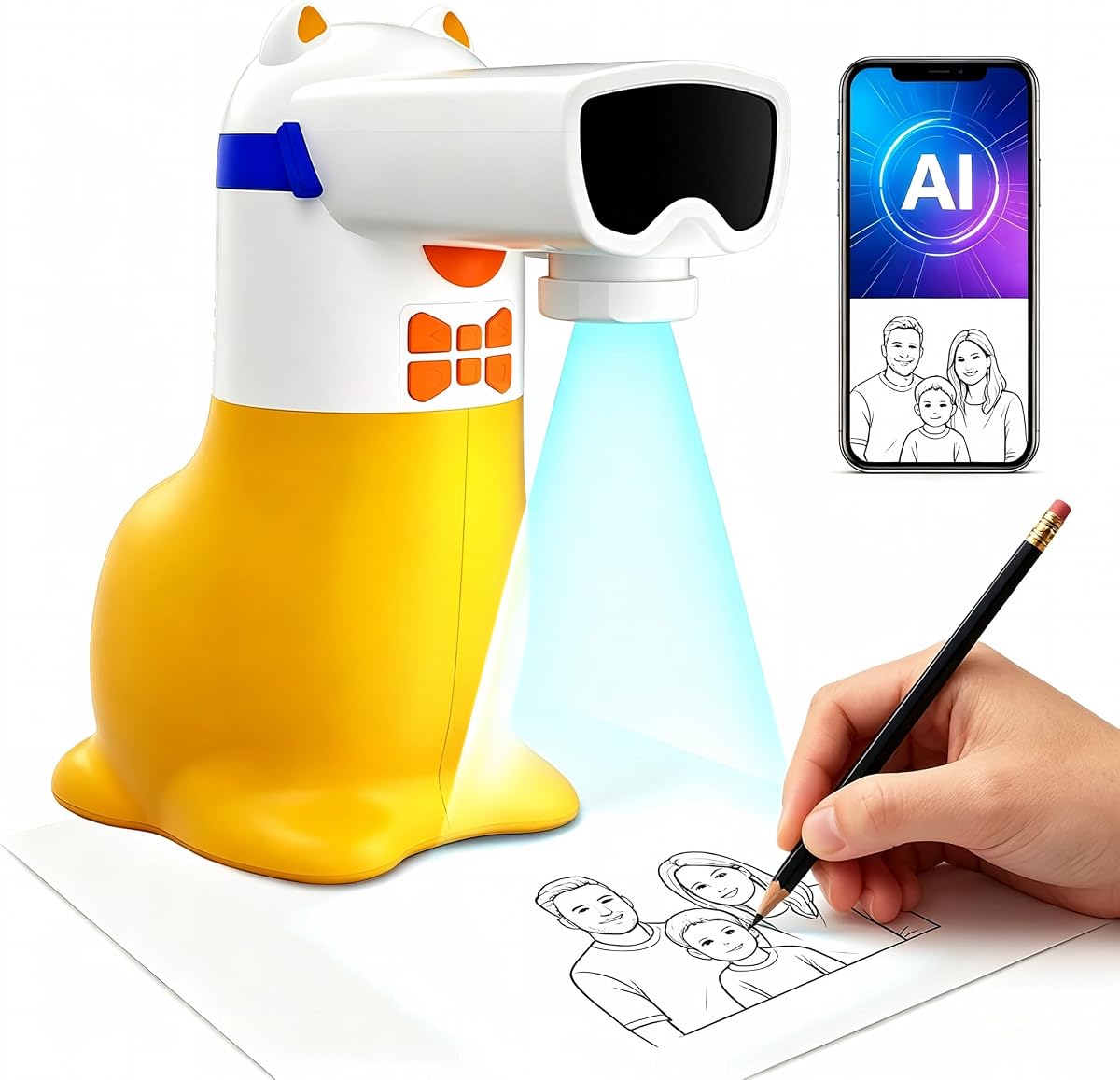
AI Drawing Projector for Kids
4.4Editor score
Generates custom outlines from text
Transforms photos into traceable art
Includes 50 built-in pictures
This guide compares the top AI drawing projectors for kids and artists, evaluating features like AI generation, tracing ease, eye safety, and connectivity to
AI drawing projectors blend modern technology with traditional art to help users of all ages create detailed sketches effortlessly. These devices project outlines onto paper, allowing you to trace and color with precision. They are perfect for turning photos into art or generating unique designs from text prompts.
We evaluated ten leading models based on image clarity, ease of use, and creative capabilities. Our analysis focused on how well each projector handles AI generation, photo tracing, and built-in content. We also considered eye safety features, connectivity options, and overall value for money in today's market.
Each pick highlights specific strengths like educational value for kids or professional features for artists. Note that product availability and pricing can fluctuate, so check current listings before purchasing. This guide ensures you find the perfect projector to spark creativity and simplify your drawing process.
4.4Editor score

4.8Editor score

4.0Editor score
Explore the side-by-side comparison of all ten top-rated AI drawing projectors. This table highlights key specifications like resolution, features, and target audience to help you make an informed decision quickly.




The AI Drawing Projector for Kids is an affordable entry point for families wanting to introduce children to AI art creation. It carries a solid 4.4 rating and stands out for its ability to turn text ideas into traceable images. This makes it a top pick for budget-conscious buyers seeking quality creative tools.
We may earn a commission when you buy through this link, at no additional cost to you.
Its standout quality is the ability to turn text prompts into custom pictures. Kids can type a fantasy idea and watch it appear. The built-in 50 pictures offer immediate play without setup. Audio features help learn words and numbers. This combines fun and education seamlessly.
A trade-off is the requirement for constant power via USB cord. It lacks a battery which limits portability. The library is smaller than some rivals but the app adds more content. These factors are acceptable given the low cost and educational value provided to young artists.
This projector is perfect for children ages five to twelve who enjoy drawing. Parents seeking a thoughtful gift for birthdays or Christmas will appreciate its design. It encourages creativity while teaching basic skills. We recommend it for its value and engaging features.
Turn text prompts into custom artwork instantly for endless fun and learning.
Learn numbers and words with sound while tracing matching pictures together.
We may earn a commission when you buy through this link, at no additional cost to you.
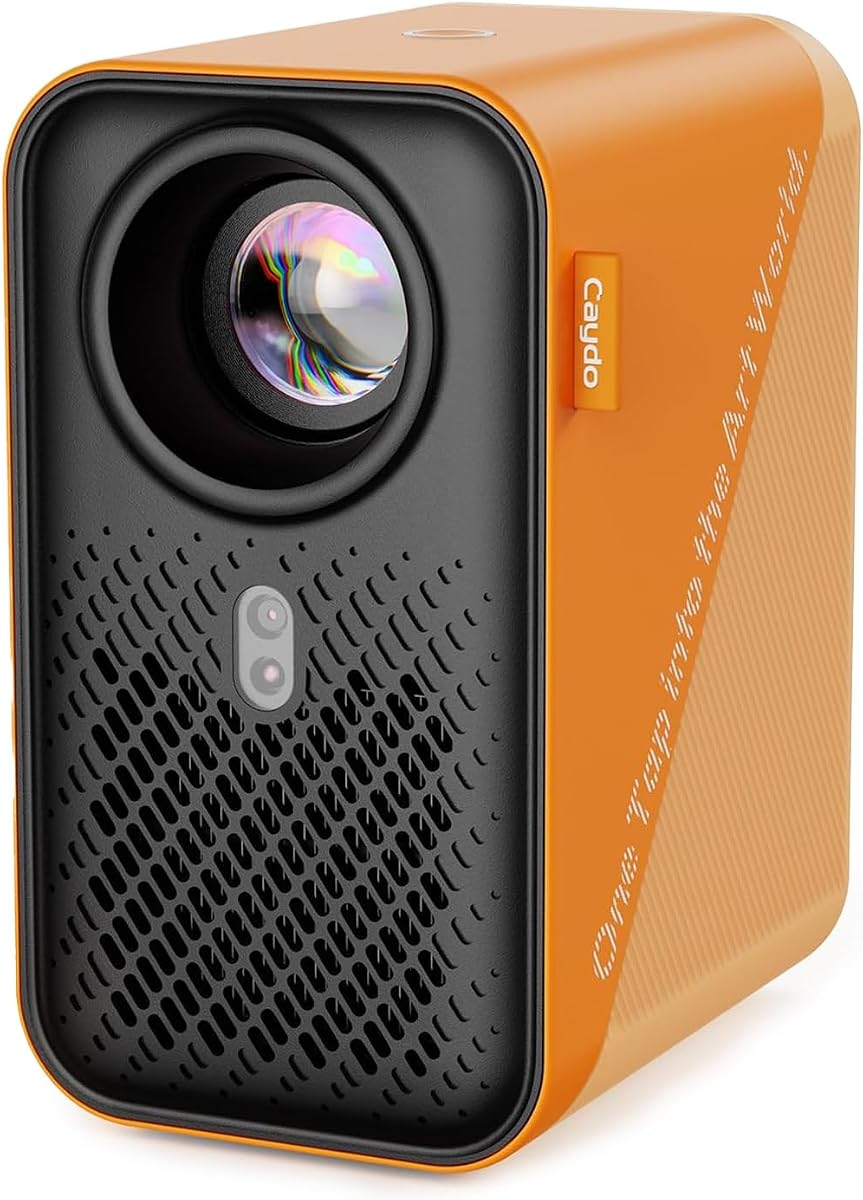
The Caydo T3 Joy AI Drawing Projector earns our Editor's Choice with a top-tier 4.8 rating. It is designed for kids ages four and up with ready-to-use patterns. This model balances ease of use with advanced AI features effectively for young artists.
We may earn a commission when you buy through this link, at no additional cost to you.
Its key strengths are the 120 built-in patterns covering fun themes. Step-by-step guidance prevents frustration. The app unlocks endless AI possibilities like tracing photos. Eye protection certifications add safety. These features build confidence and independence in drawing.
The only minor drawback is needing the app for full AI utility. It must remain connected to power. These are small trade-offs for the robust creative tools offered. The safety and guidance make it a standout choice.
Buy this for young children seeking a fun and safe creative outlet. It is an ideal gift for holidays. We recommend it for its comprehensive features and excellent user ratings. It grows with your child's artistic skills.
SGS certified eye protection keeps sessions comfortable for growing eyes.
The app unlocks endless AI creation options beyond built-in patterns.
We may earn a commission when you buy through this link, at no additional cost to you.
The Caydo P3 Art Projector is our top premium pick for serious artists needing high quality. It offers native 1080P resolution and 400 ANSI lumens for vivid images. This ensures precise tracing for professional projects. It is built for flexibility and speed.
We may earn a commission when you buy through this link, at no additional cost to you.
Its key strengths are the artistic modes and 360 degree swivel base. You can project onto walls ceilings or easels. Brightness works even during day. The 4K video playback adds utility for breaks. These tools support complex and large scale work.
The higher price is a consideration for casual hobbyists. Some mirroring requires internet but USB drives work offline. These trade-offs are acceptable for the performance and versatility provided. It is a tool that justifies the investment for pros.
Buy this for professional artists needing clarity and flexibility. It is great for studios. We recommend it for its high resolution and advanced tools. It delivers accurate results for serious creative projects.
400 ANSI lumens deliver vivid images even in daylight conditions.
Four artistic modes help you adapt reference images to your style.
We may earn a commission when you buy through this link, at no additional cost to you.
The Caydo T3 AI Drawing Projector is rated 4.6 and doubles as a movie projector. It supports ages five and up with themes that grow. Kids can draw and then watch cartoons. This versatility makes it a long-term companion for creative play.
We may earn a commission when you buy through this link, at no additional cost to you.
It excels in safety with RG0 certification and downward light. Step-by-step guidance builds skills effectively. The photo trace mode adds realism. It connects via Bluetooth and WiFi. These features support both art and entertainment seamlessly.
The projector relies on WiFi for full entertainment. Streaming needs connectivity. These factors are acceptable given the dual functionality. It is a robust tool that offers more than drawing.
This fits families wanting a creative toy and home movie tool. It is ideal for children needing engagement. We recommend it for its growth potential. It offers great value as an all-in-one device.
Use as drawing tool or switch to streaming cartoons after art.
Downward light ensures comfort and safety for childrens eyes.
We may earn a commission when you buy through this link, at no additional cost to you.
The Flycatcher smART Sketcher AI Drawing Projector is designed for ages ten and up with a 4.7 rating. It focuses on realistic images and building actual drawing skills. Teens can use voice or text to create outlines. This bridges the gap between toy and tool.
We may earn a commission when you buy through this link, at no additional cost to you.
It is unique for its voice input and photo tracing. It handles detailed images that look like real art. Tracing trains coordination and proportion. It supports canvas and fabric too. These features appeal to mature users.
The need for app connection is a minor factor. It is more complex than simple kids models. These trade-offs are acceptable for the advanced capabilities. It is perfect for serious young creators.
Buy this for teens ready for realistic art tools. It fits students or hobbyists. We recommend it for its focus on skill building. It grows with your artistic ability.
Describe your drawing by voice for a hands-free creative start.
Handles detailed images for teens and adults needing precision.
We may earn a commission when you buy through this link, at no additional cost to you.
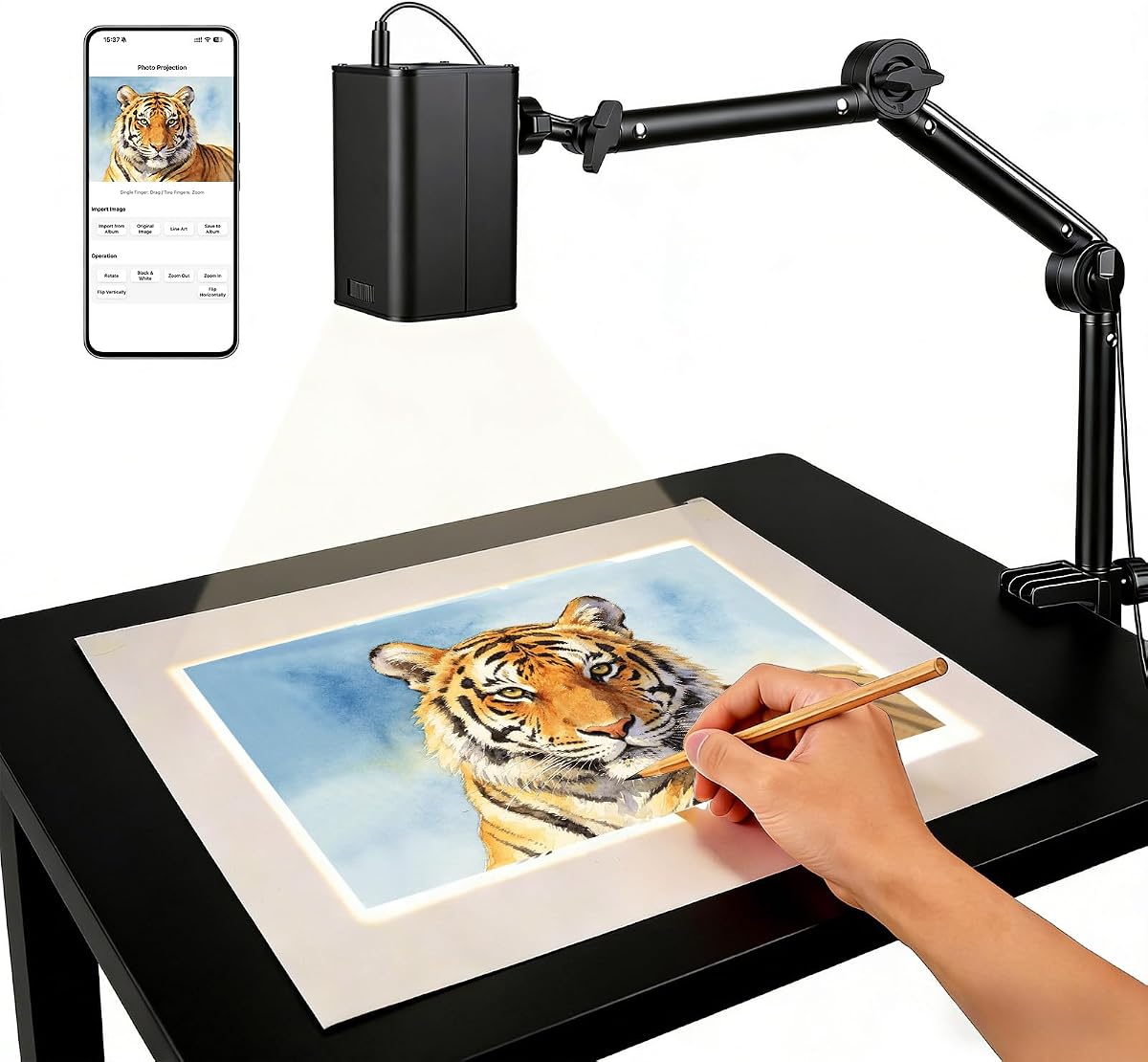
This Art Projector for Tracing and Drawing is rated 4.5 and uses web control instead of apps. It connects via dual-band WiFi for precision. It works offline too. This simplifies setup for users avoiding extra software downloads.
We may earn a commission when you buy through this link, at no additional cost to you.
It excels in flexibility with adjustable stand angles. You can project on horizontal or vertical surfaces. Manual focus ensures sharp images. It supports offline use. These features help in varied environments.
It lacks AI generation features. You need to upload photos manually. These are acceptable for basic tracing needs. It is great for professionals needing reliability.
Buy this for artists needing simple and stable tracing. It is good for studios. We recommend it for its web control convenience. It offers solid performance without app clutter.
Control settings via browser QR code without installing extra apps.
Adjustable stand adapts to horizontal desks or vertical walls.
We may earn a commission when you buy through this link, at no additional cost to you.
This Art Projector for Tracing and Drawing offers upgraded 5G connectivity. It allows precise real-time tracing from tablets. It supports offline mode too. It is a strong tool for tech-savvy users needing stable connections.
We may earn a commission when you buy through this link, at no additional cost to you.
It excels in speed with 5G dual-band chips. Web control allows easy rotation and zoom. It works anywhere without internet. These features suit professional workflows. It is FCC certified for safety.
The lower rating suggests some users prefer other features. It lacks built-in AI. These trade-offs are acceptable for connectivity focused users. It is reliable for complex projects.
Buy this for artists needing high speed wireless transfer. It fits studio environments. We recommend it for its technical performance. It ensures smooth workflow with devices.
Upgraded 5G chip ensures low latency for intricate sketches.
Use offline mode for consistent results anywhere.
We may earn a commission when you buy through this link, at no additional cost to you.
The Caydo P2 Art Projector features a built-in drawing assistant. It offers 250 ANSI lumens and native HD. It auto focuses for sharp images. Bluetooth audio supports background music. It is a solid option for artists on a budget.
We may earn a commission when you buy through this link, at no additional cost to you.
It excels in offline drawing tools with USB transfer. No internet needed for tools. Lamp life is very long. These features reduce dependency on connections. It works well for focused art sessions.
The brightness is lower than premium rivals. It might need darker rooms. These are acceptable given the price. It remains a strong competitor for value.
Buy this for hobbyists needing HD and tools. It fits home studios. We recommend it for its assistant features. It balances cost with quality.
Use internal drawing tools for scaling and grid without apps.
Drawing assistant works fully offline via USB drive.
We may earn a commission when you buy through this link, at no additional cost to you.
The Caydo P1 Art Projector for Artists is compact with a sealed core. It auto corrects keystone. It supports streaming for entertainment. It offers dual-band WiFi and Bluetooth. It is great for artists needing portability.
We may earn a commission when you buy through this link, at no additional cost to you.
It excels in ease with auto-focus and rotation. You can mirror screens via web. It handles vertical walls well. These features support diverse needs. It is simple to use daily.
The lamp life is shorter than P3. Remote needs batteries. These are minor. It remains a flexible tool for varied tasks.
Buy this for artists needing portability and ease. It fits home offices. We recommend it for its versatile controls. It adapts to many projects.
Sealed optical core prevents dust for long-term image quality.
Mirror video for entertainment breaks between drawing sessions.
We may earn a commission when you buy through this link, at no additional cost to you.
This Art Projector for Tracing and Drawing features a stable adjustable stand. It allows precise height and tilt. It uses web controls for setup. It supports offline direct connection. It is ideal for users seeking reliable physical stability.
We may earn a commission when you buy through this link, at no additional cost to you.
It excels in stand stability reducing wobble. Setup is fast via QR. It works without internet too. These features help precision. It is a solid tool for detailed work.
It lacks AI generation features. Users need external sources. These trade-offs are acceptable for physical stability. It is reliable for basic tracing needs.
Buy this for artists needing steady physical mounting. It fits tabletops. We recommend it for its stable design. It ensures sharp focus for projects.
Sturdy adjustable stand provides a wobble-free experience.
Establish stable connection under 30 seconds via browser.
We may earn a commission when you buy through this link, at no additional cost to you.
Choosing the right AI drawing projector requires understanding key factors like resolution connectivity and safety features. These elements determine how easy and effective the tool is for you.
Resolution defines how sharp the outlines appear on paper. Look for native 720P or 1080P for detailed art. Higher resolution ensures lines do not blur. It helps with precision tracing.
Always check for native resolution specs to ensure clarity.
Some models generate outlines from text or images automatically. Others require manual photo import. AI generation adds creative freedom. Manual control offers precise file management.
Choose based on whether you want inspiration from text or exact files.
WiFi and Bluetooth allow streaming or music. Some use web control without apps. Others need specific mobile apps. Check what fits your devices.
Prioritize dual-band WiFi for stable and fast connections.
Projectors aimed at eyes can cause fatigue. Look for downward projection and RG0 blue light ratings. This protects children during long sessions.
Always choose models with eye safety certifications for kids.
Most require corded power for consistency. Some offer battery modes. Corded ensures brightness. Battery offers movement.
Decide if portability or consistent power is more important for you.
A versatile stand lets you project on walls or easels. Adjustable tilt improves usability. Fixed stands limit surface options.
Look for adjustable stands to fit your workspace.
Some have internal zoom and grids. Others need apps. Built-in tools work offline. App tools rely on connection.
Internal tools provide flexibility without internet.
Some models are simple for kids. Others are for teens or pros. Check age ratings. Simple models encourage play. Complex models build skill.
Match the complexity to the users skill level.
First turn on the projector and connect it to your device via WiFi or QR code. Adjust the height and angle using the stand until the image aligns with your paper.
Next select your drawing source. Use AI prompts text or upload photos. Trace with pencils or pens. Use the timer to take breaks for eye health.
Finally clean the lens with a soft cloth and store in a dry place. Do not touch the glass directly. This ensures long performance and image quality.
Yes many models support offline modes via USB drives. The app tools work offline once loaded. This ensures you can draw anywhere without connectivity issues.
Most kid focused models have downward projection and blue light safety. This avoids direct eye exposure. However use timers for regular breaks during drawing.
Some require specific apps for AI text to image. Others use web interfaces. Check the product description. Apps unlock extra content but web controls are simpler.
Standard letter A4 paper works for most. Larger canvases need wider projection distances. Check the max image size specs for your model to ensure full coverage.
Yes many models support vertical and horizontal surfaces. Adjustable stands and swivel bases help. This allows flexibility for different art styles or projects.
They complement traditional tools. You still draw freehand. They guide shapes. This trains coordination. It is a supplement not a replacement for full creativity.
Use the QR code link or Bluetooth. Scan or connect device. Select photo. It projects instantly. No file transfer needed. It is streamlined for ease.
Basic built-in content is free. Unlimited AI generation may need subscriptions. Check the app details. Most offer free trials for creative exploration.
Our top picks include the Caydo T3 Joy for kids and the Caydo P3 for artists. Each offers unique strengths in creativity and clarity.
Consider your primary goal. Do you need educational fun or professional precision. Safety and ease should guide your choice.
Prices and availability fluctuate. Verify current listings before buying. The right projector helps you create masterpieces.