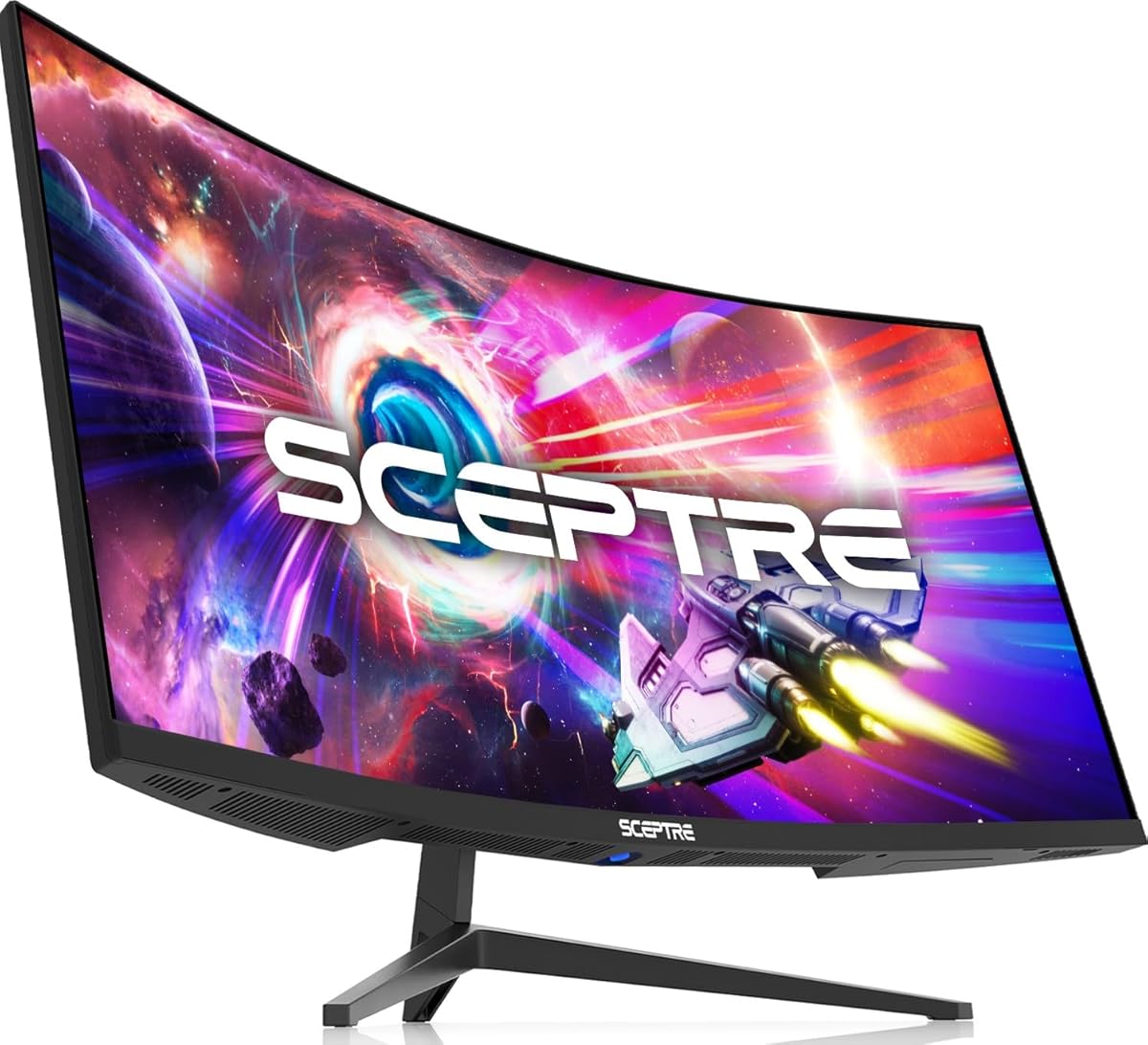
Sceptre C345B-QUT168
4.2Editor score
180Hz refresh rate
1ms response time
WQHD resolution
Finding the right display can transform your workspace significantly. A 34 inch curved ultrawide monitor offers immersive visuals and ample screen real estate for multitasking without breaking the bank.
We analyzed ten leading models based on resolution, refresh rate, and panel technology. Our comparison highlights key differences in ergonomics, connectivity, and overall value for diverse user needs today.
Each pick showcases specific strengths like color accuracy or gaming performance. Prices fluctuate frequently so check current listings before purchasing to ensure you get the best deal available now.
4.2Editor score

4.6Editor score

4.2Editor score
As an Amazon Associate we earn from qualifying purchases.
Here is a side-by-side overview of all ten models ranked by performance and value. Use this table to quickly compare key specifications before diving into detailed reviews below.


This LG model leads our list with a versatile balance of productivity features and comfort. Its rating reflects user satisfaction with the ergonomic design and reliable performance for daily tasks.
We may earn a commission when you buy through this link, at no additional cost to you.
The 21:9 UltraWide display supports multiple windows seamlessly thanks to OnScreen Control. USB-C delivers up to 65W power making it ideal for laptop users seeking a single cable setup.
While the 5ms response time is slower than gaming monitors it suits general office work. The stand offers height and tilt adjustments ensuring a comfortable viewing position over long hours.
Buyers prioritizing workspace efficiency will find this monitor delivers. It combines essential connectivity with solid build quality for a professional desktop experience without unnecessary frills.
USB-C connectivity reduces cable clutter while powering compatible laptops directly.
Reader Mode reduces blue light emissions to minimize eye fatigue during extended sessions.
We may earn a commission when you buy through this link, at no additional cost to you.
Budget gamers get a solid experience here with an impressive 180Hz refresh rate. The low response time helps eliminate motion blur during fast-paced action sequences effectively.
We may earn a commission when you buy through this link, at no additional cost to you.
Its 1500R curve provides an immersive feel without costing a fortune. Built-in speakers add convenience for casual media consumption without extra peripherals cluttering your desk.
Trade-offs include a simpler stand lacking height adjustment. You might need a VESA mount to achieve ideal viewing angles though the panel itself performs well for the cost.
This is the go-to choice if you need high-speed visuals on a tight budget. It proves you do not need to spend heavily to get smooth motion handling capabilities.
Up to 180Hz refresh rate ensures smooth visuals for competitive gaming sessions.
Built-in speakers deliver basic sound for media without needing external speakers.
We may earn a commission when you buy through this link, at no additional cost to you.
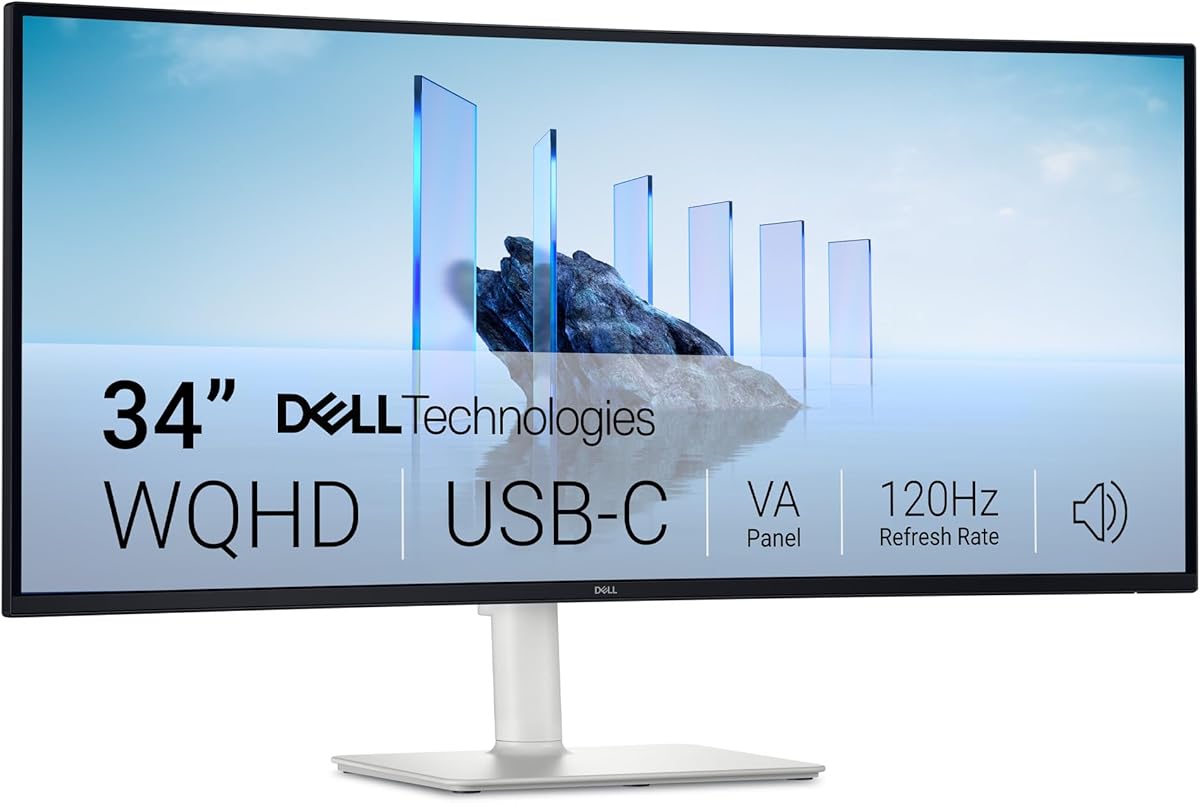
Dell focuses heavily on user health with ComfortView Plus reducing harmful blue light significantly. This makes it ideal for professionals working long hours on spreadsheets or documents.
We may earn a commission when you buy through this link, at no additional cost to you.
The VA panel offers deep blacks and high contrast for vivid content consumption. FreeSync Premium ensures tear-free gameplay for those who game occasionally after work duties.
VA panels can show color shift at extreme angles though the curve mitigates this. You get a strong mix of productivity and multimedia features without compromising on eye health.
Invest in this if reducing eye strain is your top priority. The combination of high contrast and advanced eye care tech sets it apart for daily office use.
ComfortView Plus cuts harmful blue light by over 35 percent daily.
VA technology provides a high contrast ratio for darker and richer images.
We may earn a commission when you buy through this link, at no additional cost to you.
This Samsung unit offers a premium experience with a stand that feels solid and adjustable. The Intelligent Eye Care system automates brightness and temperature to protect your vision daily.
We may earn a commission when you buy through this link, at no additional cost to you.
USB-C delivers up to 90W power which can charge most powerful laptops while driving the display. The 1000R curvature matches your natural field of sight perfectly for immersion.
The higher price means you are paying for build quality and ergonomics not just speed. If you need a polished desktop setup that looks professional this is a strong contender.
Choose this if you want top tier comfort and connectivity features. It stands out for its ability to reduce strain while keeping your desk clean with minimal cables.
Height adjustable stand ensures your screen aligns perfectly with eye level.
90W USB-C charges laptops while transmitting data through a single cable.
We may earn a commission when you buy through this link, at no additional cost to you.
IPS technology guarantees consistent colors from wide viewing angles ideal for design work. The 96W USB-C output supports powerful laptops that need extra juice for performance.
We may earn a commission when you buy through this link, at no additional cost to you.
DepthSound speakers provide surprisingly full audio reducing the need for external speakers during calls. This keeps your workspace cleaner while maintaining clear sound for everyday tasks.
You sacrifice height adjustability here so check your desk setup carefully beforehand. The stand offers tilt and swivel which helps a bit but might not suit everyone.
This is a great pick for creatives who prioritize color fidelity above all. The IPS panel ensures what you see matches your projects accurately across different angles.
IPS panel maintains consistent color accuracy from almost any viewing position.
DepthSound speakers deliver loud clear audio without needing external peripherals.
We may earn a commission when you buy through this link, at no additional cost to you.
A 240Hz refresh rate is rare at this price point making it perfect for competitive play. Motion becomes incredibly fluid helping you track targets quickly in fast shooters.
We may earn a commission when you buy through this link, at no additional cost to you.
With 1ms response time ghosting is virtually eliminated during rapid movement. This ensures that your visual feedback stays tight with your inputs for maximum precision.
You may need a monitor arm since the stand lacks full ergonomic adjustments. But if speed is your priority the performance on offer here beats many more expensive options.
Gamers needing fluid motion will appreciate this raw performance. It prioritizes speed and clarity over office features which works well for dedicated gaming stations.
240Hz refresh rate provides ultra smooth visuals for rapid movement tracking.
1ms response time minimizes trailing during fast action sequences effectively.
We may earn a commission when you buy through this link, at no additional cost to you.
This monitor supports VESA mounting out of the box allowing easy integration with monitor arms. This flexibility helps you free up desk space and achieve ideal viewing height.
We may earn a commission when you buy through this link, at no additional cost to you.
The VA panel delivers deep blacks which are great for movie nights or dark environments. Adaptive Sync technology keeps gameplay smooth by matching the frame rate to the refresh rate.
While the stand is basic tilting capabilities still offer some flexibility for posture. The included speakers are functional but you might prefer external options for rich audio.
Buy this if you plan to use a monitor arm for your setup. It offers solid performance and mounting flexibility without locking you into a fixed stand design.
VESA compatibility allows mounting on arms to clear desk clutter.
VA panel ensures deep blacks perfect for media consumption in low light.
We may earn a commission when you buy through this link, at no additional cost to you.
Black Stabilizer brightens dark scenes which helps spot enemies in shadowed gaming areas. This feature improves visibility without washing out brighter parts of the image heavily.
We may earn a commission when you buy through this link, at no additional cost to you.
The 120Hz refresh rate ensures that movies look smooth during fast action. HDR10 support further enhances contrast making videos pop with more vibrant and dynamic range.
This model is more about visual fidelity than heavy connectivity like high wattage charging. It suits users who prioritize watching content and gaming over connecting multiple devices.
Choose this if you want clear visibility in dark scenes during games. It balances well enough refresh speed with visual enhancements for a compelling media experience.
Black Stabilizer brightens dark areas to reveal hidden details effectively.
HDR10 support improves contrast and color depth for movies and video.
We may earn a commission when you buy through this link, at no additional cost to you.
Alienware brings premium gaming features with an 180Hz refresh rate and VESA DisplayHDR 400. This ensures rich visuals with strong HDR performance for supported content today.
We may earn a commission when you buy through this link, at no additional cost to you.
Console mode optimizes settings specifically for gaming consoles allowing quick setup. Hardware based low blue light solutions help you play longer without excessive eye strain.
You are paying a premium for the brand reputation and specialized gaming features. If you want a dedicated gaming machine that looks great this fits that role well.
Gamers seeking a high-end experience should consider this option. It offers a robust feature set tailored for immersive gameplay and console compatibility.
Dedicated console mode simplifies setup for Xbox or PlayStation gaming.
DisplayHDR 400 certification delivers vivid highlights and deep shadows clearly.
We may earn a commission when you buy through this link, at no additional cost to you.
Designed for professionals this model delivers over 1 billion accurate colors for precise editing. HDR10 optimizes contrast ensuring your work looks true to life on screen.
We may earn a commission when you buy through this link, at no additional cost to you.
The 120Hz refresh rate minimizes motion blur keeping your creative work fluid. Eye Saver Mode reduces blue light helping you maintain focus during long editing sessions.
Connectivity is somewhat limited compared to other models so check your cable needs. But for color critical work the panel performance is impressive for the price point.
Creatives needing accurate colors will find this reliable and efficient. It balances visual precision with essential features without unnecessary bloat for focused productivity.
1 billion accurate colors ensure your designs look exactly as intended.
120Hz refresh rate reduces motion blur for smoother visual tasks.
We may earn a commission when you buy through this link, at no additional cost to you.
Choosing the right monitor involves balancing screen technology with your specific workflow needs. This guide breaks down essential factors to consider before making your decision.
IPS panels offer the best color accuracy and viewing angles which suits designers. VA panels provide deeper blacks and higher contrast for media consumption. TN panels are rare in this category but offer fastest response times.
Choose IPS for color work or VA for movie watching to match your primary usage.
Standard office use works fine with 60Hz or 75Hz. Gamers should look for 120Hz or higher for smoother motion. A higher refresh rate reduces motion blur significantly during fast action scenes.
Prioritize 120Hz or above if you play fast-paced games frequently.
Lower response times reduce ghosting behind moving objects on screen. 1ms is ideal for competitive gaming while 5ms works for general office tasks. Anything higher might cause visible trails.
Select 1ms or 5ms depending on whether you game or work mostly.
Curvature measured in R values indicates how tight the curve is. Lower numbers like 1000R are more curved while 1800R are flatter. Match the curve to your eye distance for comfort.
Opt for tighter curves if you sit close to the screen for immersion.
USB-C ports with power delivery reduce cable clutter on your desk. HDMI and DisplayPort are standard for connecting PCs and consoles. Ensure the ports match your existing devices before buying.
Check if you need USB-C charging to keep your workspace organized.
Height adjustable stands let you align the screen with eye level easily. Tilt and swivel help reduce neck strain during long work sessions. Look for VESA mounts if the stand is limited.
Invest in a height adjustable stand to prevent neck and back pain.
Blue light filters reduce strain during night work hours effectively. Flicker free technology ensures the screen does not pulse visibly to your eyes. These features protect vision over long usage periods.
Ensure the monitor has blue light protection if you work late often.
Entry level monitors cost less but may lack premium features like USB-C. Mid range models balance performance and comfort for most users. Premium options offer top tier build quality and ergonomics.
Set a budget range before shopping to avoid overspending on unnecessary features.
Clean the screen gently with a microfiber cloth to avoid scratches. Avoid using harsh chemicals that might damage the anti-glare coating on the panel.
Adjust your chair and monitor height so the top of the screen aligns with your eyes. Proper posture reduces strain during long hours of work or play.
Update monitor firmware via the manufacturer website to fix bugs and improve performance. This ensures your device runs smoothly and stays compatible with new software updates.
Curved monitors offer a more immersive experience by matching the natural field of view. They reduce edge distortion and make multitasking feel more natural compared to flat panels.
WQHD provides more screen real estate than 1080p without needing extra monitors. It allows you to fit multiple windows side by side comfortably for better productivity.
Yes if the monitor supports power delivery above 45W. Most models listed can charge ultrabooks or mid range laptops while transmitting video data through a single cable.
Ultrawide gaming requires more graphical power than standard aspect ratios. A modern graphics card is recommended to run games smoothly at WQHD resolution without stuttering.
Most monitors work with Macs via HDMI or DisplayPort. Check specific USB-C compatibility if you want to drive the display and charge your Mac simultaneously.
Use the built-in Reader Mode or Eye Saver Mode settings in the OSD. These features lower color temperature and reduce harmful blue light emissions during use.
These ten models offer solid options for both work and entertainment needs. From budget gaming picks to premium professional displays there is something for everyone here.
Prioritize resolution and refresh rate based on whether you game or work mostly. Ergonomics and connectivity are also key factors that impact daily comfort and usability.
Always check current listings for updated prices before finalizing your purchase. Prices fluctuate often so timing your buy can save you money on your new setup.