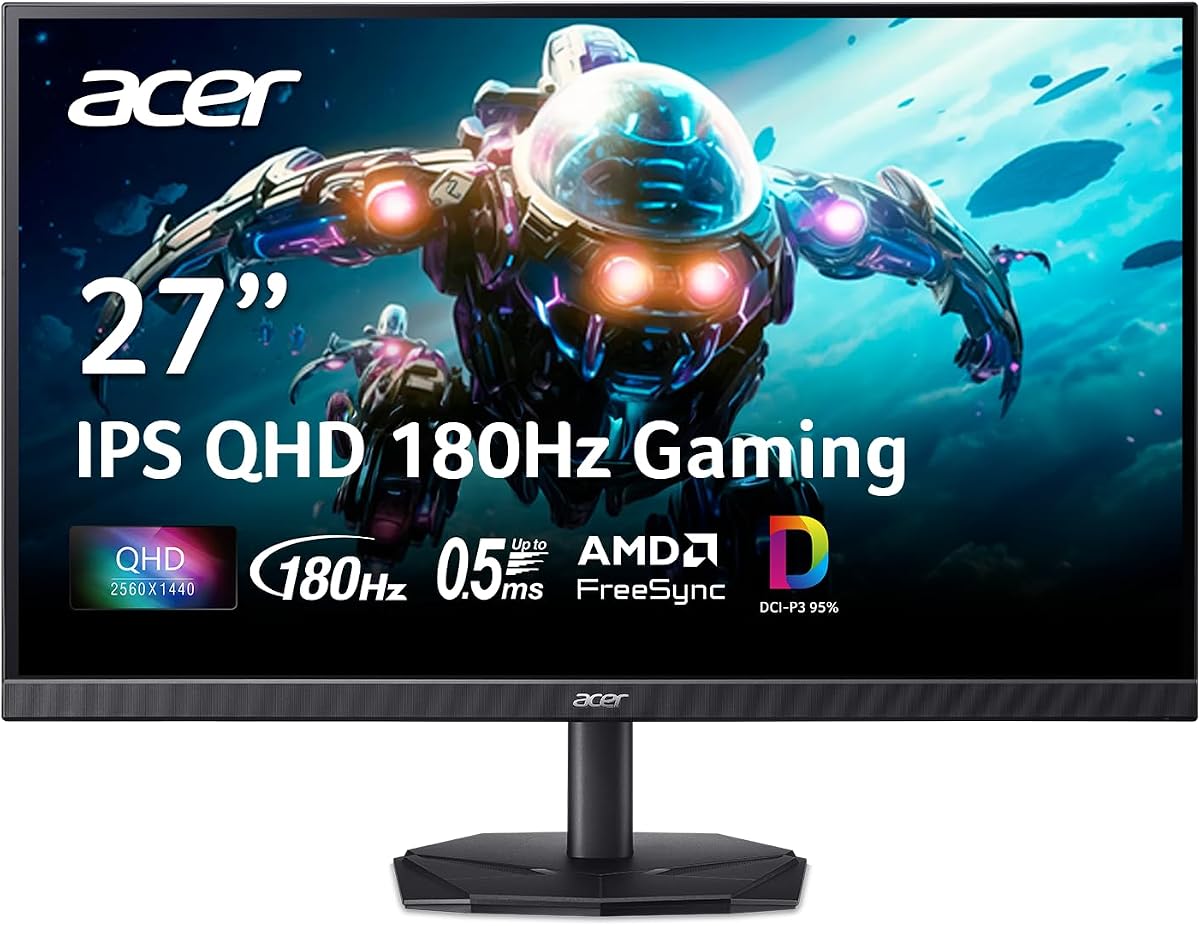
Acer Nitro KG271U
4.5Editor score
180Hz refresh rate
0.5ms response time
AMD FreeSync technology
Finding the perfect display for your gaming setup requires careful consideration of resolution and speed. A 27 inch WQHD 1440p monitor offers the sweet spot for clarity and performance in modern titles.
We evaluated ten leading models based on refresh rates response times and color accuracy. Our analysis ensures you find a screen that matches your specific gaming needs without overspending.
Each pick highlights unique strengths like adaptive sync and ergonomic stands. Prices fluctuate frequently so verify current deals before making your final purchase decision today.
4.5Editor score
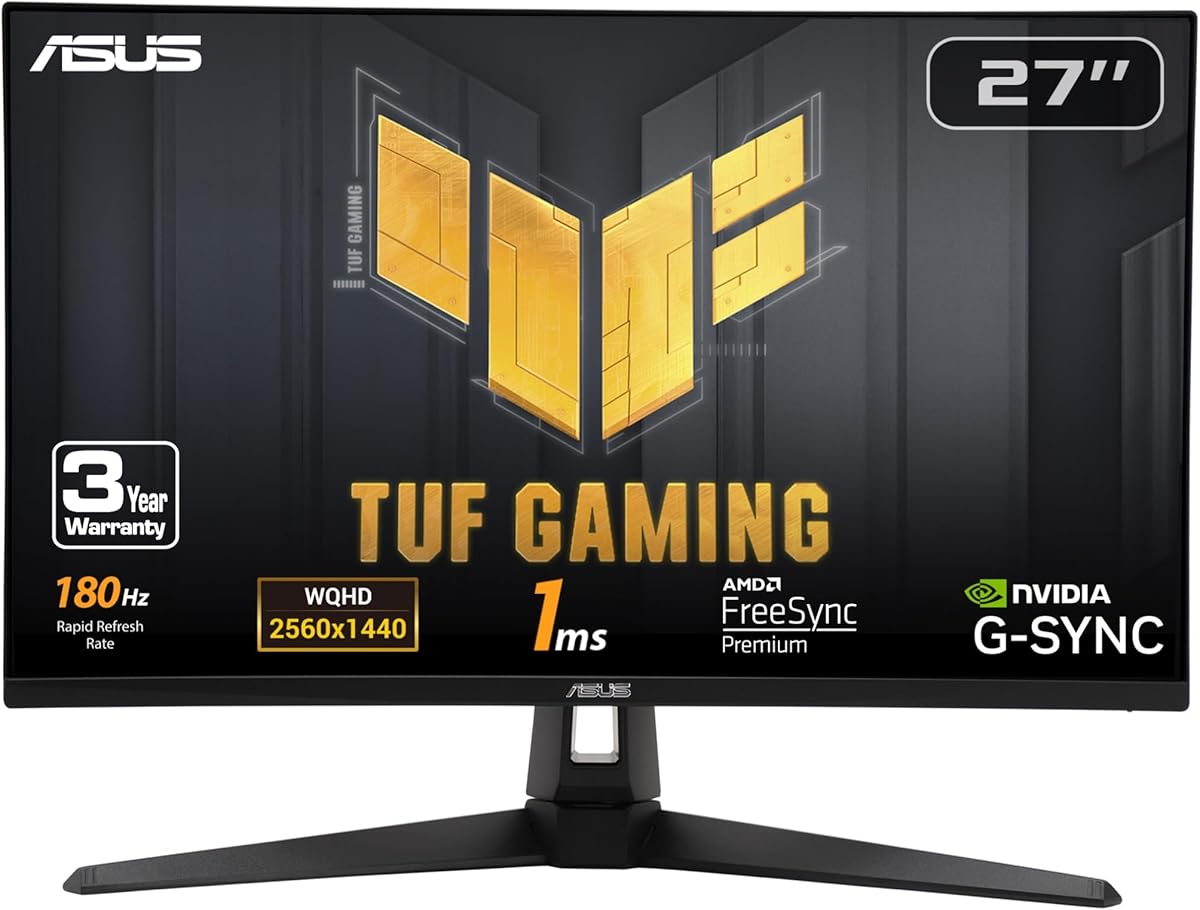
4.6Editor score

4.6Editor score
As an Amazon Associate we earn from qualifying purchases.
The following table provides a side by side overview of all ten models. Compare their key specifications quickly to see which monitor fits your budget and performance needs.


The Acer Nitro KG271U stands out as a top contender for budget conscious gamers seeking high performance. With a 4.5 rating from users it delivers exceptional value in the competitive 27 inch WQHD market.
We may earn a commission when you buy through this link, at no additional cost to you.
Its 180Hz refresh rate and rapid 0.5ms response time ensure smooth motion without ghosting during intense gameplay sessions. The IPS panel supports 95% of the DCI-P3 color space for vibrant and accurate visuals.
While the stand offers limited adjustability and lacks full HDR certification the visual performance at this price point is hard to beat. Gamers can enjoy tear free experiences thanks to AMD FreeSync technology.
This monitor is ideal for those upgrading from 1080p who want sharper clarity and faster speeds. It balances cost and features effectively making it a smart choice for most casual and competitive players.
The high refresh rate and low response time combine to eliminate blur in fast moving scenes for better reaction times.
Support for a wide color gamut ensures that games and media look vibrant and true to life on the screen.
We may earn a commission when you buy through this link, at no additional cost to you.
ASUS TUF Gaming VG27AQ3A earns its spot as the Editor's Choice by combining reliability with advanced gaming features. Users rate it highly for its seamless integration with various graphics cards.
We may earn a commission when you buy through this link, at no additional cost to you.
The ELMB Sync technology allows motion blur reduction alongside variable refresh rates which is rare in this segment. Its G-SYNC compatibility ensures stutter free gaming for NVIDIA users while maintaining color accuracy.
Included speakers and a Creative Cloud subscription add value beyond the screen itself. However the price is a bit higher than basic models and HDR performance is standard rather than exceptional.
This model is perfect for gamers who want a complete package without needing extra peripherals. It offers a professional grade experience suitable for both work and high intensity gaming sessions.
ELMB Sync keeps images sharp during motion without causing flicker or tearing issues during competitive matches.
Complimentary software and audio options enhance the overall utility of the monitor for creative and entertainment tasks.
We may earn a commission when you buy through this link, at no additional cost to you.
The Acer Nitro XV271U focuses on comfort and flexibility with its comprehensive ergonomic stand. It allows users to adjust height tilt and swivel to suit any desk setup perfectly.
We may earn a commission when you buy through this link, at no additional cost to you.
Performance remains strong with an 180Hz refresh rate via DisplayPort and solid IPS panel colors. This model is a great alternative if you need more physical adjustability than standard offers.
While the speakers are present they are not meant for high fidelity audio. The stand is sturdy but takes up more desk space compared to slim base options.
Buyers who spend long hours gaming will appreciate the ability to position the screen for neck comfort. It is a reliable workhorse for productivity and gaming alike.
Adjusting the monitor height and angle helps reduce strain during extended periods of use for better health.
Multiple port options allow you to connect consoles and PCs simultaneously without constantly swapping cables.
We may earn a commission when you buy through this link, at no additional cost to you.
Samsung Odyssey G5 delivers immersive visuals with its strong contrast and HDR10 support. It holds a high rating among users who prioritize image depth and realistic shadow details.
We may earn a commission when you buy through this link, at no additional cost to you.
The 180Hz refresh rate and 1ms response time ensure that fast paced shooters run smoothly. Black Equalizer technology helps players spot enemies in dark corners without washing out bright areas.
While it lacks a USB hub the visual performance stands out for the price. The ergonomics are functional though some might prefer a wider range of adjustments.
This monitor is a great pick for immersive single player games where atmospheric lighting matters. It offers a compelling mix of speed and image quality for many gamers.
High contrast and HDR support bring scenes to life with deeper blacks and brighter highlights.
Built in tools help enhance visibility in dark game areas giving players a tactical advantage.
We may earn a commission when you buy through this link, at no additional cost to you.
SANSUI pushes the limits with a 200Hz refresh rate at an aggressive price point. It appeals to competitive gamers who need every advantage in frame rate without spending a fortune.
We may earn a commission when you buy through this link, at no additional cost to you.
The screen brightness and color coverage are impressive for the category. Eye care features help reduce strain during long sessions making it a practical choice for daily use.
You will need external speakers since this model lacks built-in audio. The stand is functional but basic compared to higher end models with more adjustments.
If your main goal is max frame rate on a tight budget this is a strong contender. It delivers raw performance metrics that match much more expensive displays.
A 200Hz refresh rate provides smoother motion that can give competitive players a distinct edge in reaction time.
Anti flicker and low blue light modes help maintain vision health during extended gaming sessions.
We may earn a commission when you buy through this link, at no additional cost to you.
This SANSUI model combines high refresh rates with a fully adjustable stand. It is designed for users who want smooth motion and comfortable viewing angles in one package.
We may earn a commission when you buy through this link, at no additional cost to you.
With 10-bit color processing and 400 nits brightness the image quality looks rich and detailed. Game assist tools like crosshairs can help players improve their aim during matches.
The stand allows for tilt swivel and height changes which supports better posture. However there are no internal speakers so you will need to connect your own audio system.
It is an excellent option for those who want premium ergonomics without paying premium prices. The mix of speed and comfort makes it a versatile choice for many users.
A fully adjustable stand ensures you can position the screen to reduce neck and back strain.
10-bit processing allows for smoother color gradients and more natural looking images during gameplay.
We may earn a commission when you buy through this link, at no additional cost to you.
KOORUI offers peace of mind with a three year warranty on this gaming monitor. It stands out for those worried about long term reliability and support for their investment.
We may earn a commission when you buy through this link, at no additional cost to you.
The 200Hz refresh rate and 1ms response time ensure it keeps up with demanding games. The slim bezel design looks modern and fits well in minimalist gaming setups.
While the stand assembly is straightforward it offers limited tilt adjustments. You will rely on VESA mounting if you need more flexibility than the base provides.
This monitor is a smart pick for buyers who prioritize after sales support and clean design. It provides solid performance for the price while offering better security.
An extended warranty gives you confidence that your purchase is protected against defects for a long time.
The thin frame design blends into any room decor while maximizing the usable screen area.
We may earn a commission when you buy through this link, at no additional cost to you.
The Acer Nitro EDA270U provides a curved screen that enhances immersion in games. A 1500R curve wraps the display around your vision for a more engaging experience.
We may earn a commission when you buy through this link, at no additional cost to you.
It keeps performance high with an 180Hz refresh rate and 1ms response time. The zero frame design makes it look sleek on the desk while built-in speakers save space.
Adjustment options are minimal so you may need a VESA mount for height control. The curve might take some getting used to if you prefer flat screens for productivity.
This is a great choice for players who enjoy cinematic single player games and want that extra feel of presence. It delivers comfort and speed in a compact package.
A curved screen draws your eyes into the action making gaming feel more personal and engaging.
Built-in speakers remove the need for external boxes keeping your desk cleaner and less cluttered.
We may earn a commission when you buy through this link, at no additional cost to you.
ASUS TUF VG27AQL1A brings high end features like DisplayHDR 400 and ELMB SYNC to the table. It is a top choice for those who want certified HDR and advanced motion control.
We may earn a commission when you buy through this link, at no additional cost to you.
The overclockable refresh rate and excellent color volume make for a vibrant display. It also includes a Creative Cloud subscription which adds value for creative users beyond gaming.
The price is higher than budget options but the feature set justifies it for many. It offers a balance of visual fidelity and speed that is hard to match.
This model is best for gamers who want a monitor that handles both work and play at a high standard. It remains a reliable and premium option in the lineup.
DisplayHDR certification ensures that the monitor meets specific standards for brightness and contrast in supported content.
ELMB SYNC eliminates motion blur while keeping refresh rates adaptive for the cleanest possible image.
We may earn a commission when you buy through this link, at no additional cost to you.
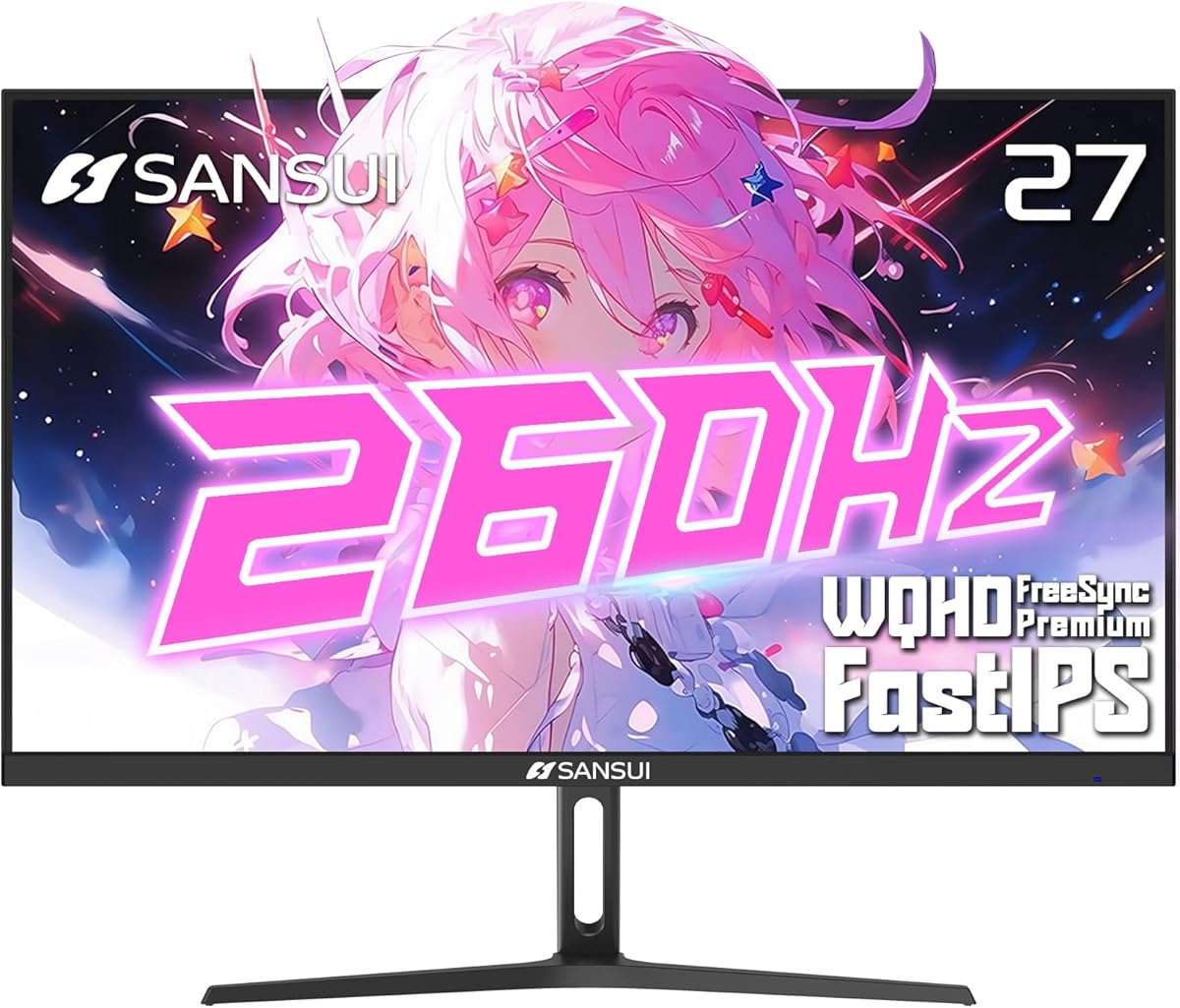
This SANSUI model pushes the envelope with refresh rates up to 260Hz. It is aimed at competitive players who want the absolute fastest motion handling available in this category.
We may earn a commission when you buy through this link, at no additional cost to you.
Color performance remains strong with 98% DCI-P3 coverage ensuring vibrant visuals. FreeSync Premium helps maintain a smooth frame rate during intense matches to reduce stutter and tearing.
To reach max speeds you may need specific cables which can be a minor setup hurdle. The controls are basic but do the job for navigating menus quickly.
It is a perfect pick for esports enthusiasts who prioritize frame rate above all else. You get top tier speed without sacrificing color quality or eye comfort.
A 260Hz refresh rate delivers the smoothest motion possible for split second reactions in tournaments.
High DCI-P3 coverage means game environments and character designs appear vivid and detailed.
We may earn a commission when you buy through this link, at no additional cost to you.
Choosing a new monitor involves balancing several technical factors. Understanding these key aspects will help you find the best model for your gaming style.
Refresh rate refers to how many times the screen updates per second. Higher rates like 180Hz or 200Hz make motion appear smoother and reduce blur during fast action.
For competitive gaming prioritize high refresh rates to gain a reaction time advantage.
Response time is how quickly a pixel changes color. A lower number means less ghosting and smearing on moving objects.
Look for 1ms or lower to ensure crisp images during fast gameplay.
IPS panels offer wide viewing angles and better color accuracy compared to TN or VA panels. This makes them ideal for both gaming and content creation.
Choose IPS if color fidelity and viewing angles are important to you.
Adaptive Sync technologies like G-SYNC and FreeSync adjust the monitor refresh rate to match your graphics card. This eliminates screen tearing and stuttering.
Ensure your monitor supports sync compatible with your GPU brand for smooth visuals.
A stand that allows height tilt and swivel adjustments helps you maintain a comfortable posture. Poor ergonomics can lead to neck and eye strain over time.
Prioritize a stand with full adjustability or check VESA compatibility for wall mounting.
Wide color gamuts like sRGB or DCI-P3 ensure that colors look vibrant and accurate. This enhances the immersion of games and media.
Look for high percentage coverage if you care about visual realism.
HDR support adds contrast by making bright areas brighter and dark areas darker. True HDR needs high brightness and local dimming to be effective.
Verify HDR certifications like DisplayHDR 400 to ensure it meets minimum standards.
Check that the monitor has the right ports for your devices. DisplayPort is often needed for higher refresh rates while HDMI is common for consoles.
Make sure the included cables support your desired speed to avoid performance limits.
Always connect your monitor using the correct cable to support its maximum refresh rate. DisplayPort is usually required for high speeds like 180Hz or 200Hz.
Use the on screen display controls to calibrate brightness and contrast to your room lighting. This helps prevent eye strain and ensures colors look accurate.
Clean the screen gently with a microfiber cloth and avoid using harsh chemicals. This keeps the panel looking new and prevents damage to the coating.
1440p provides sharper text and more detail on a 27 inch screen. This prevents the pixelation that often occurs with 1080p on larger displays and offers more workspace for multitasking.
Yes running 1440p at high frame rates requires a capable GPU. However many games still look great at lower settings on these monitors without a top tier card.
A high refresh rate reduces motion blur and makes movement look smoother. This helps you track targets better and react faster in competitive multiplayer games.
Curved monitors enhance immersion by wrapping the screen around your vision. They are great for single player games but flat screens are often preferred for productivity tasks.
G-SYNC usually requires NVIDIA cards while FreeSync works with AMD. However many modern monitors are G-SYNC compatible allowing use with NVIDIA cards without extra hardware.
Yes the sharp text and large screen real estate make them excellent for work. You can split windows side by side to increase productivity during the day.
You typically need a DisplayPort cable rated for 1.2 or higher. HDMI can work but may be limited to lower refresh rates depending on the version.
Built-in speakers reduce cable clutter and save desk space. While they are not high fidelity they are convenient for system sounds and casual media playback.
We reviewed ten distinct models each offering unique advantages for different types of gamers. Whether you need speed clarity or ergonomics there is a strong option here.
Prioritize features like response time and refresh rate if you play competitive titles. For general use color accuracy and stand flexibility might matter more.
Prices change frequently so check current deals before finalizing your decision. A monitor that fits your needs today could be even more affordable soon.