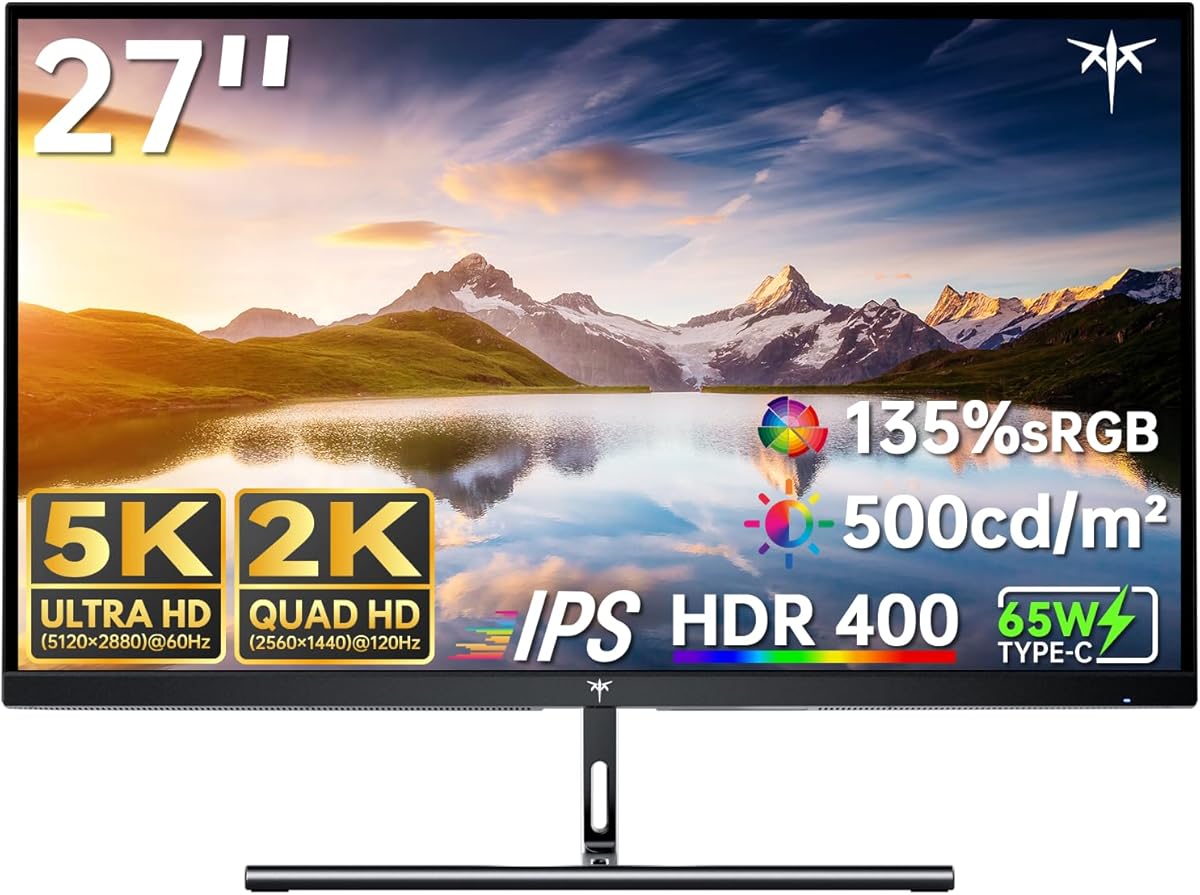
KTC 5K Monitor 27 Inch
4.4Editor score
Dual Mode 5K and 2K
65W Type-C Port
99% DCI-P3 Coverage
Finding the right display for your workstation requires careful consideration of resolution and color fidelity. A 27 inch 5K monitor offers an exceptional balance of screen real estate and pixel density. This clarity is essential for creative professionals who need precise detail in their work.
We have evaluated ten leading models based on their panel technology, connectivity options, and overall performance. Each product was analyzed for its ability to handle high-resolution content and professional workflows. Our comparison ensures you find a screen that meets your specific needs.
Every pick below highlights key strengths and potential trade-offs to guide your decision. Prices and availability can change frequently so verify current listings before purchasing. This guide aims to simplify your search for the perfect high-resolution display.
4.4Editor score

3.6Editor score

3.7Editor score
As an Amazon Associate we earn from qualifying purchases.
The following table provides a side-by-side comparison of all ten monitors analyzed in this guide. It highlights key specifications and features to help you quickly identify the best fit for your workspace.




The ASUS ProArt PA27JCV is designed specifically for professionals who prioritize color fidelity. With a 5K resolution and Calman verified accuracy it delivers images that match industry standards. This monitor is ideal for photographers and designers.
We may earn a commission when you buy through this link, at no additional cost to you.
Its 99 percent DCI-P3 and 100 percent sRGB coverage ensure vibrant and true-to-life colors. The ambient light sensors automatically adjust brightness and temperature maintaining consistency across different environments. Connectivity is simplified with a single USB-C cable delivering both video and power.
While the rating is lower the included Adobe subscription and warranty add significant value. Some users might find the response time less suitable for fast gaming. However for creative work the performance is exceptional and reliable.
This monitor is best suited for Mac users and creative professionals needing precise color. If you value accuracy and convenience over gaming speed this is a strong choice.
Factory pre-calibration ensures Delta E less than 2 for professional-grade precision out of the box.
USB-C port supports DisplayPort and 96-watt power delivery via a single cable for streamlined setups.
We may earn a commission when you buy through this link, at no additional cost to you.
The Samsung Odyssey G8 offers a unique dual mode experience for gamers and creators. It supports 5K resolution at high refresh rates providing crisp visuals. For competitive gaming it switches to QHD for even faster speeds.
We may earn a commission when you buy through this link, at no additional cost to you.
The Fast IPS panel ensures vivid colors across the entire screen reducing motion blur. NVIDIA G-SYNC and AMD FreeSync support smooth gameplay without tearing. The ergonomic stand allows full adjustment for comfortable viewing sessions.
Users should note the complexity of toggling between modes but the flexibility is a major advantage. The price is higher than standard monitors but justified by the performance. It is a versatile option for high-end setups.
Choose this monitor if you need both resolution and speed for gaming. Its ability to switch between modes makes it suitable for mixed workloads.
Effortlessly toggle between 5K for visuals and QHD for action with near-instant response times.
HDR10+ gaming optimizes brightness and contrast for enhanced color and depth during play.
We may earn a commission when you buy through this link, at no additional cost to you.
The ROG XG27JCEG brings AI features and dual mode gaming to a 5K display. It offers stunning clarity at 5K and speed at QHD for competitive titles. The HDR 600 supports vibrant lifelike visuals.
We may earn a commission when you buy through this link, at no additional cost to you.
Its response time is incredibly fast reducing ghosting and screen tearing effectively. Connectivity includes HDMI and USB-C ensuring compatibility with modern devices. The included Adobe subscription is a significant bonus for creators.
Trade-offs include the high price and lack of established user ratings. The AI features are useful but not essential for all users. It is a specialized monitor for those needing both gaming and creative power.
This is a strong choice for users who want a single display for work and play. Its AI enhancements provide a competitive edge in various scenarios.
AI-powered features including Dynamic Shadow Boost and AI Visual provide a competitive edge during play.
Fast IPS display with 218 PPI pixel density delivers vibrant lifelike visuals with deep contrast.
We may earn a commission when you buy through this link, at no additional cost to you.
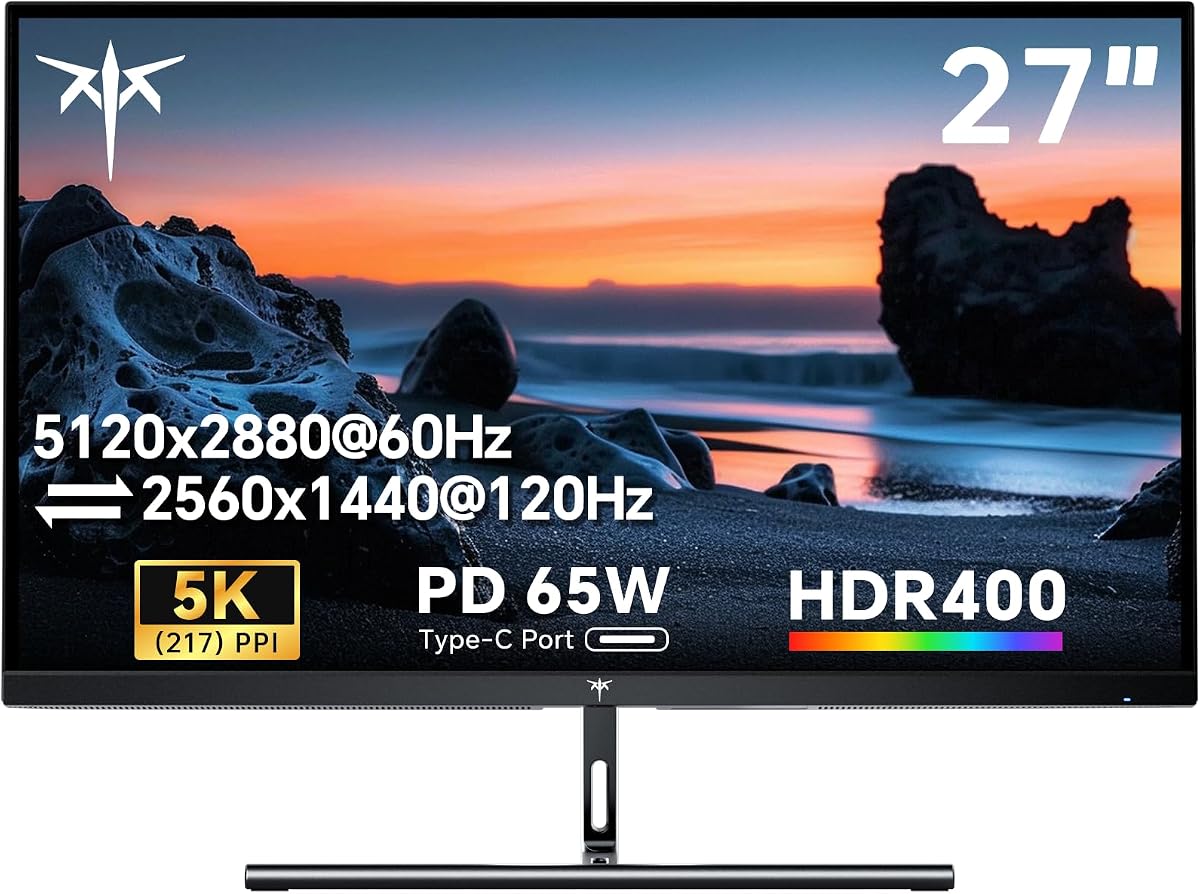
This KTC monitor is designed for seamless integration with Mac mini systems. It offers 5K resolution at 60Hz or 2K at 120Hz for flexible usage. The color accuracy aligns well with Mac performance standards.
We may earn a commission when you buy through this link, at no additional cost to you.
Eye care technology reduces blue light and flicker for comfortable extended use. Connectivity options include Type-C and HDMI allowing versatile connections for office use. The warranty and support are also reassuring for buyers.
While the rating is not available the specs suggest solid performance for the price. It may lack advanced features found in higher-end models. It remains a practical choice for budget-conscious Mac users.
Select this if you need a reliable 5K display for Mac without high costs. Its compatibility and eye care features add significant value.
Perfectly compatible with Mac mini offering seamless integration and color accuracy for creative workflows.
Blue light reduction and flicker-free technology reduce eye strain during extended work sessions.
We may earn a commission when you buy through this link, at no additional cost to you.
The KTC 5K Monitor offers professional features at a budget-friendly price. It switches between 5K for detail and 2K for smooth gaming. The color accuracy is impressive with nearly full DCI-P3 coverage.
We may earn a commission when you buy through this link, at no additional cost to you.
Eye care technology ensures comfort during long sessions with low blue light. The USB-C port supports fast charging making it ideal for laptop users. Connectivity is straightforward with essential ports included.
While it lacks premium build materials the performance is robust for the price. The rating reflects high satisfaction among users. It is a top pick for those prioritizing value over luxury.
Buy this if you need reliable color performance without breaking the bank. It balances cost and quality effectively for most users.
Delivers vivid accurate colours with Delta E less than 2 ideal for design and video editing.
Supports USB-C PD 65W for fast charging and data transfer over a single cable.
We may earn a commission when you buy through this link, at no additional cost to you.
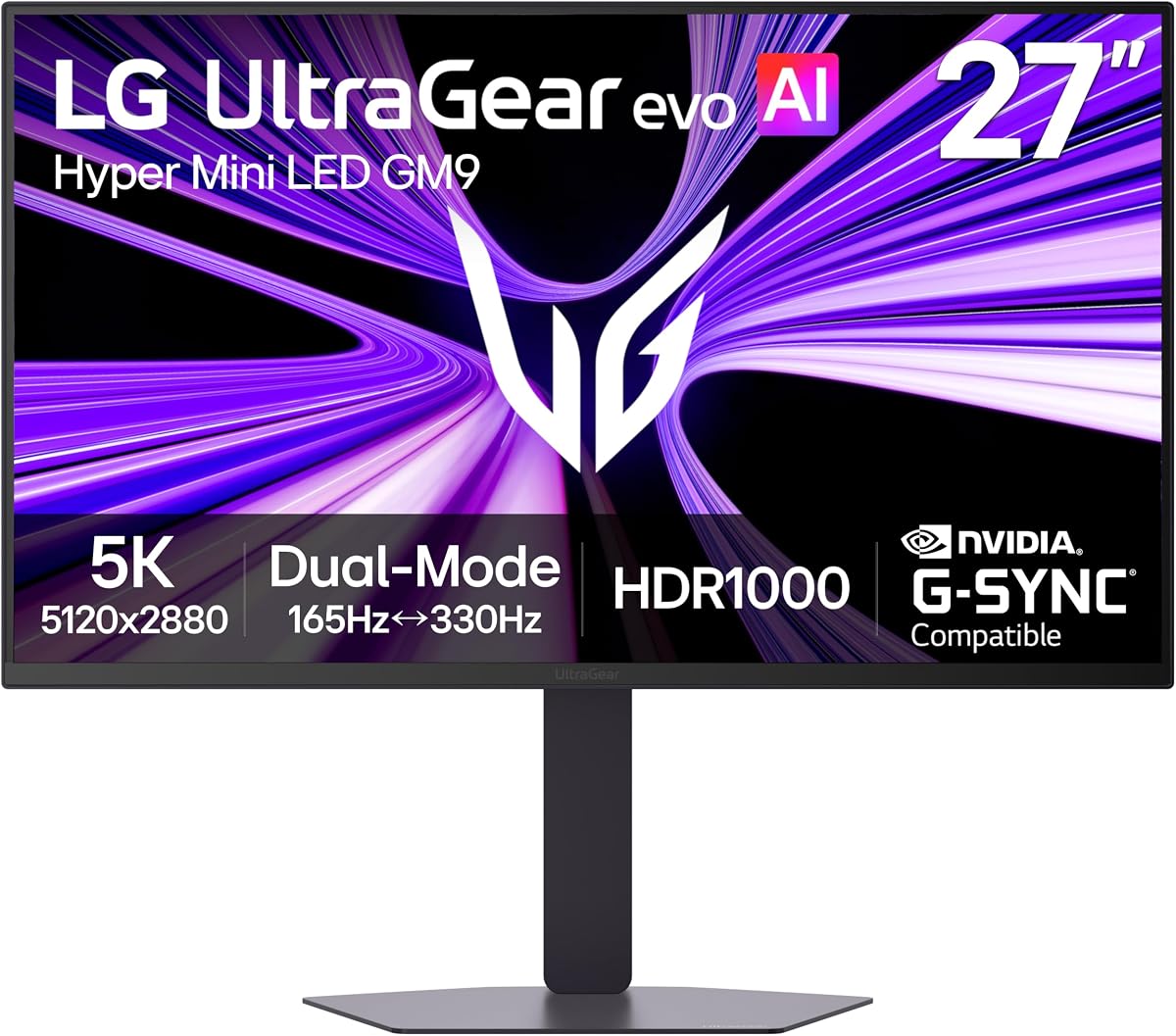
This LG monitor delivers incredible HDR performance with Mini-LED technology. It reaches high brightness levels ensuring impact in bright environments. The 5K resolution at 165Hz supports detailed gaming experiences.
We may earn a commission when you buy through this link, at no additional cost to you.
AI upscaling enhances lower resolution content to look sharper without GPU upgrades. The dual mode allows switching to QHD for competitive speed. Connectivity includes DisplayPort 2.1 for future-ready bandwidth.
Some users report firmware issues which should be checked via updates. The rating is lower but the hardware is top-tier for gaming. It offers unique features not found elsewhere in this range.
Ideal for gamers who prioritize HDR and resolution over cost. The upscaling feature makes it versatile for various content sources.
Hyper Mini LED powers ultra-bright 5K gaming with 1250 nits peak brightness for HDR.
Built-in processor powers AI Upscaling to enhance content toward 5K resolution without GPU upgrades.
We may earn a commission when you buy through this link, at no additional cost to you.
The Dell S2725QC offers 4K with a high refresh rate for productivity. It is not 5K but provides sharp visuals and smooth performance. The ComfortView Plus reduces blue light for eye comfort.
We may earn a commission when you buy through this link, at no additional cost to you.
Its single USB-C cable organizes desks with data and power delivery. The sound quality is improved for better media consumption. It is a reliable choice for office and entertainment use.
Users needing 5K might look elsewhere but this is great for general use. The rating reflects high satisfaction for its performance range. It is a solid all-rounder for diverse needs.
Choose this for a balanced 4K experience with modern connectivity. It works well for professionals needing smooth workflows.
Improved ComfortView Plus reduces harmful blue light emissions without sacrificing color accuracy.
Easy connectivity keeps your desk organized with a single USB-C cable and power delivery.
We may earn a commission when you buy through this link, at no additional cost to you.
The LG Ultrafine delivers vibrant colors and HDR support for media work. It supports up to 95 percent DCI-P3 ensuring rich visuals. The built-in speakers provide decent sound for general use.
We may earn a commission when you buy through this link, at no additional cost to you.
The Switch app transforms the screen into a multitasking hub efficiently. USB-C connectivity supports power and data for seamless laptop use. It is designed to complement Mac environments well.
While not 5K it is a robust 4K choice with high ratings. The streaming features add value for entertainment. It is ideal for those needing reliable workflow tools.
Buy this if you need a 4K monitor with strong ecosystem support. The app features simplify multitasking effectively.
The Switch app transforms your screen into a multitasking hub for work gaming and streaming.
Up to 95% DCI-P3 color gamut expression brings brilliant color to life for HDR content.
We may earn a commission when you buy through this link, at no additional cost to you.
The BenQ PD2730S offers Retina-like 5K resolution with Thunderbolt 4 connectivity. It delivers 90W power and supports daisy chain setups for expanded workspaces. The Nano Matte Panel reduces glare effectively.
We may earn a commission when you buy through this link, at no additional cost to you.
A built-in KVM switch allows control of two systems with one keyboard. The color accuracy is precise for VFX and storytelling tasks. It is designed specifically for Mac professionals with high-end needs.
The price is high but the features are unmatched for this audience. Some may find the specialization limiting but the quality is top-tier. It is a premium choice for serious creators.
Choose this for professional Mac workflows needing daisy chain support. The Thunderbolt 4 and KVM features are standout advantages.
Seamlessly delivers up to 90W power and 40Gbps transfers with support for two 5K displays.
Eye-comfort Nano Matte Panel diffuses ambient light making it ideal for color-managed workflows.
We may earn a commission when you buy through this link, at no additional cost to you.
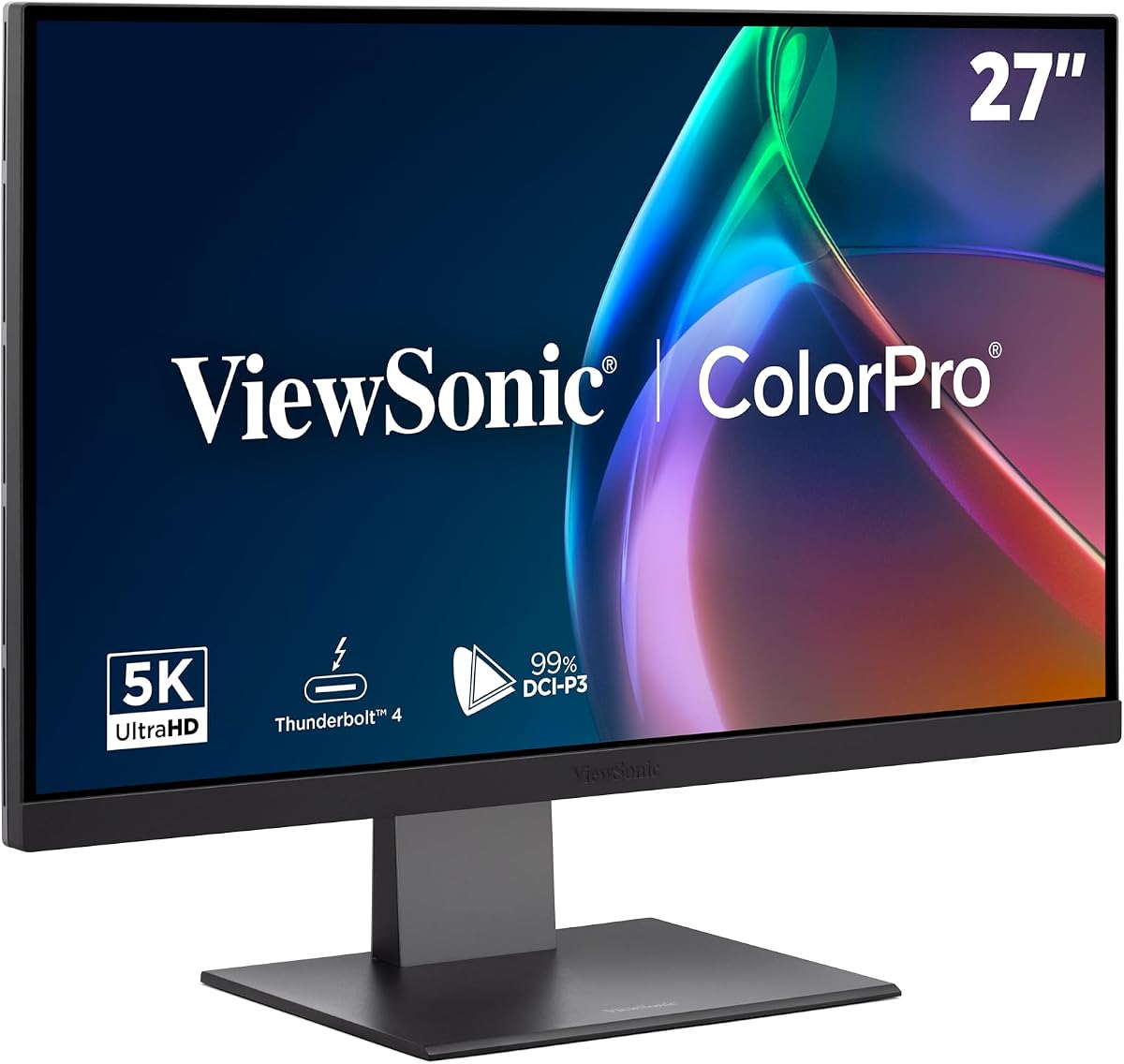
The ViewSonic VP2788-5K provides unmatched clarity with Thunderbolt 4 connectivity. It delivers 100W power to keep MacBooks charged while supporting daisy chains. Pantone validation ensures pinpoint color fidelity.
We may earn a commission when you buy through this link, at no additional cost to you.
Advanced ergonomic features reduce neck strain during long creative sessions. Connectivity options include USB-C and HDMI for modern hardware compatibility. It aligns perfectly with Mac visual performance standards.
While the rating is moderate the professional features are significant. The price is high but justified for design professionals. It is ideal for those needing absolute color precision.
Buy this for critical design tasks requiring Pantone accuracy. The daisy chain and high power delivery make it versatile.
Pantone Validated display certified for pinpoint color fidelity essential for professional-tier outputs.
Seamlessly connect your Mac and peripherals with versatile input options and daisy chain setups.
We may earn a commission when you buy through this link, at no additional cost to you.
Selecting the right 27 inch 5K monitor involves evaluating several technical factors. This guide outlines the most important aspects to consider before purchasing.
A 27 inch 5K monitor provides 5120 by 2880 pixels for sharp images. This resolution offers 218 pixels per inch which ensures text and graphics look crisp. It is ideal for detailed work like photo editing and design.
Look for panels with high pixel density to avoid screen door effects. Ensure your system supports the output required for 5K resolutions.
Color accuracy is critical for professional tasks. Look for monitors with Delta E values less than 2 for true-to-life reproduction. Coverage of 99 percent DCI-P3 or 100 percent sRGB ensures vibrant colors.
Prioritize models with factory calibration to save time and effort. Consistent color performance is key for any creative workflow.
Modern monitors should support USB-C with power delivery for single-cable connectivity. Check for DisplayPort 2.1 or HDMI 2.1 to support high refresh rates. Thunderbolt 4 support allows for fast data transfer and daisy chaining.
Choose a monitor that matches your device ports to avoid dongles. Adequate connectivity simplifies your desk setup effectively.
Higher refresh rates provide smoother motion which is vital for gaming. A 5K monitor with 60Hz is fine for work but gamers may prefer higher. Response times under 5ms reduce motion blur and ghosting.
Consider dual mode monitors that switch between 5K and lower resolutions for speed. This flexibility helps balance performance and detail needs.
IPS panels offer wide viewing angles and good color consistency. Mini-LED provides higher contrast and brightness for HDR content. Select the technology that matches your environment and usage.
Check for local dimming zones to reduce blooming in dark scenes. The right panel ensures comfortable viewing in any setting.
Adjustability is key for long-term comfort. Look for stands that allow tilt swivel pivot and height adjustment. A VESA mount option adds flexibility for third-party arms.
Proper ergonomics reduce neck strain during extended use. Ensure the monitor fits your physical workspace needs.
HDR support enhances contrast and brightness for vivid images. HDR400 is a baseline but HDR1000 offers better performance. Check certification levels to understand real-world capabilities.
If you consume media frequently prioritize higher HDR standards. It adds depth and realism to content.
Reliable customer support protects your investment. Look for warranties covering at least three years. Brands with strong reputations often offer better service and replacement policies.
Always review warranty terms for coverage of dead pixels or defects. Good support ensures peace of mind.
Connect your device using the highest bandwidth cable available to support 5K. Ensure your graphics card drivers are updated for smooth performance. Adjust the brightness and temperature settings to match your lighting.
Clean the screen gently with a soft microfiber cloth. Avoid harsh chemicals that might damage the coating. Dust accumulates over time so wipe the screen regularly.
Use built-in software tools to calibrate colors periodically. This maintains accuracy for your professional work. Adjust the stand to reduce neck strain during use.
A 5K monitor provides 5120 by 2880 pixels while 4K offers 3840 by 2160. This extra resolution on a 27 inch screen means sharper text and more workspace. It is better for creative work but requires more GPU power.
Yes standard cables may not support 5K at higher refresh rates. Use DisplayPort 1.4 with DSC or HDMI 2.1 for best results. USB-C with DisplayPort Alt Mode is also effective for single cable setups.
Yes but ensure your GPU supports 5K gaming. Many 5K monitors support dual mode to switch to QHD for faster frame rates. This allows better performance for competitive gaming while keeping 5K for work.
Yes Macs are optimized for Retina displays like 5K. It ensures text and images look sharp without scaling issues. Thunderbolt 4 on newer Macs supports 5K natively for best results.
Prioritize color accuracy with Delta E less than 2 and wide gamut coverage. Look for factory calibration and consistent brightness. Good contrast and low glare are also essential for accurate editing.
Many modern monitors use USB-C to draw power. Models with 65W to 100W power delivery can charge laptops while displaying. Check the required wattage for your setup to ensure stable operation.
Our top picks include the ASUS ProArt PA27JCV for professionals and KTC models for budget-conscious buyers. Each offers distinct strengths in color accuracy and connectivity.
Prioritize color performance and connectivity based on your specific needs. If you need daisy chaining or Thunderbolt support choose premium models carefully.
Prices for these displays change frequently so verify current listings. Always check reviews to ensure the model meets your expectations.