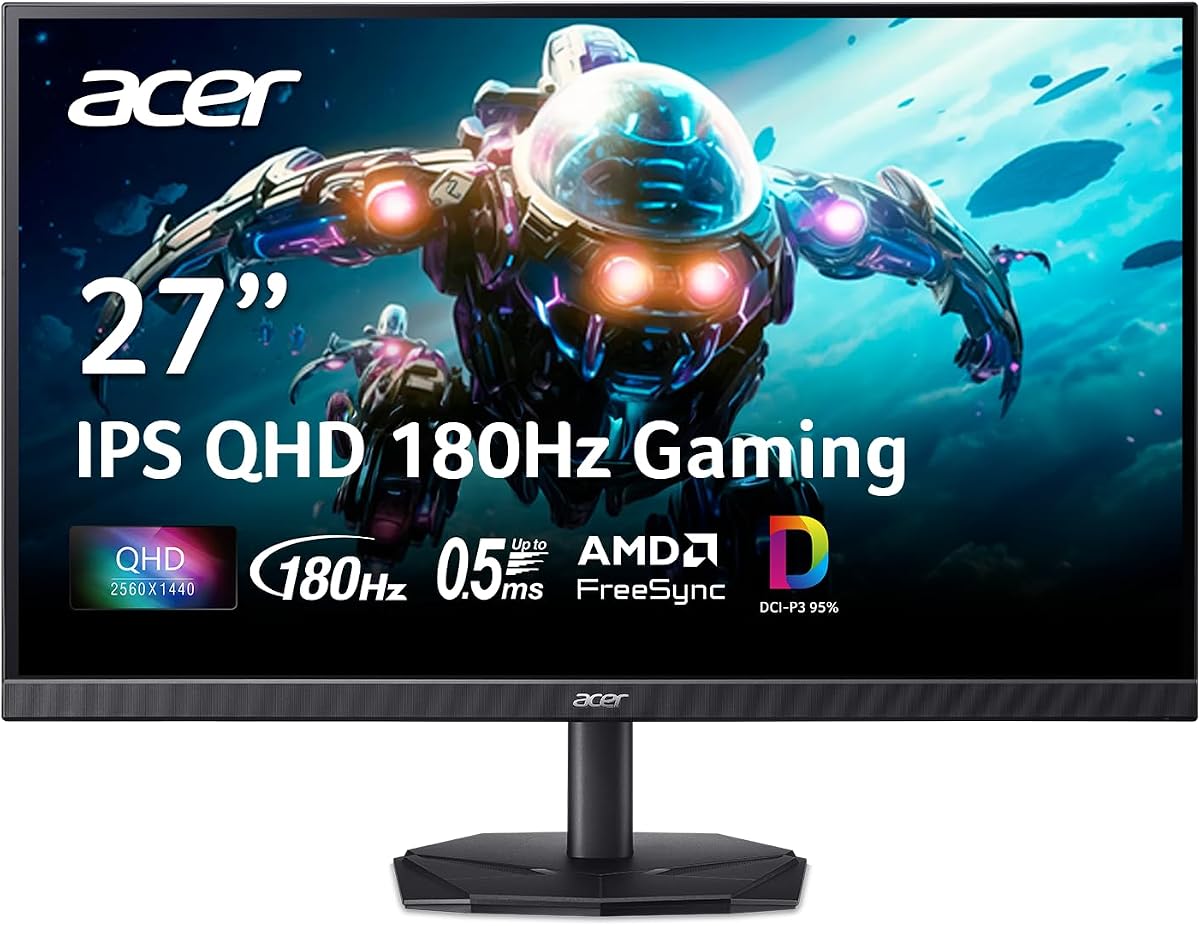
Acer Nitro 27in QHD 2560×1440 IPS 180Hz Gaming Monitor KG271U N3bmiipx
4.5Editor score
180Hz Refresh Rate
0.5ms Response Time
AMD FreeSync Technology
Compare the top 1440p IPS monitors for console gaming featuring high refresh rates and vivid colors to find the perfect display for your setup.
Choosing the right display can transform your console gaming experience from mediocre to magnificent. A 1440p IPS monitor offers the sweet spot of sharp visuals and responsive performance for modern systems.
We evaluated ten leading models based on panel quality, refresh rates, and connectivity options. Each product was selected for its ability to deliver smooth gameplay and accurate colors in demanding titles.
Each pick highlights specific strengths like speed or color accuracy to match different needs. Please note that pricing and availability fluctuate frequently so check current listings before buying.
4.5Editor score
4.6Editor score
4.4Editor score
This side-by-side comparison breaks down the key specifications of every selected monitor to help you decide which model fits your gaming needs and budget.



The Acer Nitro KG271U stands out as a top contender for budget-conscious gamers seeking high fidelity. It delivers a crisp QHD image with an IPS panel that ensures wide viewing angles.
We may earn a commission when you buy through this link, at no additional cost to you.
Its 180Hz refresh rate provides exceptionally smooth motion which is crucial for fast-paced competitive titles. The response time of up to 0.5ms minimizes ghosting and ensures clarity during rapid movement.
While the stand offers limited ergonomic adjustments compared to premium models the zero-frame design maximizes usable screen space effectively. The color accuracy remains impressive for this price bracket.
This monitor is ideal for console gamers who want high performance without breaking the bank. It balances speed and visual fidelity perfectly for entry to mid-level setups.
The monitor supports DCI-P3 95% color gamut which ensures vibrant and accurate hues for media consumption.
With a rapid 180Hz refresh rate frame rendering is accelerated to reduce input lag significantly.
We may earn a commission when you buy through this link, at no additional cost to you.
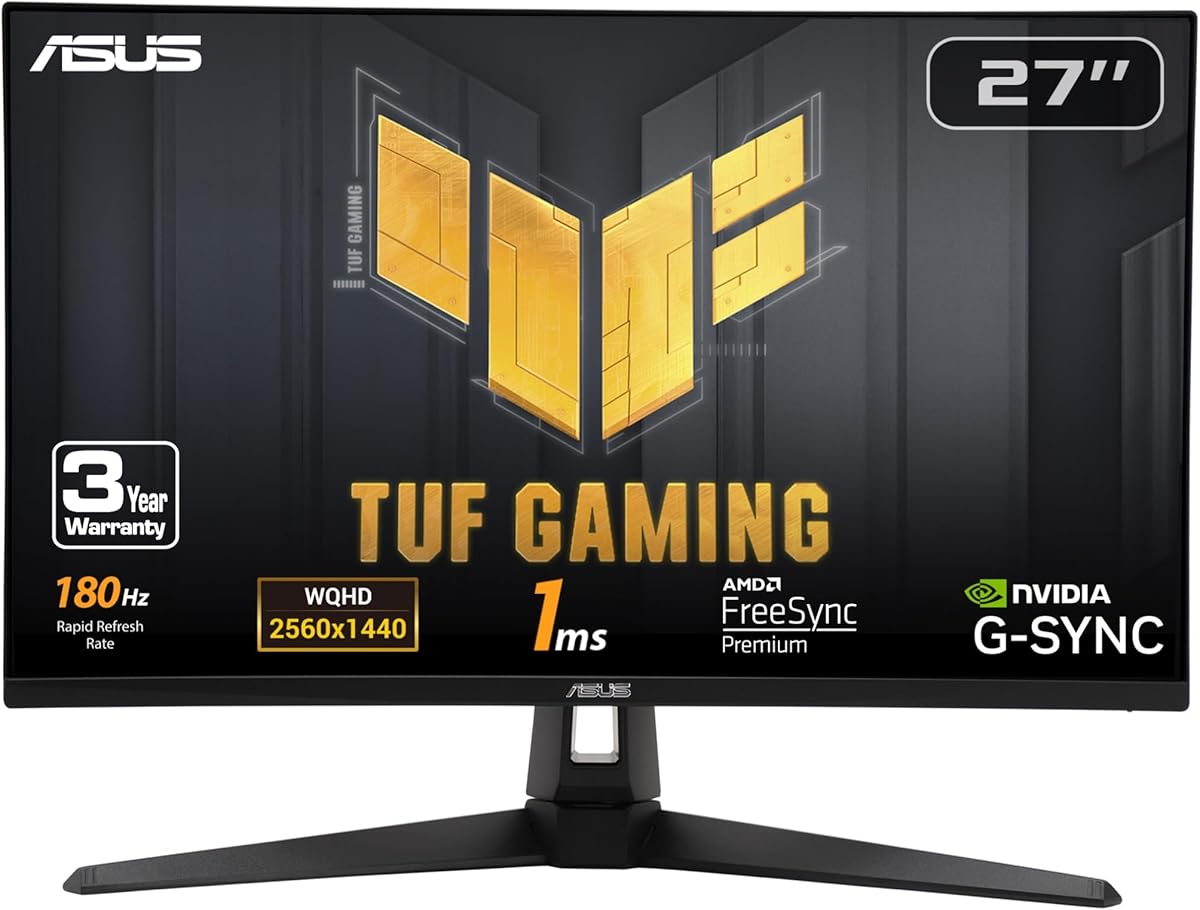
The ASUS TUF VG27AQ3A earns its place with robust features that cater to competitive play. Its ELMB Sync technology allows variable refresh rates to work with motion blur reduction simultaneously.
We may earn a commission when you buy through this link, at no additional cost to you.
The Fast IPS panel delivers 1ms response times and 130% sRGB coverage ensuring colors pop and motion stays sharp. This combination makes it excellent for both shooters and storytelling games.
Though the HDR-10 support is present it lacks the brightness needed for true high dynamic range impact. However the included Adobe Creative Cloud subscription adds value for creators using the display.
It is a versatile choice for console gamers who also dabble in PC gaming. The G-Sync compatibility ensures tear-free performance across various hardware configurations reliably.
ELMB Sync eliminates ghosting while maintaining variable refresh rates for fluid gameplay without compromising visual clarity.
The included three-month Adobe Creative Cloud subscription provides valuable tools for graphic designers using the monitor.
We may earn a commission when you buy through this link, at no additional cost to you.
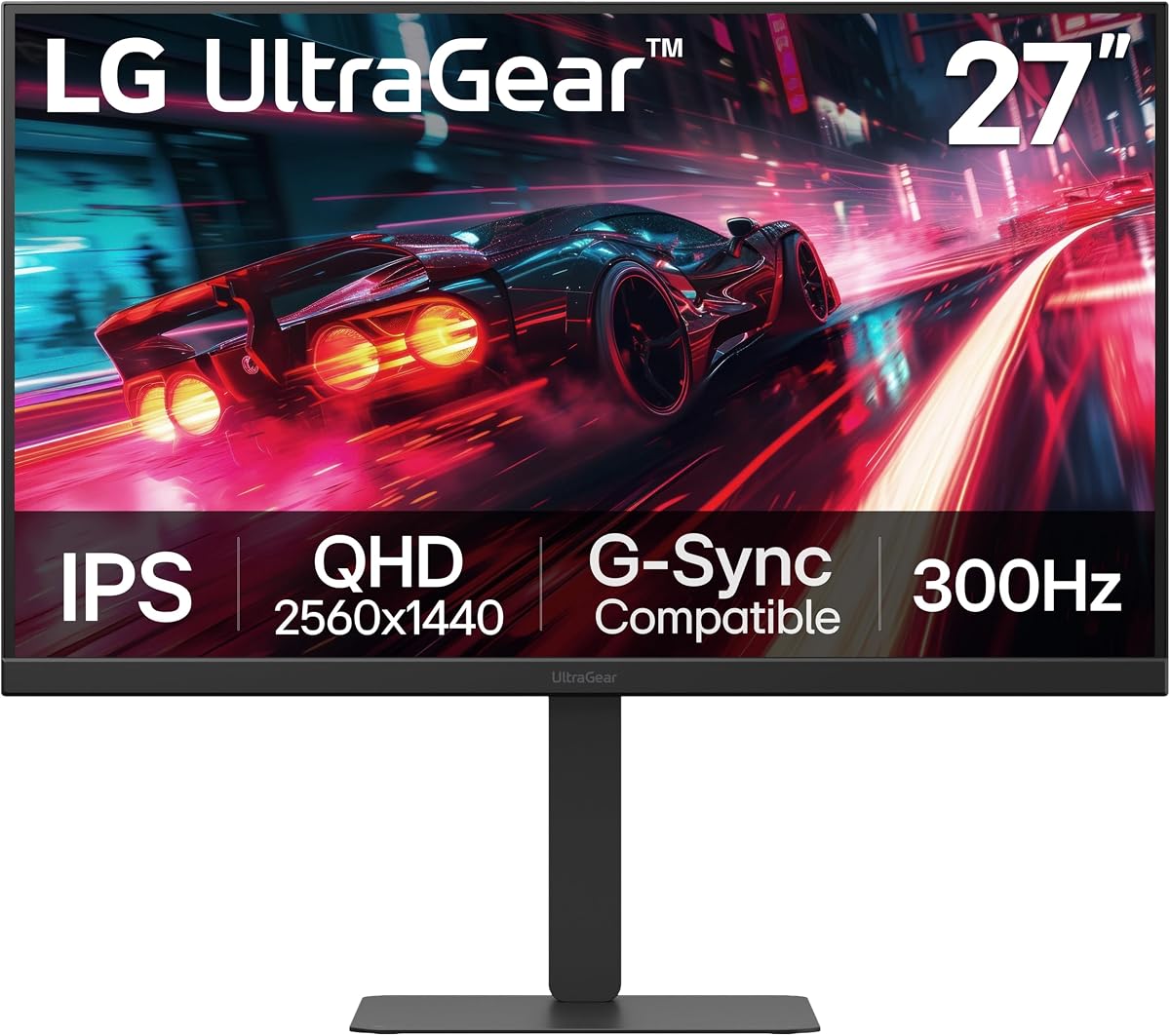
This LG model pushes the limits of speed with a 300Hz refresh rate that feels almost instantaneous. It is a powerhouse for competitive players who need every millisecond advantage.
We may earn a commission when you buy through this link, at no additional cost to you.
Connectivity is a strong suit here with HDMI 2.1 and USB Type-C allowing versatile connections to next-gen consoles and laptops. The audio features like DTS Headphone:X enhance sound without speakers.
The premium price reflects its top-tier capabilities but casual gamers might find the speed unnecessary. The build quality and adjustability justify the cost for dedicated enthusiasts.
Choose this if you want future-proof specs and the smoothest motion possible. It excels in high-end setups where performance takes precedence over budget constraints.
Dual HDMI 2.1 ports and USB-C ensure you can connect multiple high-bandwidth devices without adapters.
DTS Headphone:X provides spatial audio over headphones for a more immersive listening experience.
We may earn a commission when you buy through this link, at no additional cost to you.
The AOC Q27G41ZE targets competitive gamers with its 240Hz refresh rate and 0.3ms response time. It delivers incredibly sharp visuals for fast shooters where speed is everything.
We may earn a commission when you buy through this link, at no additional cost to you.
With NVIDIA G-SYNC support it prevents tearing even when frame rates fluctuate. The shadow control feature helps brighten dark areas to reveal hidden enemies effectively.
The stand is limited to tilt adjustments which may require a separate arm for ergonomic flexibility. The frameless design looks modern and blends well with multi-monitor setups.
This monitor is perfect for those prioritizing speed over features. It offers a competitive edge with reliable performance for serious gaming sessions.
A 240Hz refresh rate ensures minimal motion blur for precise tracking in high-speed games.
Shadow Control boosts visibility in dark scenes helping players spot enemies more easily.
We may earn a commission when you buy through this link, at no additional cost to you.
The GIGABYTE GS27QA offers a solid balance of features with HDR10 certification and 100% sRGB coverage. It delivers vibrant colors and decent contrast for various game genres.
We may earn a commission when you buy through this link, at no additional cost to you.
Its SuperSpeed IPS panel ensures smooth motion with a 1ms MPRT response time. This makes it suitable for both casual play and more intense competitive sessions.
The HDR implementation is functional though it may not reach the brightness of higher-end models. For the price it provides excellent visual quality and color accuracy.
This is a great pick for users wanting HDR capabilities without spending too much. It delivers reliable performance and consistent color output.
HDR10 certification provides richer colors and deeper contrast to enhance visual depth.
100% sRGB color gamut ensures accurate hue reproduction for gaming and content.
We may earn a commission when you buy through this link, at no additional cost to you.
The Acer Nitro XV271U impresses with a fully adjustable stand that offers height swivel and pivot. This makes it highly versatile for various desk setups and viewing preferences.
We may earn a commission when you buy through this link, at no additional cost to you.
It supports up to 180Hz refresh rate via DisplayPort ensuring smooth motion in fast-paced games. The response time is quick enough to minimize motion blur during action sequences.
The speakers are built-in which adds convenience but they are not the primary audio source. It is a practical choice for those who value ergonomics and connectivity.
This monitor suits users who need flexible positioning and solid performance. It balances utility and gaming features effectively.
Height and pivot adjustments allow you to find the perfect viewing angle comfortably.
Multiple HDMI and DisplayPort options ensure compatibility with various consoles and PCs.
We may earn a commission when you buy through this link, at no additional cost to you.
Samsung Odyssey G5 delivers dynamic features like Black Equalizer and Virtual Aim Point to enhance visibility. These tools help players navigate dark areas with precision during gameplay.
We may earn a commission when you buy through this link, at no additional cost to you.
The 180Hz refresh rate ensures fluid visuals and the Auto Source Switch+ allows quick device switching. This convenience saves time when switching between console and PC inputs.
The G-Sync compatible feature ensures tear-free gaming across NVIDIA GPUs effectively. The IPS panel provides consistent colors from various angles which is great for shared viewing.
It is a great option for gamers who need advanced on-screen tools. The combination of speed and utility makes it a strong contender.
Black Equalizer brightens dark scenes so you can see enemies hidden in shadows easily.
Auto Source Switch+ instantly detects and switches to connected devices for seamless transitions.
We may earn a commission when you buy through this link, at no additional cost to you.
This ROG model features a USB Type-C hub allowing you to connect devices and transfer data easily. It simplifies setup by acting as a docking station for your console or laptop.
We may earn a commission when you buy through this link, at no additional cost to you.
With ELMB SYNC technology it manages motion blur without sacrificing refresh rates. This ensures crisp visuals even at high speeds which is vital for competitive gaming.
The DisplayWidget Center allows easy monitor adjustments via mouse instead of buttons. This streamlines the user experience and makes finding settings much faster.
It is excellent for those who want modern connectivity and advanced control. The added Adobe subscription adds extra value for users.
DisplayWidget Center lets you adjust settings with a mouse for intuitive operation.
USB Type-C hub support means you can connect devices directly to the monitor easily.
We may earn a commission when you buy through this link, at no additional cost to you.
The LG UltraGear 27GR83Q-B offers a 240Hz refresh rate via HDMI which is rare for this range. It supports high bandwidth connections ensuring smoother visuals without needing a cable upgrade.
We may earn a commission when you buy through this link, at no additional cost to you.
Features like Crosshair overlay and Dynamic Action Sync enhance precision and reduce lag. These tools give you a tactical advantage in competitive multiplayer titles.
The DCI-P3 95% color gamut ensures vivid visuals across various game settings. While HDR is present it is more about contrast than true high dynamic range.
This model is best for those who want high refresh rates on consoles. It delivers premium features that justify the investment.
The Crosshair overlay provides a center point for better accuracy during target practice.
Dynamic Action Sync reduces input lag so your actions match the on-screen reaction instantly.
We may earn a commission when you buy through this link, at no additional cost to you.
The MSI G272QPF delivers solid performance with its Rapid IPS panel and 170Hz refresh rate. It offers a smooth experience for casual and competitive play alike.
We may earn a commission when you buy through this link, at no additional cost to you.
Adaptive Sync ensures frame sync with your GPU which eliminates tearing effectively. The stand provides full ergonomic adjustments for comfortable long-term use.
The color accuracy is good and the build quality is sturdy. It is a practical choice for those who need a reliable everyday display.
This is an excellent budget option without sacrificing quality. It balances cost and performance well for most users.
A 1ms response time helps eliminate motion blur for clear and sharp visuals.
The stand allows tilt swivel and height adjustments for a customized viewing angle.
We may earn a commission when you buy through this link, at no additional cost to you.
Selecting the right monitor requires balancing several technical factors to match your gaming habits and console capabilities.
The refresh rate determines how many times the screen updates per second and higher numbers mean smoother motion. For console gaming aim for at least 120Hz if your system supports it to maximize fluidity.
Prioritize models with 144Hz or higher to take full advantage of next-gen hardware capabilities.
Response time measures how quickly pixels change color and lower values reduce motion blur. Look for 1ms or lower to ensure fast action scenes remain clear and detailed.
A lower response time is critical for competitive shooters where split-second reactions matter.
IPS panels provide accurate colors and wide viewing angles which are essential for vibrant visuals. They outperform TN or VA panels in color consistency making them ideal for immersive games.
Choose an IPS panel to ensure consistent color and clarity from any angle.
Adaptive Sync technologies like G-Sync or FreeSync match the monitor refresh rate to the GPU output. This eliminates screen tearing and stuttering for a seamless experience.
Ensure your console or PC supports the specific sync technology of your monitor.
Modern consoles require HDMI 2.1 for high refresh rates and bandwidth. Check that the monitor has the correct ports to support features like 120Hz output.
Verify the presence of HDMI 2.1 ports for full console performance.
Color accuracy is measured by coverage of standards like DCI-P3. High coverage ensures games look vibrant and true to the developers intent.
Look for monitors with high color gamut coverage for a more vivid experience.
A good stand should offer tilt height and swivel adjustments to fit your setup. Comfortable viewing reduces strain during long gaming sessions.
Invest in a monitor with an ergonomic stand to maintain posture and comfort.
HDR support improves contrast and brightness but effectiveness varies by model. Look for HDR400 or higher certifications for noticeable visual improvements.
Check HDR certification levels to ensure meaningful dynamic range enhancement.
Connect your console to the monitor using a high-quality cable that supports the required bandwidth. Ensure the settings on your console match the native resolution of the monitor for the best image.
Regularly clean the screen with a soft microfiber cloth to avoid scratching the surface. Avoid harsh chemicals that can damage the anti-glare coating on the panel.
Calibrate brightness and contrast settings to reduce eye strain during extended sessions. Adjust the stand height to align the top of the screen with your eye level.
Yes 1440p monitors work well with next-gen consoles that support variable resolution modes. However ensure the monitor has HDMI 2.1 for 120Hz output at that resolution.
Yes a 144Hz refresh rate provides significantly smoother motion and lower input lag. This enhances responsiveness which is crucial for competitive titles and shooters.
Absolutely the IPS panels offer excellent color accuracy and text clarity. They are versatile enough for work and entertainment without compromising quality.
You typically need an HDMI 2.1 cable or a high-quality DisplayPort cable to support 1440p at 120Hz. Check your monitor specifications for the required connection type.
IPS offers better color consistency and no burn-in risk which is safer for static elements. OLED provides deeper blacks and faster response times but costs more.
Some models include built-in speakers but they are often basic. You may need external speakers for high-quality audio immersion in games.
Enable adaptive sync features like G-Sync or FreeSync in your system settings. This matches the refresh rate of the monitor to the frame rate of the game.
Most manufacturers offer a three-year warranty covering defects and dead pixels. Check the specific terms for your model before purchasing to understand your rights.
We have highlighted ten excellent monitors that balance performance and value effectively. Whether you prioritize speed or color accuracy there is a model here for you.
Focus on refresh rates and connectivity to match your specific console requirements. These factors will determine how well the monitor utilizes your hardware capabilities.
Prices fluctuate frequently so verify current listings before making your final purchase. Choosing the right screen ensures years of smooth immersive gaming.