
Samsung 40" ViewFinity S8
4.3Editor score
Thunderbolt 5 Support
5K2K WUHD Resolution
Built-in KVM Switch
AI ready monitors are transforming how we interact with screens by integrating smart features directly into the display hardware. These devices go beyond traditional panels by offering built-in processors, smart TV capabilities, and intelligent image optimization that adapt to your viewing environment without needing a connected computer.
We evaluated ten leading models based on resolution, refresh rates, smart functionality, and AI-driven enhancements like upscaling and noise cancellation. Our comparison focuses on how well these monitors perform as standalone entertainment hubs, productivity tools, and gaming displays while maintaining high visual fidelity and ergonomic comfort for extended use sessions.
Each pick highlights specific strengths such as color accuracy, connectivity options, and proprietary AI tools that enhance the user experience. Please note that product availability and pricing can change frequently so verify current details before making your final purchase decision to ensure you get the best value available right now.
4.3Editor score

4.2Editor score
4.4Editor score
As an Amazon Associate we earn from qualifying purchases.
Explore this side-by-side comparison of the ten best AI ready monitors available today. Each entry includes key specifications and direct links to help you choose the right display for your specific workflow or entertainment needs without extensive research across multiple websites.



The Samsung 32" Smart Monitor M7 stands out as a top choice for users seeking a display that functions independently of a computer. With a solid 4.2 rating from users, it delivers crisp visuals and robust smart features that appeal to both professionals and entertainment enthusiasts looking for versatility.
We may earn a commission when you buy through this link, at no additional cost to you.
Its Vision AI processor adapts picture quality to your specific needs ensuring documents look clear and games appear immersive. The Active Voice Amplifier analyzes background noise to enhance dialogue clarity which is particularly useful in busy environments. You can control smart home devices directly from the screen making it a central hub for your space.
While the refresh rate is not optimized for competitive gaming compared to dedicated esports monitors, it handles casual gaming through the Gaming Hub without a console. The lack of extreme refresh rates is a trade-off for the extensive smart capabilities and standalone functionality that define this model effectively.
This monitor is ideal for anyone wanting a second screen for media consumption or a PC-free workstation. Its ability to stream content and manage smart devices seamlessly makes it a versatile addition to any modern home office or living room setup requiring intelligent display technology.
Manage your smart home devices directly from the monitor with a 3D Map View for easy control and energy usage tracking.
Access streaming apps and Samsung TV Plus directly on the screen without needing an external streaming device or computer connection.
We may earn a commission when you buy through this link, at no additional cost to you.
The Samsung 40" ViewFinity S8 offers a premium experience for professionals needing high-resolution workspace capabilities. With a 4.3 rating it delivers stunning clarity and advanced connectivity options that streamline multitasking across multiple devices efficiently for power users.
We may earn a commission when you buy through this link, at no additional cost to you.
Its Thunderbolt 5 port supports data-intensive tasks and delivers up to 140W charging making it perfect for laptops. The built-in KVM switch lets you control two computers with one keyboard and mouse which drastically reduces desk clutter. The curved 5K2K resolution provides a panoramic view ideal for creative work or financial analysis.
The primary drawback is the significant cost which may not fit every budget. However the productivity gains from the KVM switch and the visual fidelity from the resolution justify the investment for those who spend hours daily at their desks needing maximum screen real estate.
This monitor is best suited for designers, developers, or financial analysts who require expansive screen space and seamless device switching. It transforms a standard desk into a high-performance command center with professional-grade features that enhance workflow efficiency and visual comfort significantly.
Manage data-intensive tasks with Thunderbolt 5 support while charging your laptop with up to 140W power delivery simultaneously.
Control two sources simultaneously with the built-in KVM switch allowing you to switch between PCs without extra hardware.
We may earn a commission when you buy through this link, at no additional cost to you.
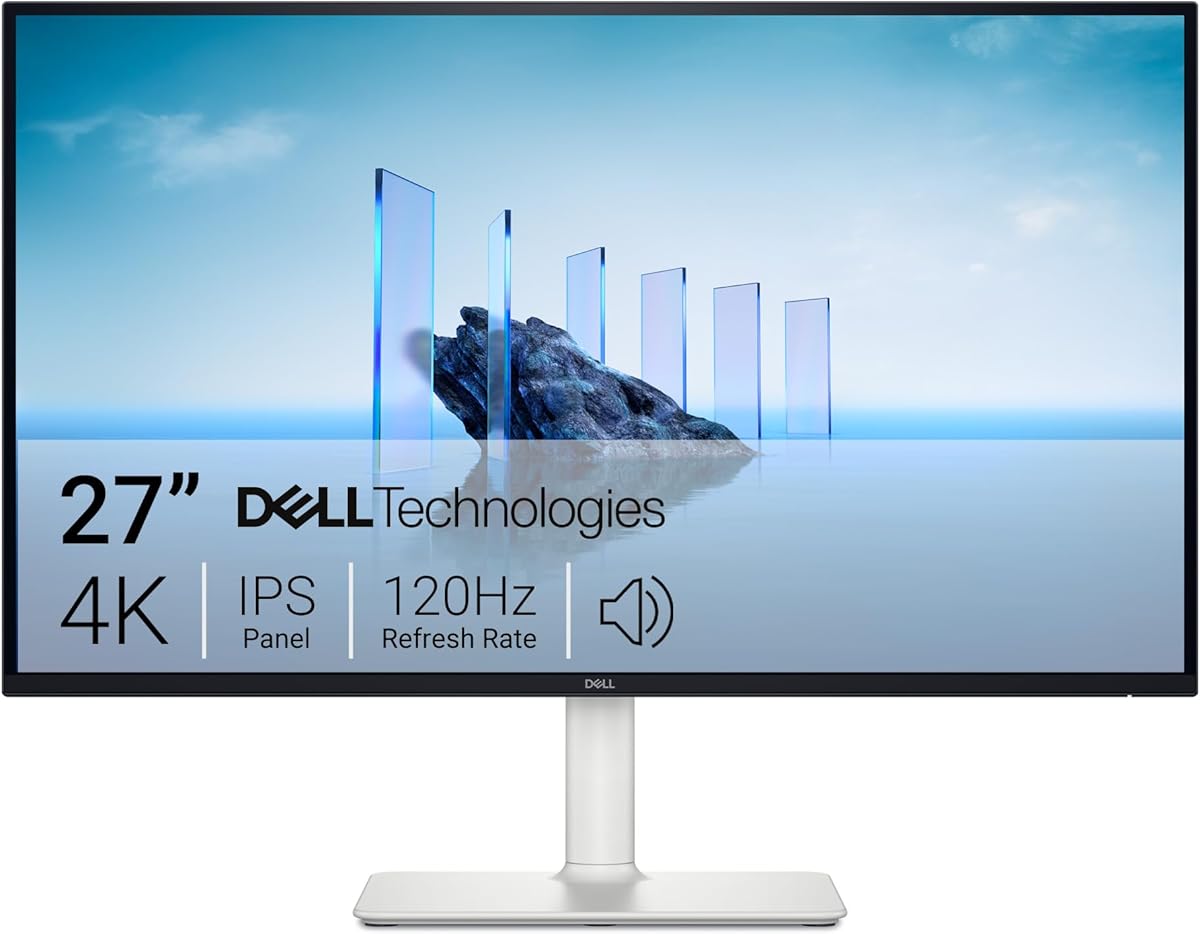
The Dell 27 Monitor S2725QS proves that high-quality displays do not need to break the bank. With a strong 4.4 rating it offers excellent value for users seeking 4K resolution and smooth refresh rates for both work and leisure activities without compromise.
We may earn a commission when you buy through this link, at no additional cost to you.
Its IPS panel ensures vibrant colors with 99% sRGB coverage and comfortable viewing angles. The ComfortView Plus technology reduces blue light emissions without affecting color accuracy making it suitable for long work sessions. AMD FreeSync Premium helps eliminate screen tearing during gaming for a fluid experience.
While the audio output is decent it may require external speakers for immersive sound. The stand adjustments are functional but not as flexible as premium models. These minor trade-offs are acceptable given the competitive price point and strong visual performance it delivers out of the box.
This monitor is perfect for students, home office workers, or casual gamers who want a reliable 4K display. Its balance of performance and price makes it an accessible entry point into modern high-resolution displays that support diverse usage scenarios effectively.
Reduces harmful blue light emissions to under 35% for all-day comfort without sacrificing color accuracy during long sessions.
Immerse yourself in breathtaking 4K visuals with IPS technology and 99% sRGB coverage for vibrant and accurate colors.
We may earn a commission when you buy through this link, at no additional cost to you.
The LG 27UP850K-W delivers exceptional color performance ideal for creative professionals. With a 4.5 rating it supports a wide color gamut and high dynamic range content making it a reliable choice for designers and photographers needing accurate visual representation on screens.
We may earn a commission when you buy through this link, at no additional cost to you.
Its USB-C port provides up to 90W power delivery so you can charge your laptop while using a single cable. The built-in stereo speakers equipped with Waves MaxxAudio provide decent sound for movies without extra gear. WebOS lets you stream content directly if you are using it as a standalone screen.
The webOS platform adds functionality but may feel unfamiliar compared to standard HDMI setups. However the ergonomic stand allows height tilt and pivot adjustments for optimal viewing posture. These features enhance usability even if the initial setup requires some familiarization with the interface options.
This monitor is highly recommended for video editors and graphic designers who prioritize color fidelity. Its combination of professional-grade specs and convenient connectivity makes it a versatile tool that supports demanding creative workflows while maintaining a sleek aesthetic on any desk setup.
Explore HDR content with up to 95% DCI-P3 color gamut expression bringing brilliant colors to life across all media.
Enjoy USB Type-C for data and power delivery up to 90W along with DisplayPort HDMI and USB ports.
We may earn a commission when you buy through this link, at no additional cost to you.
The LG 27U730SA-W reimagines how you work and play with its integrated webOS platform. With a 4.1 rating it offers seamless access to streaming apps and cloud PC services making it suitable for home office setups that require flexibility and entertainment features in one unit.
We may earn a commission when you buy through this link, at no additional cost to you.
Remote PC functionality lets you access your office computer from home via the monitor without needing extra hardware. Brightness Control detects light sources to adjust screen levels automatically ensuring comfortable viewing day or night. AirPlay 2 support allows easy screen mirroring from Apple devices for seamless integration.
The 65W USB-C power delivery might not charge higher wattage laptops efficiently. However for most ultrabooks it is sufficient for standard usage. The frameless design adds a sleek look that fits modern interiors but the audio remains basic requiring external speakers for immersive media consumption.
This monitor is ideal for hybrid workers who need a standalone device for meetings and streaming. Its ability to function without a connected PC makes it perfect for secondary workspaces or digital signage where simplicity and connectivity are key priorities for daily operations.
Enjoy easy access to streaming apps like Netflix and YouTube directly from the monitor with a remote control.
Remotely access your PC via Remote PC to use video conferencing and cloud apps without needing a local computer.
We may earn a commission when you buy through this link, at no additional cost to you.
The Samsung M8 Monitor leverages AI upscaling to enhance lower resolution content making it look nearly 4K. With a 4.3 rating it is an excellent choice for users who consume varied media formats and want consistent visual quality across all types of streaming content on their screen.
We may earn a commission when you buy through this link, at no additional cost to you.
Its AI Voice Amplifier Pro optimizes dialogue clarity by analyzing background noise which is helpful for clear communication during calls or movies. The solar-powered remote reduces waste and adds convenience for everyday use. Accessibility tools like screen magnification make it usable for a wide range of users in different environments.
The gaming hub offers casual play but lacks high refresh rates for competitive titles. However for entertainment and productivity the AI upscaling and smart features compensate well. The ergonomic stand ensures comfort while the design remains sleek and stylish on any desk surface or wall mount setup.
This monitor is perfect for households needing a shared display for work and entertainment. Its AI-driven enhancements and accessibility features make it a thoughtful choice for families or individuals who value smart technology and visual clarity in their daily media consumption routines.
Unlock the full potential of a 4K screen by turning lower resolution content up to nearly 4K with AI processing.
Designed with low vision users in mind offering tools like screen magnification and audio descriptions for easier use.
We may earn a commission when you buy through this link, at no additional cost to you.
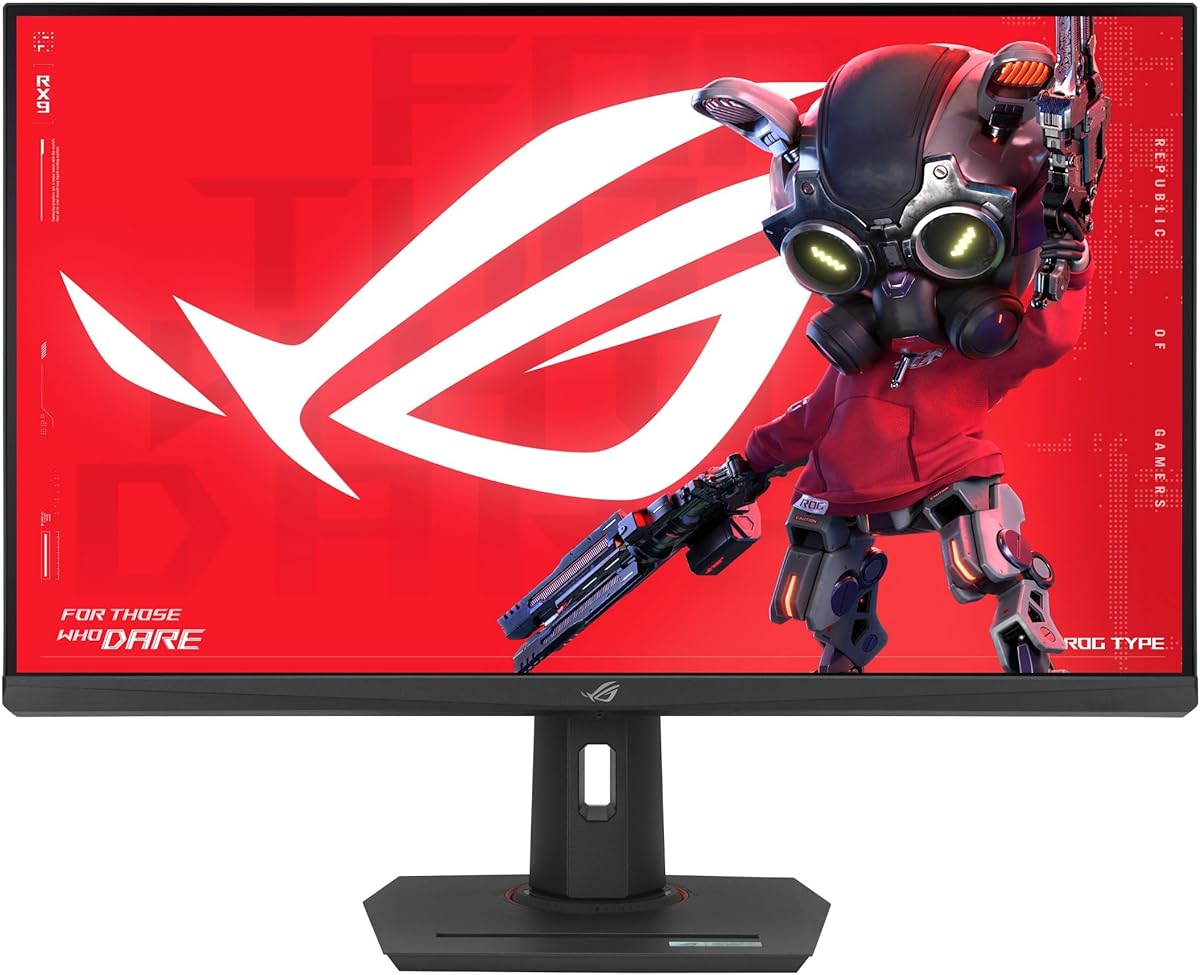
The ASUS ROG XG27ACS offers exceptional gaming performance for its price. With a 4.4 rating it delivers smooth visuals and fast response times that competitive gamers appreciate while maintaining solid color accuracy for general use across different applications and scenarios.
We may earn a commission when you buy through this link, at no additional cost to you.
ELMB SYNC technology eliminates ghosting and tearing by combining motion blur reduction with variable refresh rates. The USB-C hub allows you to connect peripherals directly to the monitor reducing cable clutter on your desk. G-SYNC compatibility ensures your GPU and monitor sync perfectly for fluid frame rates during intense gameplay.
While it lacks advanced smart AI features found in other monitors its focus on performance is its strength. The 1440p resolution provides a balance between sharpness and performance that suits most PC gaming rigs. This makes it a pragmatic choice for gamers prioritizing speed over smart home integration or streaming apps.
This monitor is best for PC gamers who want high refresh rates without spending a fortune. Its combination of fast IPS technology and connectivity options provides a reliable gaming experience that supports both casual play and competitive matches effectively on any standard setup.
Eliminate ghosting and tearing with ELMB SYNC technology for sharp gaming visuals even at high frame rates.
USB Type-C hub supports video transmission and serves as a USB hub for clutter-free peripheral connections.
We may earn a commission when you buy through this link, at no additional cost to you.
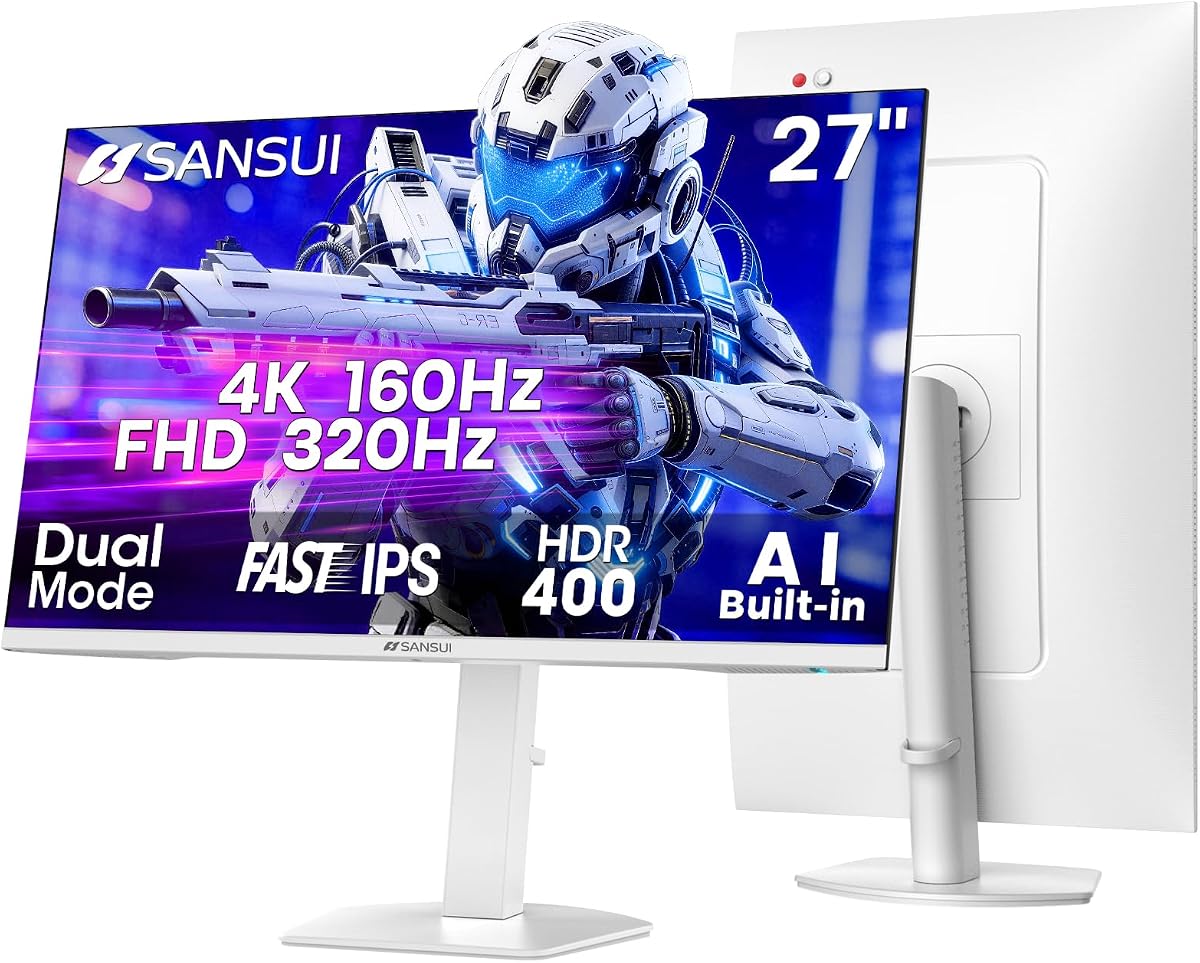
The SANSUI 27 Dual Mode monitor offers unique flexibility for gamers who need both resolution and speed. With a 4.4 rating it allows you to switch between 4K at 160Hz and FHD at 320Hz depending on whether you need clarity or frame rates for different game types.
We may earn a commission when you buy through this link, at no additional cost to you.
AI Crosshair and Sniper Scope features assist in aiming accuracy which is valuable in competitive shooters. Multiple HDMI 2.1 ports support next-gen consoles at high refresh rates ensuring future-proof connectivity. The ergonomic stand supports pivot and height adjustments so you can customize the view to your comfort level.
The build quality may not match top-tier brands but the feature set is compelling for the price. Software support is basic but adequate for core monitor adjustments. This makes it a great option for users who want specific gaming features without paying for a premium brand name.
This monitor is ideal for gamers switching between console and PC setups. The dual mode capability ensures you get the best performance for each use case while the AI tools add a competitive edge that enhances gameplay efficiency and enjoyment across various game genres.
Switch between 4K 160Hz for clarity and FHD 320Hz for speed depending on your gaming needs and hardware.
Features AI Crosshair and Sniper Scope to improve aiming accuracy and performance during intense gaming sessions.
We may earn a commission when you buy through this link, at no additional cost to you.
The ASUS ROG XG32UCG delivers top-tier performance for serious gamers. With a 4.6 rating it combines large 4K visuals with dual-mode speed offering flexibility for different gaming styles. Its superior color accuracy ensures that visuals remain vibrant and realistic across various media types and scenarios.
We may earn a commission when you buy through this link, at no additional cost to you.
ROG Gaming A.I enhances your experience with intelligent features that optimize settings dynamically. The dual mode supports 4K at 160Hz or FHD at 320Hz allowing you to choose resolution over speed based on your game. The 0.3ms response time minimizes input lag for instant reactions during critical moments.
The high price point requires a powerful graphics card to drive 4K at high refresh rates. While it is an investment the performance metrics are industry-leading. This monitor is built for enthusiasts who want no compromise on visual quality or frame rates in their gaming experience.
This monitor is best for competitive gamers and enthusiasts willing to invest in top performance. Its ability to balance resolution with speed and AI enhancements makes it a comprehensive solution for those seeking the ultimate gaming display with premium features and reliability.
AI-powered features enhance users' gaming experience by optimizing settings dynamically for better performance.
95% DCI-P3 color gamut with advanced gray-scale tracking ensures smoother color gradation and uniformity.
We may earn a commission when you buy through this link, at no additional cost to you.
The SANSUI 34 Curved monitor offers immersive visuals at an accessible price. With a 4.4 rating it features a 1500R curve that wraps around your vision making it ideal for media consumption and gaming. The ultrawide aspect ratio expands your workspace or field of view significantly.
We may earn a commission when you buy through this link, at no additional cost to you.
AI Crosshair and Sniper Scope features improve gameplay precision. The 200Hz refresh rate ensures smooth motion which is crucial for fast-paced games. HDMI 2.1 support allows connectivity with modern consoles at high refresh rates ensuring compatibility with next-gen hardware effectively.
It lacks built-in speakers which means you will need external audio. The stand design is functional but not fully adjustable. However for the price the performance and immersion it provides are hard to match for budget-conscious users seeking a large curved display.
This monitor is best for gamers and movie lovers who want immersion without breaking the bank. Its combination of size curve and refresh rate delivers a cinematic experience that enhances both productivity and entertainment in a compact form factor.
34 inch curved 1500R ultrawide design wraps around your vision for maximum immersion in games and movies.
AI Crosshair and Sniper Scope assist with aiming accuracy while AI blue light reduction protects your eyes.
We may earn a commission when you buy through this link, at no additional cost to you.
Selecting the right AI ready monitor involves evaluating several technical and functional factors. This guide breaks down the essential elements to ensure your investment aligns with your specific needs.
Resolution determines the clarity of your display while screen size impacts your field of view. For productivity a 4K monitor on a 27 or 32 inch panel provides sharp text and ample space for multitasking.
Choose at least 4K resolution on larger screens to maintain pixel density and ensure text remains crisp during extended work sessions.
Refresh rate measured in Hertz indicates how many times the screen updates per second. Higher rates reduce motion blur and tearing. Response time affects how quickly pixels change color impacting overall motion clarity during fast-moving scenes.
For gaming prioritize refresh rates of 144Hz or higher and response times under 5ms to minimize motion blur during fast-paced action.
Panel types like IPS offer wide viewing angles and better color reproduction compared to VA or TN panels. Color accuracy is critical for creative work ensuring your output matches your original files across devices.
Select IPS panels for color-critical tasks and verify DCI-P3 coverage to ensure vibrant and accurate colors across your workflow.
AI ready monitors often include built-in operating systems or processors. Ensure the monitor supports the streaming apps or smart home features you need. Connectivity options like USB-C allow single cable setup for laptops and reduce desk clutter significantly.
Verify USB-C power delivery matches your laptop's requirements to ensure you can charge your device while using a single cable.
Extended screen time can lead to eye strain. Look for monitors with low blue light modes and flicker-free technologies. Ergonomic stands that allow height tilt and pivot adjustments help maintain a comfortable posture throughout the day.
Ensure your monitor has adjustable ergonomic features to maintain comfort during long work hours.
If you play games ensure the monitor supports adaptive sync technologies like G-SYNC or FreeSync. These prevent screen tearing by matching the monitor's refresh rate to the graphics card's output for fluid visuals.
Confirm adaptive sync support like FreeSync or G-SYNC to prevent screen tearing during competitive gaming sessions.
Price varies widely based on features like resolution and smart capabilities. Determine which features are essential versus nice-to-haves to find the best balance. Sometimes a lower-cost model offers sufficient performance if you do not need specialized gaming features.
Set a clear budget early to narrow your options to models that meet your core needs without overspending.
Connect your monitor using the appropriate cable such as HDMI 2.1 for high refresh rates or USB-C for data and power. Ensure your graphics card supports the chosen resolution and refresh rate to avoid performance bottlenecks.
Adjust the monitor's physical settings using the on-screen display to set brightness and color modes that match your environment. Use ergonomic adjustments to position the screen at eye level to reduce neck strain during use.
Keep the screen clean with a microfiber cloth and avoid harsh chemicals. Update the monitor's firmware regularly through the manufacturer's website to ensure you benefit from the latest features and performance improvements.
An AI ready monitor includes built-in processors or software that adapt picture quality or enhance features based on content. These devices can optimize brightness color and even reduce background noise without needing external hardware or software.
Most smart monitors function independently allowing you to access streaming apps directly. However you will need a PC for standard productivity tasks unless you are using remote access tools built into the system.
AI upscaling uses machine learning algorithms to analyze lower resolution images and reconstruct missing details. This process makes standard definition content appear sharper and more detailed to match the display's native resolution.
Many models offer high color gamut coverage which is great for general creative tasks. However for critical color work always check specific factory calibration reports to ensure industry-standard accuracy before investing.
Use HDMI 2.1 or DisplayPort 1.4 cables to support high refresh rates like 120Hz or above. Older cables may limit your display to lower refresh rates regardless of what the hardware supports.
Most smart monitors include built-in speakers but their quality varies. For immersive audio you will likely need external speakers or a soundbar to achieve the best listening experience.
Visit the manufacturer's website and download the latest firmware update utility for your model. Run the tool while the monitor is connected to your PC to apply updates safely.
Some models include KVM switches allowing you to control two sources with one keyboard and mouse. This reduces the need for multiple monitors or manual switching between input sources.
The Samsung 32" Smart Monitor M7 leads our list with its balanced smart features and standalone functionality. The Samsung 40" ViewFinity S8 offers the best premium experience for productivity and the Dell 27 Monitor S2725QS provides the best value for those on a budget.
Prioritize resolution and smart features if you want a standalone workstation. If you need high refresh rates for gaming look for adaptive sync support and fast response times to ensure smooth performance.
Prices and availability change frequently so check current listings before finalizing your purchase. Verify that the model you choose meets your specific technical needs to avoid any compatibility issues with your existing hardware setup.