
22MP Film & Slide Scanner with 5" LCD
4.3Editor score
Affordable price point
5 inch LCD screen
HDMI and USB output
One-touch scanning operation
Digitizing old film preserves precious memories before they fade. A good 35mm slide scanner offers high resolution, easy loading, and direct saving to SD cards without needing a computer for basic tasks.
We compared ten top models based on sensor quality, screen size, format support, and user feedback. Each entry includes real specifications and honest insights into performance for family archives and professional digitization needs.
Every pick shows key strengths and trade-offs to help you choose quickly. Prices and availability change often, so check current listings before buying to ensure you get the best deal on your chosen model.
4.3Editor score
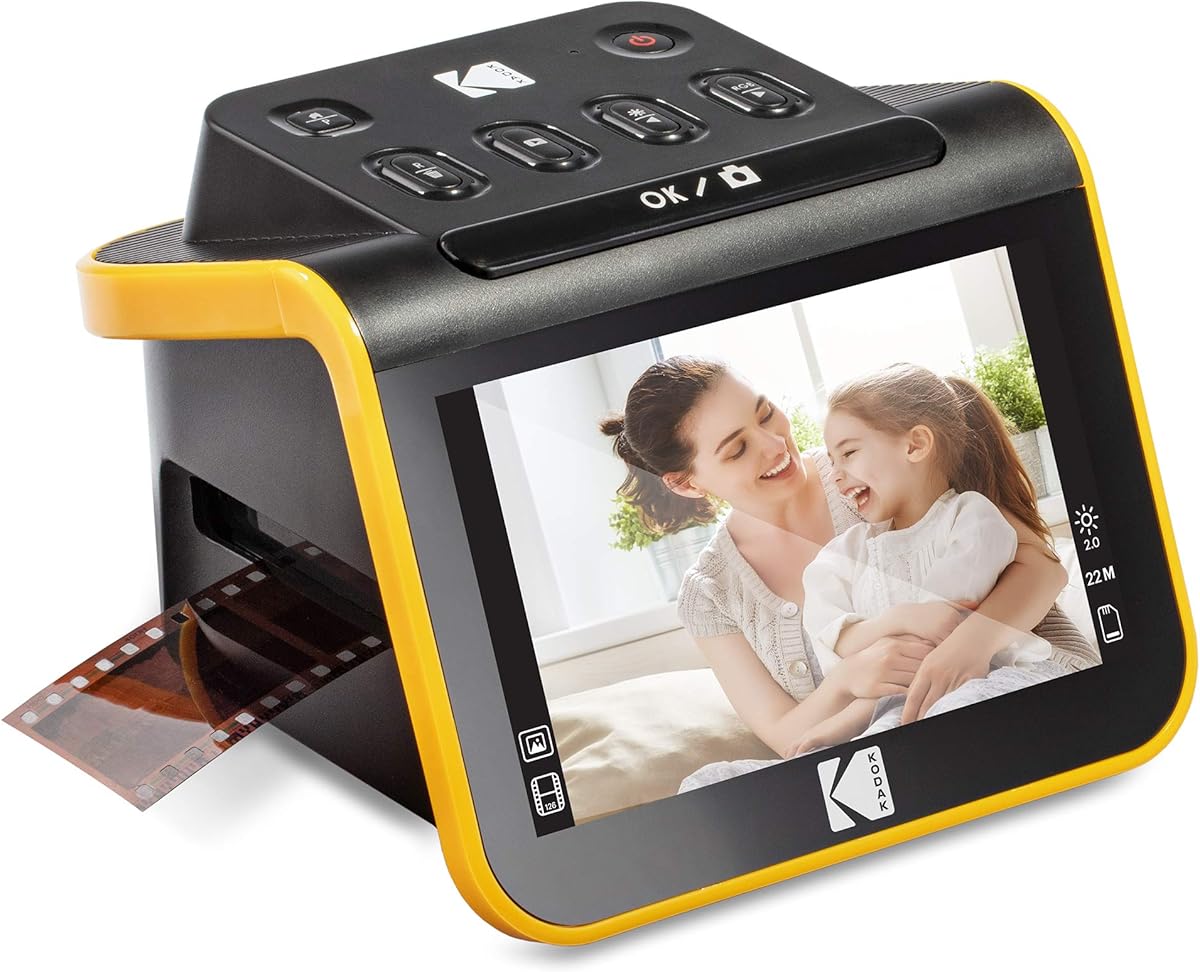
4.3Editor score

5.0Editor score
As an Amazon Associate we earn from qualifying purchases.
This side-by-side comparison highlights key differences between the leading 35mm slide scanners available in 2026, focusing on resolution, screen size, and included accessories.


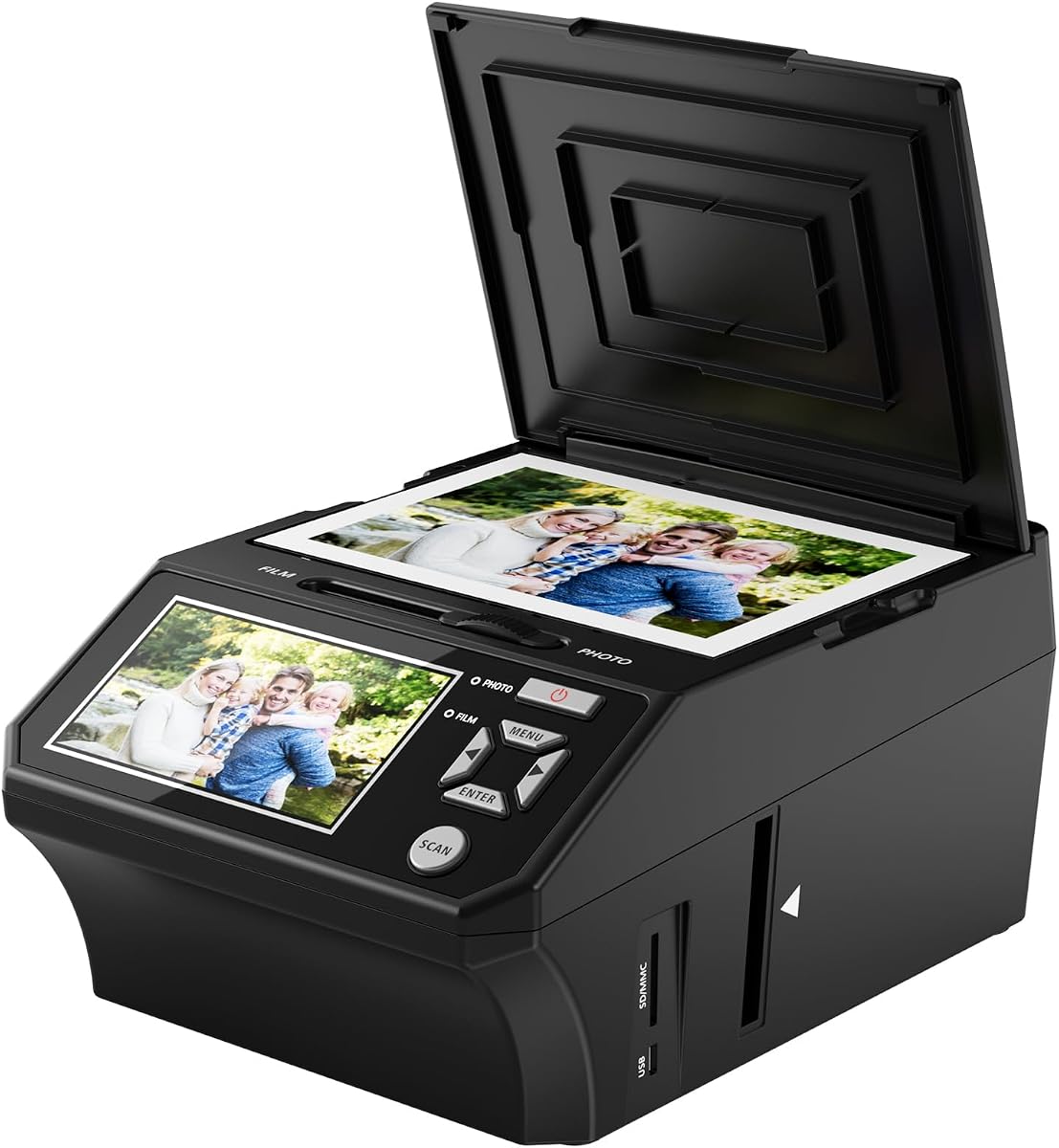

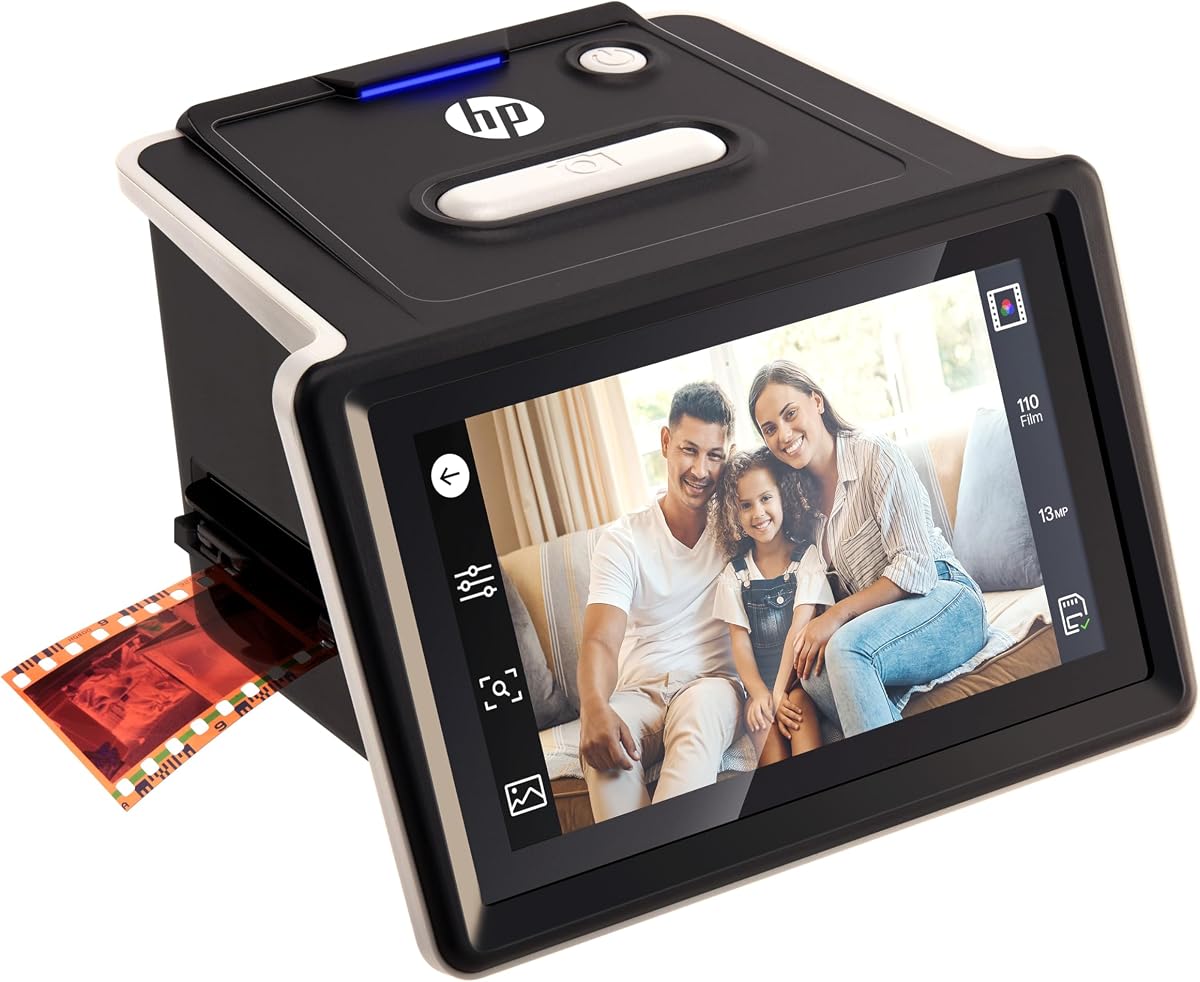


The KODAK Slide N Scan leads our list with its 22MP resolution and 5-inch LCD display. It offers a standalone experience that does not require a computer for scanning, saving, or basic editing tasks.
We may earn a commission when you buy through this link, at no additional cost to you.
Its quick-feeding tray technology allows continuous loading, which speeds up batch scanning sessions. The device supports 135, 110, and 126mm film formats as well as 50mm slides, making it versatile for mixed collections.
While the screen provides a good preview, users should adjust brightness manually for accuracy. The included USB and HDMI cables allow easy connection to computers or TVs for sharing digitized images.
This scanner is ideal for families wanting to digitize memories without complex software. Its elegant design fits well in home offices, and the single-touch editing simplifies the workflow for non-technical users.
The device handles scanning, editing, and saving independently. This removes the need for driver installation or computer dependence during the initial digitization phase.
Includes adapters for multiple formats like 35mm, 110, 126, and slides. This versatility ensures you can use one device for diverse archive needs.
We may earn a commission when you buy through this link, at no additional cost to you.
The Magnasonic All-in-One stands out with a 24MP resolution output, capturing fine details from old film. It includes an HDMI cable for direct TV viewing, enhancing the sharing experience immediately after scanning.
We may earn a commission when you buy through this link, at no additional cost to you.
It supports Super 8 film alongside standard 35mm slides and negatives, which is rare in this price range. The quick-loading trays help process images in less than five seconds each for efficient archiving.
Users may need to buy an SD card separately, but the slot supports up to 128GB for large projects. The device operates entirely offline, making it suitable for those who prefer physical control over software settings.
This scanner is perfect for collectors with mixed media types like Super 8 and 35mm. The large display ensures you can check quality before saving, reducing the need for re-scanning later.
Unlike many competitors, this model handles Super 8 film. This expands its utility for households with vintage movie reels alongside standard photos.
The included HDMI cable allows instant display on big screens. This feature is excellent for family reunions where sharing history matters.
We may earn a commission when you buy through this link, at no additional cost to you.
The KODAK Slide N Scan Max improves on the original with a streamlined scanning tray that reduces manual repositioning. It delivers 4208×3120 resolution via a 13MP CMOS sensor with 22MP interpolation for crisp details.
We may earn a commission when you buy through this link, at no additional cost to you.
Its direct SD saving eliminates the computer entirely for basic workflows. Users can resize, convert, and adjust images with simple one-touch controls that avoid complex menus or software dependencies.
While it costs slightly more than the base model, the convenience of a smooth feed system is worth it for large batches. The lack of an HDMI cable limits immediate TV viewing compared to other options.
Ideal for tech-shy users, this model simplifies the process with intuitive physical controls. The black and yellow design offers a modern look that fits well in contemporary home office spaces.
Built-in tools handle resizing and color adjustment on device. This keeps the workflow fast and reduces reliance on external software.
The smooth-moving tray feeds film without constant stops. This feature significantly speeds up digitizing large film collections.
We may earn a commission when you buy through this link, at no additional cost to you.
This versatile converter offers an all-in-one bundle that includes an 8GB SD card and a 3-year warranty. It scans 35mm slides and printed photos up to 5R, making it useful for mixed physical archives.
We may earn a commission when you buy through this link, at no additional cost to you.
The vibrant 5-inch LCD screen offers wide viewing angles for accurate previews. Its standalone operation means no software or drivers are needed to start digitizing memories immediately after unboxing.
While the included SD card is small, the device supports expansion if needed. The one-touch buttons make it accessible for seniors and parents who want to preserve family history without technical hurdles.
Perfect for gift-giving, this scanner comes ready to use out of the box. The 3-year warranty adds peace of mind for long-term preservation projects that might involve delicate old photos.
Handles both film and standard printed photos. This reduces the need for separate devices for different memory types.
Backed by a 3-year warranty and customer support. This ensures help is available if issues arise during your archiving journey.
We may earn a commission when you buy through this link, at no additional cost to you.
Offering the most affordable entry point, this 22MP scanner delivers strong value for basic digitization needs. It includes HDMI and USB cables, ensuring you can view on a TV or transfer to PC without extra costs.
We may earn a commission when you buy through this link, at no additional cost to you.
The 5-inch LCD provides clear previews, and the one-touch scanning simplifies the process for beginners. It supports 35mm, 126, 110 negatives and Super 8 film, covering most common home archive formats.
While the build is simpler than premium models, it functions reliably for occasional use. The 12-month warranty provides a baseline level of protection, though support responsiveness may vary compared to major brands.
This is the best choice for those on a tight budget who still want decent resolution. It is ideal for converting a small collection of slides without investing heavily in expensive equipment.
Includes everything needed to start immediately. No hidden costs for cables or power adapters make it truly plug-and-play.
HDMI and USB provide flexibility for viewing and saving. This dual capability adds value typically found in more expensive units.
We may earn a commission when you buy through this link, at no additional cost to you.
This HP model features a large 7-inch touch LCD that offers a modern interface for previewing and editing. The quick-feed tray paired with a 50mm adapter simplifies scanning of 135, 126, and 110 formats efficiently.
We may earn a commission when you buy through this link, at no additional cost to you.
Users can crop and adjust scans directly on the display without additional software. The gallery mode transforms the device into a digital picture frame, keeping digitized memories continuously on display in your home.
The 13-megapixel CMOS sensor captures fine details from color and black-and-white negatives. However, the higher price point means it is best for those prioritizing screen size and touch controls over cost.
Ideal for users who want a sleek design and touch operation. The seamless image management reduces the need to connect to a computer for every minor adjustment after scanning.
The 7-inch touch screen simplifies navigation. It reduces reliance on small physical buttons for adjustments.
Gallery mode allows the device to serve as a frame. This keeps memories visible even when not scanning new images.
We may earn a commission when you buy through this link, at no additional cost to you.
The HPFS500 uses USB-C power, allowing flexible operation from a PC or external adapter. It features a 5-inch all-angle LCD touch screen that enables previewing and editing directly on the device for easy access.
We may earn a commission when you buy through this link, at no additional cost to you.
Equipped with a 13MP CMOS sensor and 22MP interpolation, it delivers exceptional clarity for both color and black-and-white film. The quick-load tray allows seamless scanning of various film formats without frequent interruptions.
While it requires an external adapter for standalone use, the USB-C connection ensures modern compatibility. The gallery mode turns it into a vibrant picture frame for your favorite moments after digitization is complete.
This model fits users wanting modern connectivity standards like USB-C. It balances professional image quality with user-friendly controls that simplify the digitization process.
USB-C power ensures compatibility with current chargers. This modern port choice future-proofs your digitization setup.
22MP interpolation enhances detail on 13MP sensors. This ensures sharper prints and digital files for archiving.
We may earn a commission when you buy through this link, at no additional cost to you.
The KODAK SCANZA handles legacy formats like Super 8 and 8mm, making it rare in its class. It features a bright 3.5-inch TFT LCD with adjustable brightness for clear viewing in different lighting conditions.
We may earn a commission when you buy through this link, at no additional cost to you.
Users get multiple film inserts and adapters right out of the box for fast operation. The intuitive user interface includes helpful directories and allows easy RGB and resolution editing before saving to SD card.
While the screen is smaller than others, the tilt feature aids visibility. It is an excellent tool for households with mixed vintage films beyond standard 35mm slides and negatives.
Ideal for families with Super 8 reels, this scanner ensures those memories are not lost. The included cleaning brush helps maintain scan quality by removing dust from light boxes.
Handles niche formats rarely supported elsewhere. This ensures old family movies can be digitized efficiently.
Directories and one-touch buttons simplify usage. This reduces confusion for older adults scanning old films.
We may earn a commission when you buy through this link, at no additional cost to you.
This compact scanner focuses on 35mm film and slide conversion with a small form factor. It features a 2.4-inch color LCD for instant previews and adjustments, making it highly portable for travel or small desks.
We may earn a commission when you buy through this link, at no additional cost to you.
It supports plug-and-play operation with no software needed. The batch scanning feature for 135 film helps process rolls quickly, ensuring sharp digital results thanks to precision adapters that stabilize the film.
While the small screen limits detailed previews, it remains functional for basic tasks. The TV-out and USB interfaces allow sharing on larger screens when needed, keeping the unit lightweight and simple.
Best for space-constrained users who want a dedicated 35mm digitizer. It is ideal for converting rolls of film quickly without occupying much room on a work surface.
The small footprint makes it easy to store. It fits well in tight spaces like small home offices.
Precision adapters prevent film shifting during scans. This reduces blur and ensures consistent image quality.
We may earn a commission when you buy through this link, at no additional cost to you.
The ClearScan T7 offers a modern touch interface that simplifies operation for first-time users. It includes a 16GB SD card out of the box, removing the immediate need for additional purchases before starting.
We may earn a commission when you buy through this link, at no additional cost to you.
With a 7-inch touch screen, adjusting and saving images is intuitive. The 24MP digital output ensures clear files from old slides, making it easy to preserve family legacy with high fidelity results.
It focuses on reducing button confusion, making it suitable for seniors and parents. Despite the higher price, the included accessories and ease of use provide significant value for hassle-free digitization.
Perfect for those who want simplicity and high-resolution output without technical hurdles. The touch control reduces learning time and makes the process accessible to users of all ages.
Comes with 16GB SD card ready to use. This adds immediate value and convenience for new users.
Large touch screen replaces complex buttons. This makes navigation and adjustments far easier for non-tech users.
We may earn a commission when you buy through this link, at no additional cost to you.
Selecting the right scanner depends on your specific formats, resolution needs, and desired workflow convenience. We outline the key factors that influence performance and user satisfaction.
Resolution determines how much detail is captured from small slides. Look for models with at least 20MP to ensure high-quality prints and clear digital archives.
Higher resolution improves zooming and cropping without quality loss. Prioritize 22MP or 24MP options for long-term preservation.
A larger LCD screen helps verify quality before saving. Touchscreens offer faster navigation for settings and cropping.
At least 5 inches is recommended for comfortable viewing. Touch interfaces reduce physical button complexity.
Ensure the scanner supports your specific film types like 35mm, 110, or Super 8. Universal adapters save time when mixing formats.
Check for dedicated holders for negatives and slides. Proper holders prevent dust and shifting during scans.
Many modern scanners save directly to SD cards without a computer. This speeds up workflow and reduces technical barriers.
Confirm SD slot capacity matches your needs. Larger slots support more scans between transfers.
USB and HDMI ports allow transfer to PC or TV. Dual connectivity gives flexibility for sharing and backup.
USB-C is a modern standard for power. Ensure the device includes necessary cables.
Look for scanners that include SD cards, cleaning brushes, and adapters. These items are often sold separately.
Complete bundles reduce extra costs. Check what is included before purchasing.
On-device editing for color and brightness avoids computer software. Simple one-touch controls are preferred.
Basic enhancements should be accessible quickly. Complex menus slow down the process.
Reliable brands offer 1 to 3-year warranties. This protects your investment against defects.
Check customer support responsiveness. Good support ensures help if issues arise.
Begin by loading your film into the provided trays. Ensure the slide or negative sits flat to prevent blurring during the scan.
Adjust brightness and color settings using the LCD screen before scanning. This helps achieve accurate colors without needing software later.
Use a soft brush to clean dust off the scanner glass after every session. Regular maintenance ensures consistent image quality over time.
No, most models support standalone operation with SD card saving. You can scan, edit, and store images directly on the device without installing drivers. Computers are optional for transferring files later.
Most recommended scanners offer 20MP to 24MP resolution. This provides enough detail for large prints and digital archiving. Higher resolution captures more detail from small slides.
Some models like the Magnasonic and Kodak SCANZA support Super 8. Check specifications carefully as many only support 35mm formats. Not all units are compatible with older film types.
Use the USB cable to connect the scanner to your PC. Alternatively, remove the SD card and use a card reader. Files save directly as JPEGs for easy access.
Most scanners do not include SD cards. However, the ClearScan T7 includes one in the bundle. You should verify what comes in the box before buying.
Yes, many models include an HDMI port for TV connection. This allows family viewing without a computer screen. Check if HDMI cables are included or sold separately.
The KODAK Slide N Scan remains our top choice for its balance of features and ease of use. It offers strong resolution and standalone capabilities for efficient archiving.
Prioritize screen size and supported formats based on your collection. Touchscreen models help those less familiar with technical devices manage their projects better.
Always check current pricing and availability before purchasing. Bundles and warranties change, so review the latest offers to secure the best value for your needs.