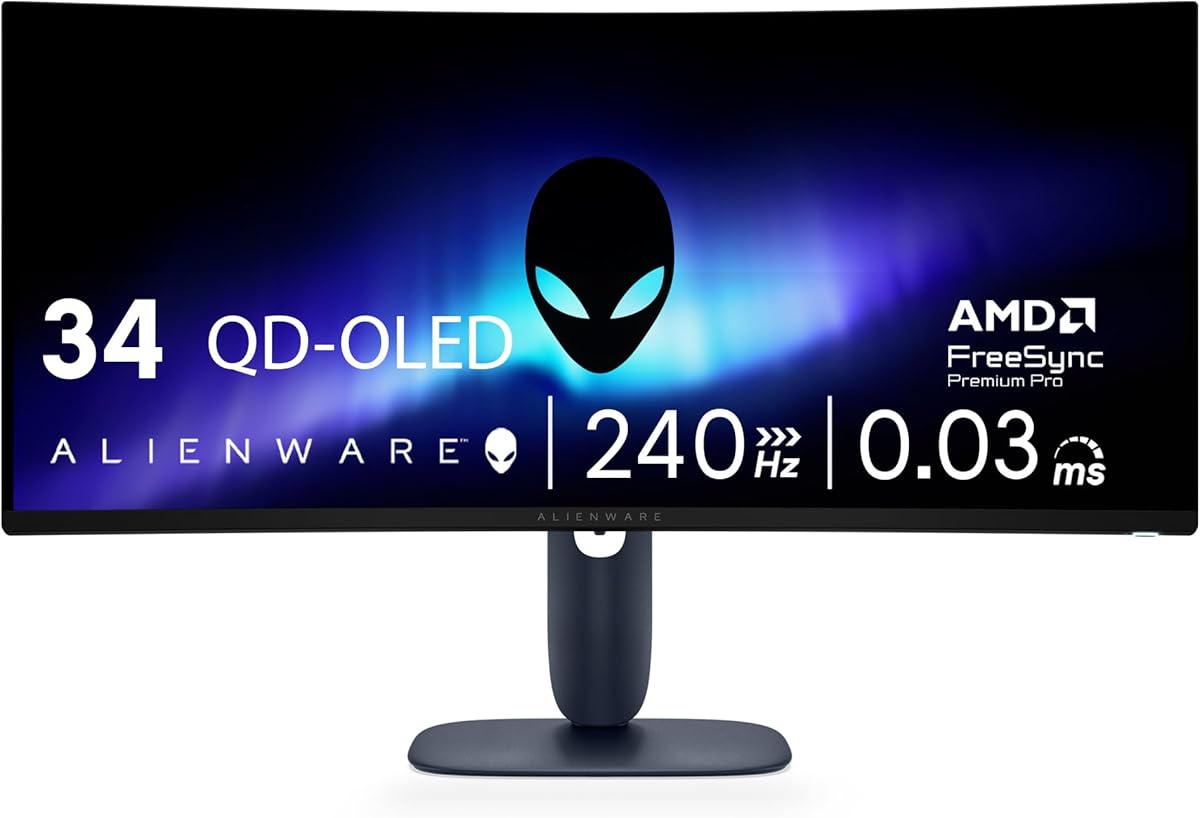
Alienware 34 240Hz QD-OLED Curved Gaming Monitor AW3425DW
4.5Editor score
240Hz QD-OLED
1800R curve
TrueBlack 400 HDR
Choosing the right gaming monitor can transform your setup. Alienware offers stunning displays with fast refresh rates and vibrant colors. Whether you prefer curved screens or flat panels, there is a model designed for your needs.
We analyzed ten models based on resolution, refresh rate, panel technology, and connectivity. Our goal is to highlight monitors that deliver smooth gameplay and accurate visuals without unnecessary complexity or confusion for buyers.
Each pick shows key specs and ideal use cases. Remember that stock and pricing change frequently. We recommend checking the latest offers before making a final decision to ensure you get the best value available today.
4.5Editor score

4.6Editor score
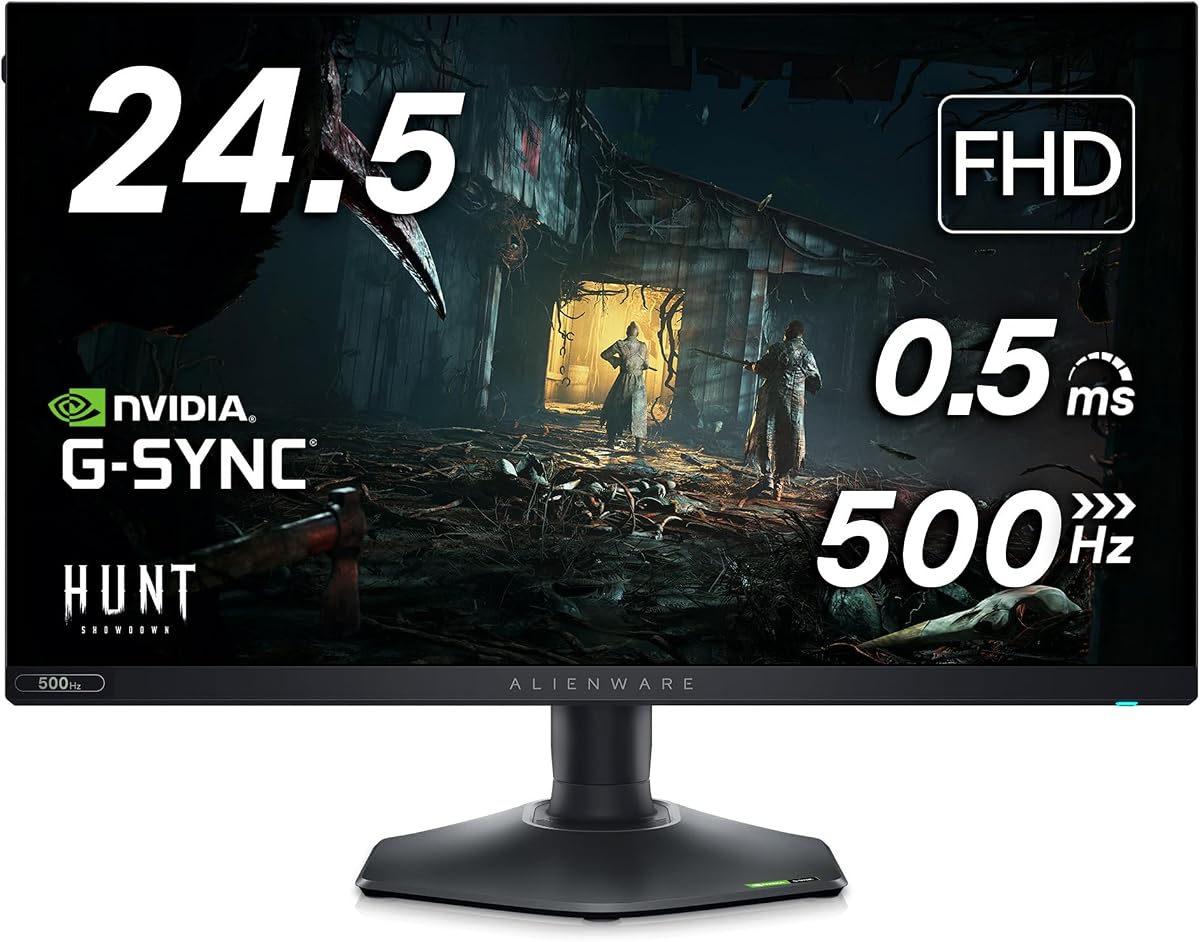
4.4Editor score
As an Amazon Associate we earn from qualifying purchases.
The following table provides a side-by-side comparison of all ten monitors reviewed in this guide. Each row highlights core specifications to help you quickly identify which model aligns with your gaming preferences and budget constraints.


This monitor stands out as the top choice for balanced performance. It offers QHD resolution with a 180Hz refresh rate, making it ideal for competitive and single-player games alike. The Fast IPS panel ensures vibrant visuals across wide angles.
We may earn a commission when you buy through this link, at no additional cost to you.
The 95% DCI-P3 coverage delivers rich colors that make open worlds and battle scenes pop. VESA DisplayHDR 400 certification adds depth to bright scenes. A dedicated console mode helps reduce input lag when connected to gaming systems.
While the HDR brightness is not the highest available, it is sufficient for most content. The lack of a USB hub means you may need a separate dock for peripherals, which is a minor trade-off for the performance provided.
Gamers seeking a reliable 27-inch display should prioritize this model. It balances speed, clarity, and comfort effectively. This makes it the best choice for users who want a premium experience without ultra-high-end costs.
The combination of QHD resolution and 180Hz refresh offers a sweet spot for modern gaming.
With 95% DCI-P3 coverage, colors remain vivid and accurate during extended sessions.
We may earn a commission when you buy through this link, at no additional cost to you.
This model offers a truly premium experience with its QD-OLED panel. The 34-inch ultrawide screen provides incredible immersion for sim racing and storytelling games. The 240Hz refresh rate ensures motion remains crisp even in fast scenes.
We may earn a commission when you buy through this link, at no additional cost to you.
Color clarity is exceptional with 99.3% DCI-P3 coverage and delta E below 2. DisplayHDR TrueBlack 400 delivers deep blacks thanks to infinite contrast. Adaptive sync technologies like FreeSync Premium Pro prevent tearing during intense action.
The main trade-off is the cost. OLED panels can be expensive and carry a slight risk of burn-in if static images are displayed constantly. However, modern protections minimize this issue for typical gaming usage patterns.
Enthusiasts seeking the best visual fidelity should choose this monitor. It combines speed with cinematic quality. This makes it the perfect fit for users who prioritize display quality over budget constraints.
OLED technology allows for perfect blacks and stunning detail in dark scenes.
The 1800R curve wraps visuals around you for a more immersive field of view.
We may earn a commission when you buy through this link, at no additional cost to you.
This monitor is built for speed with an industry-leading 480Hz refresh rate. It targets competitive gamers who need every millisecond advantage. The Fast IPS panel maintains good color accuracy despite the focus on performance.
We may earn a commission when you buy through this link, at no additional cost to you.
NVIDIA Reflex Latency Analyzer helps players optimize system performance for lowest latency. AMD FreeSync Premium ensures smooth gameplay. The design includes ergonomic adjustments to keep the screen at eye level during long matches.
While the resolution is limited to Full HD, the motion clarity makes up for it in fast shooters. Some might prefer higher resolution for single-player content, but this trade-off is acceptable for esports enthusiasts.
Those seeking maximum frame rates on a budget should consider this option. It delivers unmatched speed for its price point. This makes it an excellent choice for competitive gamers prioritizing reaction times.
The 480Hz refresh rate significantly reduces blur during fast-paced action sequences.
Integrated NVIDIA Reflex helps fine-tune inputs for competitive gaming environments.
We may earn a commission when you buy through this link, at no additional cost to you.
The AW3423DW brought QD-OLED to the market with stunning visuals. It retains strong appeal with G-SYNC ULTIMATE certification and 175Hz performance. The curved 1800R design wraps around your field of view for deep immersion.
We may earn a commission when you buy through this link, at no additional cost to you.
Colors are rendered with high fidelity using Creator Mode for precise adjustments. The 0.1ms response time eliminates ghosting in action. The Legend 2.0 design features a stadium loop light and 360-degree ventilation.
Newer models offer higher refresh rates, making this option slightly less competitive on speed. However, its display quality remains top-tier. It is a reliable choice if you find it at a favorable price point.
Gamers wanting QD-OLED quality without the latest refresh rates may prefer this model. It is a solid choice for visually focused players. This ensures a premium experience for those who value image quality.
Precise color-critical work is possible with native DCI-P3 and sRGB options.
360-degree ventilation helps keep the panel cool during extended use periods.
We may earn a commission when you buy through this link, at no additional cost to you.
This monitor brings OLED technology to a 27-inch form factor. It is ideal for those who want rich contrast without ultrawide dimensions. The 240Hz refresh rate ensures smooth motion across games and media.
We may earn a commission when you buy through this link, at no additional cost to you.
Quantum Dot technology enhances brightness and color volume. The design remains compact for smaller desks. It is a strong alternative for users who prioritize color depth but do not need a wider screen.
The smaller size may limit immersion compared to 34-inch models. However, the density of pixels is high for the resolution. This makes text and details sharp and clear for productivity tasks.
Gamers with limited desk space should consider this model. It balances OLED quality with a standard aspect ratio. This makes it a versatile pick for hybrid work and gaming setups.
The 27-inch form factor fits well in standard desks without sacrificing panel tech.
Quantum Dot OLED delivers exceptional color and contrast in a standard aspect.
We may earn a commission when you buy through this link, at no additional cost to you.
This monitor stands out with 4K resolution on a QD-OLED panel. It offers the highest pixel density among Alienware displays. The 240Hz refresh rate supports fast gaming alongside crisp visuals.
We may earn a commission when you buy through this link, at no additional cost to you.
Dolby Vision and TrueBlack 400 HDR deliver deep contrast and vibrant colors. The renewed status may lower the cost but buyers should check warranty details carefully. It is a powerful choice for high-fidelity needs.
Driving 4K at high rates demands a capable GPU. This is a consideration for those building a system. However, the visual payoff is significant for single-player and media consumption.
Users seeking maximum sharpness and contrast should look at this model. It is a premium option with strong visual potential. Ensure the renewed item meets your expectations before purchase.
With 166 PPI, text and details are incredibly sharp at normal viewing distances.
Dolby Vision HDR ensures wide brightness and contrast ranges for content.
We may earn a commission when you buy through this link, at no additional cost to you.
This monitor prioritizes speed with 480Hz refresh and 0.5ms response time. It is designed for competitive titles where input lag matters. The Fast IPS panel ensures consistent color during quick movements.
We may earn a commission when you buy through this link, at no additional cost to you.
Anti-glare coating reduces reflections for focused gaming. The stand allows full pivot and height adjustments for comfort. Reflex Latency Analyzer helps players fine-tune system performance for better results.
The resolution is limited to Full HD. This may not satisfy those needing high detail for creative work. However, for pure motion clarity, this model excels in its category.
Esports players should choose this option for the speed advantage. It minimizes blur and lag effectively. This makes it a top pick for those needing reaction-time precision.
Anti-glare coating helps minimize reflections in bright room environments.
Integrated tools help players reduce latency for peak performance.
We may earn a commission when you buy through this link, at no additional cost to you.
This kit includes a 360Hz monitor plus extra gear. The USB Type-C hub and LED light help organize your desk. AMD FreeSync Premium ensures smooth performance across different GPU setups.
We may earn a commission when you buy through this link, at no additional cost to you.
The hexagonal base optimizes mouse movement for esports setups. A retractable headset hanger keeps peripherals tidy. The 0.5ms response time supports fast input during matches.
Accessories may vary by region and time. The display is limited to Full HD. However, the bundle offers practical additions that many users will find useful for their setup.
Gamers needing a complete station will appreciate this package. It includes useful connectivity and lighting tools. This makes it a convenient choice for new builds.
The included hub provides extra ports for peripherals without clutter.
Integrated headset hanger and hub keep the desk organized during sessions.
We may earn a commission when you buy through this link, at no additional cost to you.
This model offers overclocked refresh up to 280Hz. HDR600 certification provides better contrast than lower tiers. The Nano Color panel delivers 100% sRGB and 95% DCI-P3 for vivid visuals.
We may earn a commission when you buy through this link, at no additional cost to you.
Triple sync support ensures smooth gaming with any GPU. The stand allows full pivot and height adjustments. AlienFX RGB lighting on the back allows personalization of your desk setup.
Overclocking may vary by system. The HDR600 brightness is good but not class-leading. Still, the color performance and refresh are strong for a balanced experience.
Gamers seeking high refresh with HDR will appreciate this. It is a well-rounded choice for competitive and single-player titles. This makes it a versatile pick for most users.
HDR600 certification provides deeper contrast and brighter highlights in scenes.
Triple sync support works well with various graphics cards and consoles.
We may earn a commission when you buy through this link, at no additional cost to you.
This monitor offers a classic ultrawide experience. The 34-inch screen with 120Hz supports G-SYNC for smooth gameplay. The 1900R curve enhances immersion for racing and simulation titles.
We may earn a commission when you buy through this link, at no additional cost to you.
Colors are rich with 98% DCI-P3 coverage. Anti-glare coating helps reduce reflections in bright areas. The Lunar Light design provides customizable RGB on the stand and logo.
The refresh is lower than newer models. This limits motion clarity compared to 180Hz or 240Hz panels. However, it remains a solid choice for single-player and console users.
Users seeking immersive wide views on a budget should consider this. It balances performance and cost. This makes it a good entry for ultrawide fans.
The 21:9 aspect and curve provide a cinematic field of view.
G-SYNC ensures smooth frame delivery without tearing or stutter.
We may earn a commission when you buy through this link, at no additional cost to you.
Selecting the right monitor depends on your priorities. This guide breaks down the most important factors to consider before buying.
Resolution determines image sharpness. QHD and 4K panels offer more detail than Full HD. Pair this with a size that fits your desk and viewing distance.
For immersive play, 34-inch ultrawide is ideal. For competitive play, 25 to 27 inches is often preferred.
Higher refresh rates like 144Hz to 480Hz reduce motion blur. Lower response times like 0.5ms to 1ms help prevent ghosting.
Choose higher refresh for competitive shooters and lower response for smooth motion clarity.
OLED offers infinite contrast and deep blacks. IPS provides wide angles and accurate colors. QD-OLED mixes quantum dots with OLED for vibrant colors.
Select OLED for media and IPS for balanced use and color needs.
G-SYNC and FreeSync prevent screen tearing. VESA AdaptiveSync ensures compatibility across graphics cards. Check GPU support for smooth gaming.
Ensure the monitor supports your GPU brand for best results.
HDR certification like 400 to 600 adds depth to light and dark areas. Color coverage like DCI-P3 ensures vivid visuals.
Prioritize HDR600 if you watch HDR media often.
Adjustable stands help reduce strain. Ports like HDMI and DP enable connections. USB hubs simplify cable management.
Check if you need USB-C or extra ports for your setup.
AlienFX lighting adds style to your desk. Legend design features ventilation and clean cable management.
Look for aesthetic elements that match your gaming theme.
Set a budget before shopping. Higher refresh and OLED cost more. Compare features to find the best value.
Balance price with the features that matter most to your usage.
Set up the monitor on a stable surface. Adjust height and tilt to reduce strain during sessions. Connect HDMI or DisplayPort for optimal signal.
Calibrate color and brightness using the OSD. Use presets for games, movies, and reading. This helps maintain comfort over long hours.
Clean the screen with a soft cloth. Avoid harsh chemicals. Keep ventilation clear to prevent heat buildup.
For competitive gaming, models like the AW2524H offer high refresh rates like 480Hz. These monitors focus on speed and low latency to help with reaction times in fast shooters.
Yes, most feature panels with high DCI-P3 coverage and accurate color reproduction. Nano color and QD-OLED variants deliver vivid and precise colors for creative work.
Many models support G-SYNC Compatible or G-SYNC ULTIMATE. Always check the product details to ensure compatibility with your graphics card setup.
QD-OLED uses quantum dots to enhance brightness and color range compared to standard OLED. It delivers more vibrant colors and higher luminance in bright scenes.
Use a soft, dry microfiber cloth to wipe the screen. Avoid sprays directly on the panel. Keep vents clear to prevent overheating during use.
Yes, models with 4K and QHD are great for productivity. Adjustable stands and color accuracy also support creative tasks and office use effectively.
Some kits include USB hubs or Type-C ports. Check the specific model specs to confirm connectivity options before purchase for your needs.
Most come with a standard limited warranty covering defects. Renewed options may have different terms. Always check warranty details before buying.
This guide covered ten excellent options with various strengths. The AW2725DM stands out for overall balance while the AW3425DW delivers premium immersion. The AW2524H is ideal for speed-focused users.
Prioritize what matters most to you. If you need speed, look at high refresh models. If you want color and contrast, OLED panels are unmatched.
Always check current prices and availability before buying. Technology and stock change quickly so confirm your details match your setup needs.